Ezy Video to photo and frames

Ezy Video to photo and frames Summary
Ezy Video to photo and frames is a with in-app purchases iOS app in Entertainment by CODES ORBIT PRIVATE LIMITED. Released in Feb 2020 (6 years ago). It has 43 ratings with a 4.67★ (excellent) average. Based on AppGoblin estimates, it reaches roughly 135 monthly active users and generates around $<10K monthly revenue (100% IAP / 0% ads). Store metadata: updated Apr 30, 2026.
Store info: Last updated on App Store on Apr 30, 2026 .
4.67★
Ratings: 43
Screenshots
App Description
Forgot to take pictures at an event but have a video from that day? Don’t worry—Ezy Capture has you covered.
Ezy Capture lets you convert videos into high-quality images while preserving the original resolution and clarity. Easily extract the moments you need without replaying videos again and again.
With a friendly and easy-to-use interface, Ezy Capture helps you save perfectly sized images directly to your gallery. The app is free to use, with optional in-app tools available for advanced features.
How does it work?
At special moments like weddings, birthdays, trips, or family events, it’s hard to capture perfect photos while enjoying the moment. If you have a video, Ezy Capture takes care of the rest. Just record your video and extract the frames you want with ease.
New Features
Best Frame & Thumbnail Selection
Ezy Capture helps you quickly identify strong and visually clear frames from your videos. This makes it easier to select better images for thumbnails, previews, and sharing on social media.
Ezy Capture works on four major principles
Quick Capture
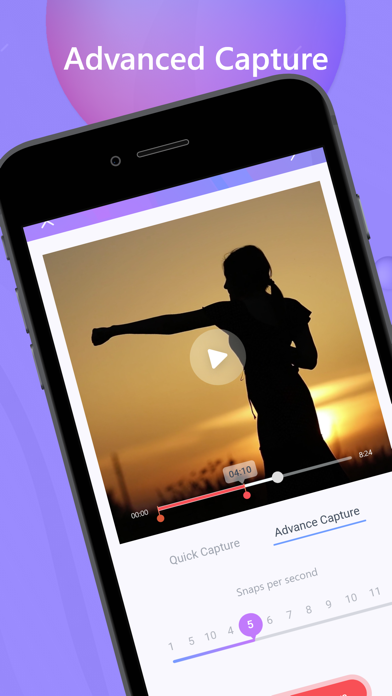
Play the video and manually capture the exact frame you want with a single tap.
Time Capture
Automatically capture frames at fixed intervals (for example, every 5 or 10 seconds). Ideal for extracting multiple images from long videos.
Easy Mode & Advanced Mode
Easy Mode extracts frames automatically, while Advanced Mode gives you full manual control over frame selection.
Move to Gallery
Save any captured image directly to your phone gallery for instant access.
Original Quality Frame Extraction
Video compression has been removed to preserve quality. All frames are now extracted directly from the original video using its native resolution and quality, ensuring sharper and clearer images without loss of detail.
Key Features
• User-friendly interface
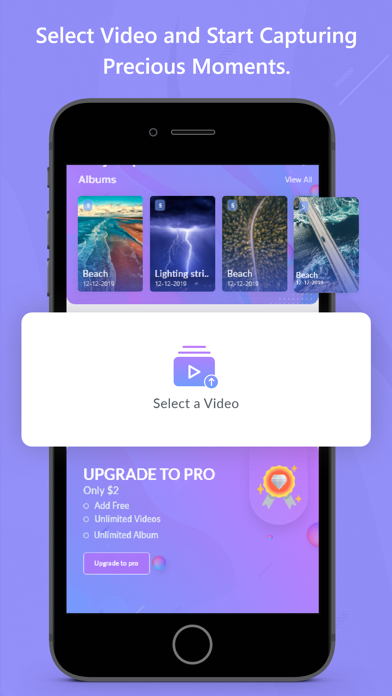
• Capture images from camera videos or downloaded videos
• Best frame selection for thumbnails and previews
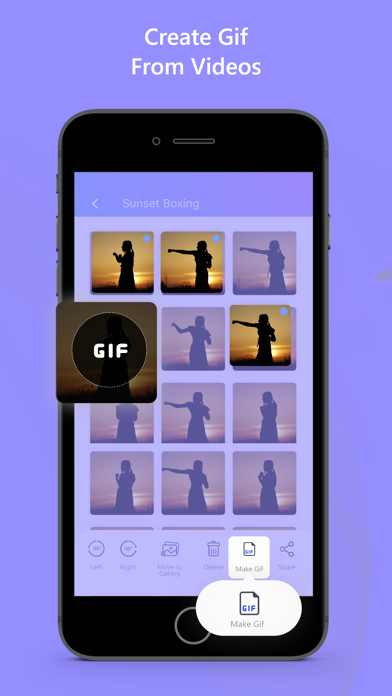
• Convert videos to GIFs
• GIF maker, GIF creator, and GIF extractor
• Gallery view to select, keep, or delete images
• Image editing (crop, rotate)
• Bulk edit and delete images
• Easy sharing on social media
• Folder organization for better photo management
• Dark Mode support
What’s New
• Original quality frame extraction (no video compression)
• Improved frame selection experience
• Faster and more relia