Video Audio Converter

Video Audio Converter Summary
Video Audio Converter is a free, with in-app purchases iOS app in Tools by Apps Places. Released in Feb 2020 (6 years ago). It has 263 ratings with a 4.40★ (good) average. Based on AppGoblin estimates, it reaches roughly 659 monthly active users and generates around $<10K monthly revenue (100% IAP / 0% ads). Store last updated Aug 25, 2025
Video Audio Converter SDKs Summary
App not yet scanned for SDKs.
4.4★
Ratings: 263
Screenshots


App Description
Video Audio Converter can convert any video or audio file in offline and this app supports any major video or audio formats.
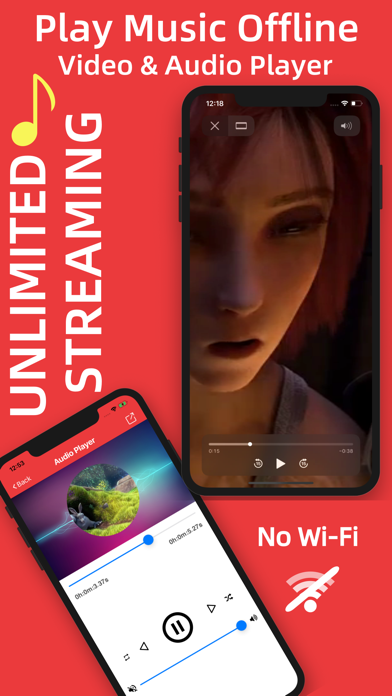
Access, import and download your MUSIC or VIDEO inside this app and listen anytime and anywhere. Play OFFLINE and No LIMITS.
You don’t need any internet connection, the conversion will be done in offline.
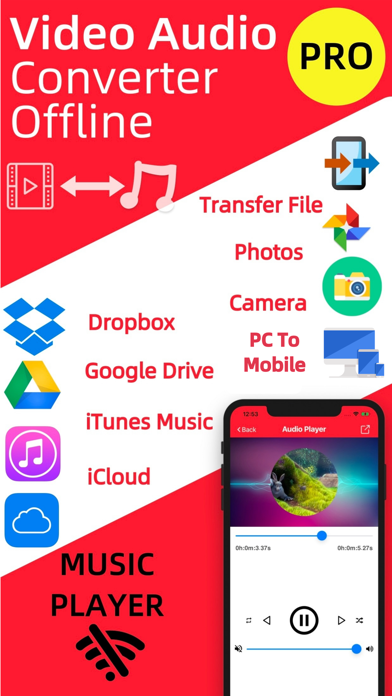
Support Google Drive, iCloud, Dropbox, Apple Music so you can easily access any files from cloud
You can transfer files from your computer
You can take a video or audio file from photo library or another app. You can take file from photos, by using your phone camera.
Play music or video by using our media player.
Play music in background.
Find all the video or audio files from history and manage history files.
Supported formats:
Almost all video and audio formats.
Video to Audio Conversion,
Input Formats: mp4, m4v, mov
Output Formats: aif, caf, m4a, wav
Audio to Audio Conversion,
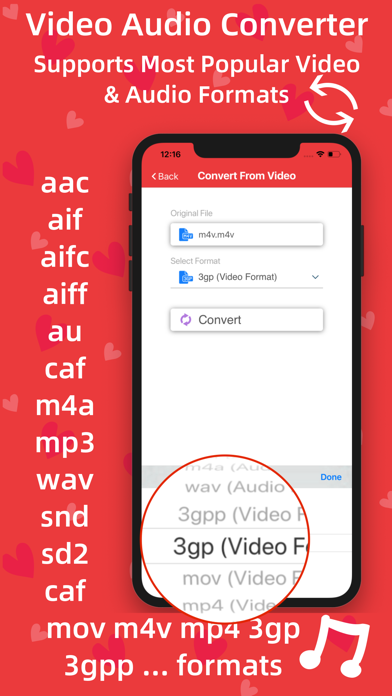
Input Formats: aac, aif, aifc, aiff, au, caf, m4a, mp3, wav, snd, sd2
Output Formats: aif, caf, m4a, wav
Video to Video Conversion,
Input Formats: mp4, m4v, mov, 3gp, 3gpp
Output Formats: mp4, m4v, mov, 3gp, 3gpp
Main Features:
-> Offline Video Audio Converter
Don’t need any internet connection or Wi-Fi, every conversion will be done offline.
-> Convert Video
This app can convert any major video formats include mp4, m4v, mov, 3gp, 3gpp and many more.
-> Convert Audio
This app can convert any major audio formats include aac, aif, aifc, aiff, au, caf, m4a, mp3, wav, snd, sd2 and many more.
-> Import Video or Audio File from Dropbox, Google Drive, iCloud and Apple Music
-> Import files from PC
-> Take Video or Audio File From Others App
You can take any video or audio file from any app by using share option and find icon of this app to share your desired file and access quickly to convert file.
-> Import Video or Audio File from Photos Album
->Create video file from Camera Roll by using this app
-> Video Player (Supports HD videos)
Not only conversion, It’s a media player for playing any files of appropriate formats such as mp4, m4v, mov, 3gp, 3gpp and many more.
-> Audio Player
Most powerful audio or music player supports almost all audio formats. Playing music in background is also supported.
-> Share files anywhere and anytime
-> Manageable History
Convert file again & again from history and manage your history.
Share files from your his