NFC21 Tools
NFC21 Tools Summary
NFC21 Tools is a mobile iOS app in Tools by NFC21 GmbH. Released in Feb 2020 (6 years ago). It has 45 ratings with a 4.67★ (excellent) average. Based on AppGoblin estimates, it reaches roughly 182 monthly active users . Store metadata: updated Dec 5, 2022.
Store info: Last updated on App Store on Dec 5, 2022 .
4.67★
Ratings: 45
Screenshots
App Description
We love NFC, therefore we decided to develop our NFC21 tools. Our app offers you an advanced yet easy to use toolset to explore NFC with your iPhone. Reading as well as writing of NFC-tags is supported and wrapped in an attractive user interface.
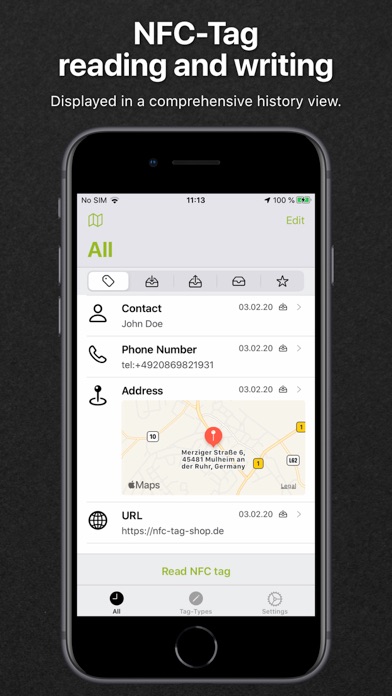
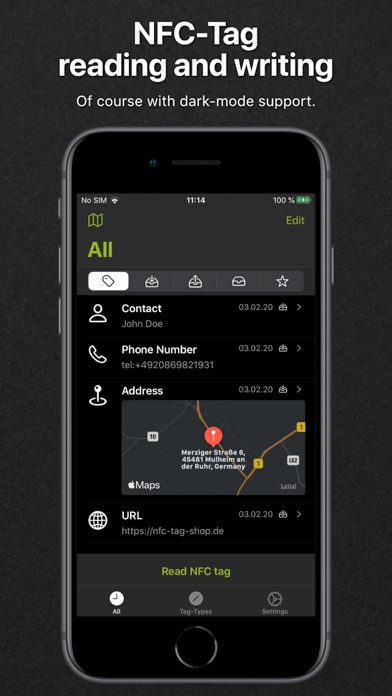
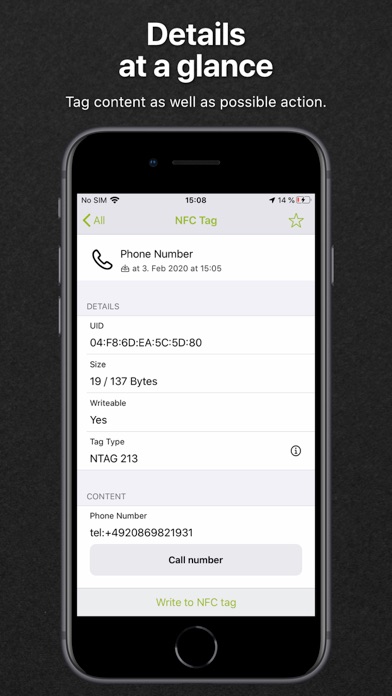
NFC21 tools greets you with a history view, which contains all NFC-Tags you have read or written. Additional filters enable you to narrow down the list to ‘Read’, ‘Written’, ‘Drafts’ or ‘Favorites’ only. Tap on an entry for more details like the serial number (uid), memory size, write lock as well as the stored content. Based on the latter, an available action is offered like opening a link in Safari or the import of v-cards into the Contacts app.
Creation of own NFC-tags starts with the selection of a type. We differentiate three different types. First, the standard-type creates NFC-tags which are readable by newer iPhones (iPhone XS, XR or newer) without an additional app. Second, extended types which offer more advanced scenarios like sharing of locations, contacts or WIFI-credentials. These types require a suitable app (like NFC21 Tools or NFC21 Reader) to read and process the stored content. Lastly, the expert type allows the definition of own datatypes, which require suitable / custom apps to use them.
In summary, NFC21 Tools support the following tag-types:
Standard (usable without an app with iPhone XS, XR or newer):
• URL: Share a link to a website with an NFC-tag. Long / complicated addresses are a problem of the past.
• Phone number: Share a number with NFC – always right and directly dialable.
• E-Mail: Prepare a message for a recipient, ready to send with a tap.
• SMS: Create a short message for a predefined number, an optional text and ready to send in an instant.
• FaceTime: Start a FaceTime conversation with a scan.
• Shortcut: Execute a shortcut from the apple shortcuts app with a simple scan.
Advanced (with App):
• Text: Hide a text within an NFC-tag, waiting to be read by a scanning fellow.
• Address: Prepare a location for maps to ease getting direction – complicated street names are not a problem anymore.
• Position: Locate an exact position (treasure)? Store longitude and longitude for use in the maps app.
• Contact: Make your business card smart and let others scan your data like magic.
• WiFi: Share credentials and ease login with a tag sca