April MeMe

April MeMe Summary
April MeMe is a mobile iOS app in Education by CREVERSE, Inc.. Released in Feb 2020 (6 years ago). It has 7.00 ratings with a 3.57★ (average) average. Based on AppGoblin estimates, it reaches roughly 11 monthly active users . Store metadata: updated Mar 25, 2026.
Store info: Last updated on App Store on Mar 25, 2026 .
3.57★
Ratings: 7.00
Screenshots

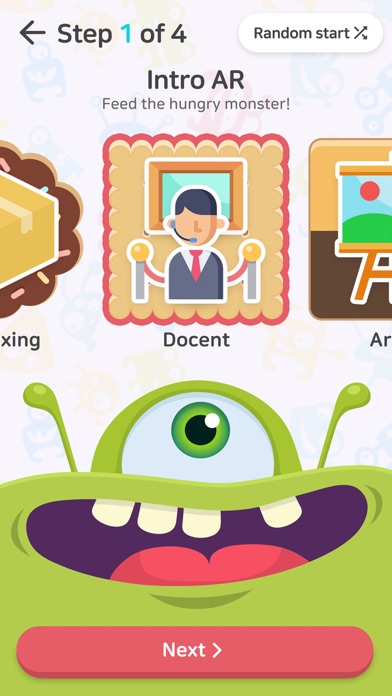
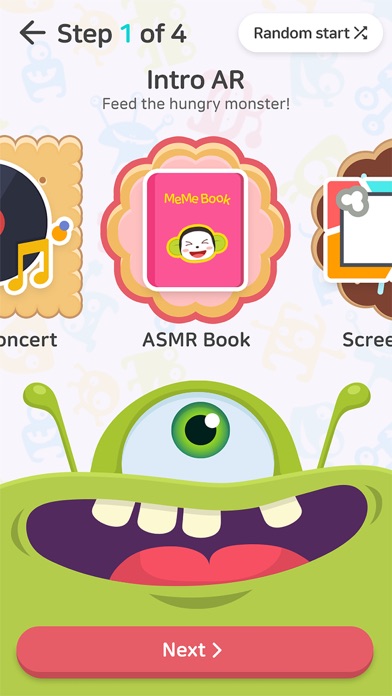

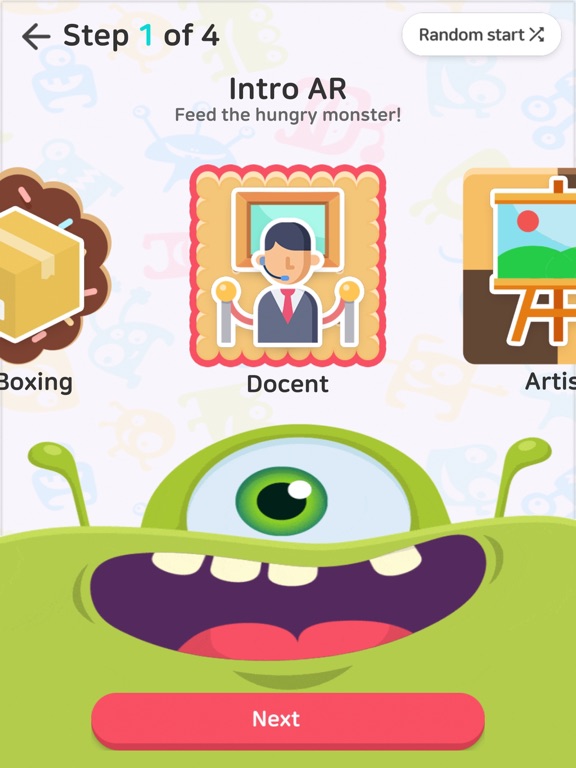

App Description
※ April MeMe is an AR-based speaking practice APP for elementary school students using April English curriculum.
- Use augmented reality(AR) technology to practice speaking English using various 3D objects and interactions.
- Choose your own effect to make your own short video(episodes) based on speaking practice types for each level.
- Post your video on the Learning Portal and share feedbacks with your peers.
- Prepare for speaking tests for April English achievement tests and TOEFL Junior by practicing through video creation.
- You must have April Gallery Book to use the April MeMe APP.
※ Type Variation by Level
1. Pic Me (Seedbed/Seed) : Describe the picture in English
2. Story Time (Sprout) : Make your own story using the four images provided
3. Ring Ding Dong (Sapling/Junior Master) : Summarize a passage while video chatting with a 3D character
※ Main features of April MeMe
- Start recording by scanning the textbook.
- Record 3D objects using the AR camera.
- Choose from various effects provided for your recording
- Record your video using the front and rear camera
- Linked to the Learning Portal
- Choose to upload your videos and post them on the Social Learning
- Choose your own background music
- Change language setting
▶ Access Request Guide
- All access requests are collected for app usage.
[Mandatory Access Request]
- Device and App History: Access for App version check
- Microphone: Access for recording sound for videos
- Camera: Access to take pictures and record videos
- Storage: Access for using gallery photos
* Access for each device can be managed by going to settings -> app information > app access > access individual requests