Tatpar Delhi Police

Tatpar Delhi Police Summary
Tatpar Delhi Police is a mobile iOS app in Tools by Delhi Police. Released in Mar 2020 (6 years ago). Store metadata: updated Feb 27, 2023.
Store info: Last updated on App Store on Feb 27, 2023 .
0★
Ratings: 0
Screenshots

App Description
Delhi Police in its continuous endeavor to provide citizen centric services to the citizens of Delhi, has come up with this new version of Delhi Police One Touch Away mobile app with name “Tatpar Delhi Police”. It facilitates the citizens by way of providing all its citizen centric services, available on its various web portals and mobile applications under one umbrella “Tatpar Delhi Police”. With this single app, the citizens of Delhi can access all services from one place (Mobile app).
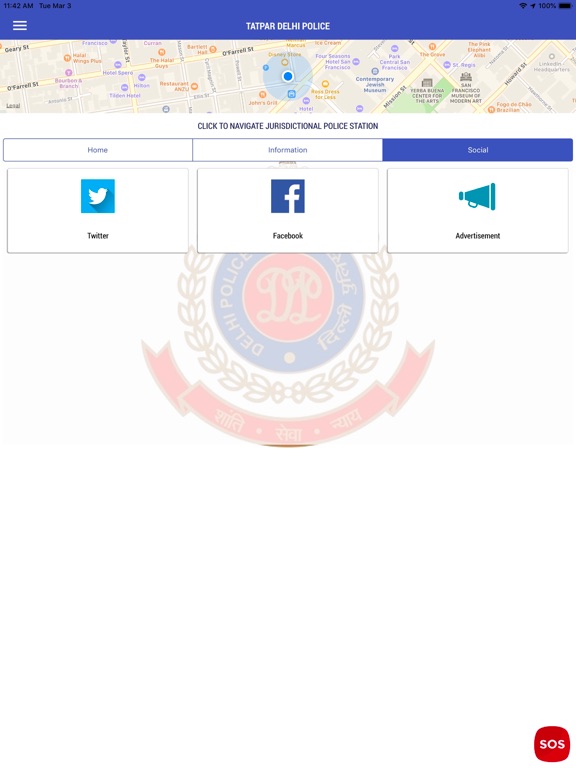
The focus point of the app is Navigate to Jurisdictional Police Station placed on home screen of the app. This feature, on single touch, provides the user way, on map, to the jurisdictional police station from the place where the user is standing with his/her mobile. It also shows the details of the Police Station, like Police station Name, SHO’s Name, SHO’s Mobile Number, Police Station Landline Number and Police Station e-mail ID. In case of need, the user need not worry to ask anybody about the nearest Police Station.
Another highlighting feature of the app is SOS Button provided on screen top of the app. It enables the user to call instantly on a previously provided emergency contact number (SOS) of his/her choice or 100 with single touch.
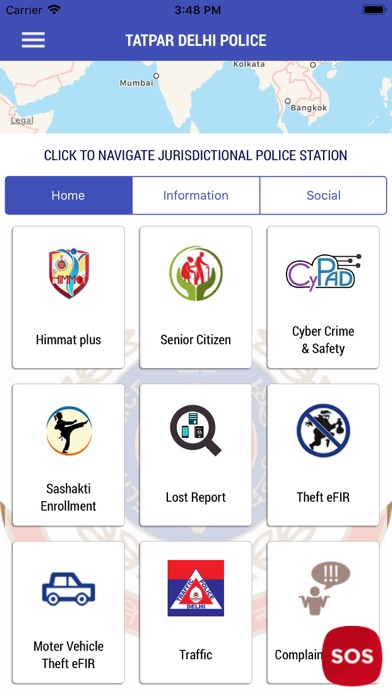
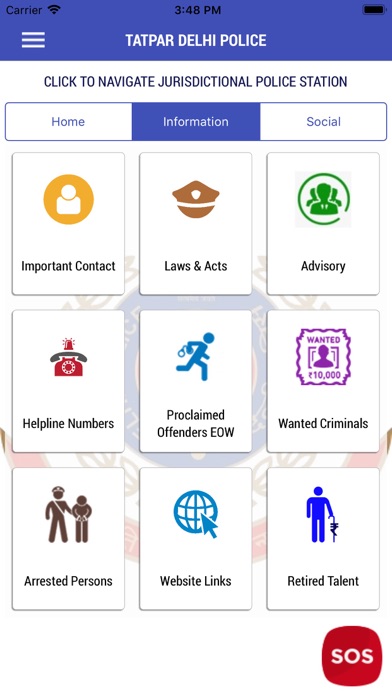
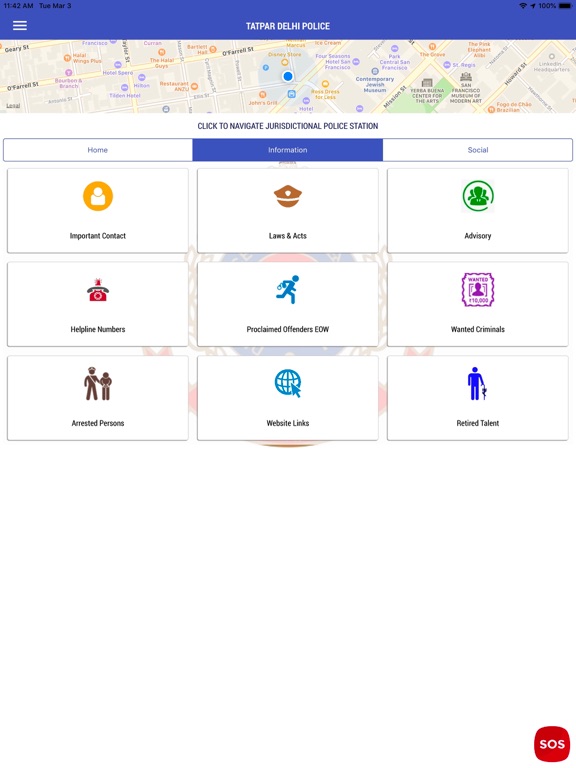
There are 50+ mobile apps and services provided in three categories, i.e. Home, Information and Social.
The G2C(Govt. to Citizen) mobile applications/services in the app “Tatpar Delhi Police” are:-
1. GIS based jurisdictional PS navigator with contact details of concerned SHO –
The user can come to know the way to jurisdictional Police Station from the location of the device. The contact details of SHO, like Photograph, Name, Call sign, Mobile No, Landline No etc. is also displayed. On pressing Navigate button, placed on map screen, the app guides the user to navigate to the Police station.
2. GIS based jurisdictional Traffic Circle and PIT navigator with contact details of concerned TI-
The user can come to know the way to jurisdictional Traffic Circle from the location of the device. On pressing Navigate button, placed on map screen, the app guides the user to navigate to the Traffic Circle Office. The user, if required, may check the following details :-
a. Know Your TI
The details of Traffic Circle like Circle Name, Traffic Inspector’s Mobile No, Circle Landline No and Address is also displayed.
b. Towed Vehicle