DishPointer (Satellite Finder)

DishPointer (Satellite Finder) Summary
DishPointer (Satellite Finder) is a ad-supported, with in-app purchases iOS app in Tools by Souria HAKKAR. Released in Apr 2020 (6 years ago). It has 1.4K ratings with a 4.72★ (excellent) average. Based on AppGoblin estimates, it reaches roughly 4.1K monthly active users and generates around $<10K monthly revenue (26% IAP / 74% ads). Store metadata: updated Mar 5, 2024, version 5.
Recent activity: 1.00 new ratings this week View trends →
Data tracking: SDKs and third-party integrations were last analyzed on Jan 31, 2026.
Store info: Last updated on App Store on Mar 5, 2024 (version 5).
SDKs, Trackers & Permissions
DishPointer (Satellite Finder) was last scanned for SDKs 2026-01-31. Below is the overview of third party companies detected in the app. The full list of raw SDKs, app permissions and unknown SDKs is available here.
 Unity
Unity Google
App Details
App Store
Ads & App-Ads.txt
AppGoblin SDK Scans
4.72★
Ratings: 1.4K
Screenshots
App Description
DishPointer allows you to align your satellite dish with great precision in a minimum of time thanks to augmented reality.
Adjusting a dish has always been complicated. but thanks to DishPointer this task becomes child's play. By following the 9 steps of the application, you will successfully install your dish in few minutes.
No more need for a gyroscope to use augmented reality. We have combined the accelerometer and magnetometer data to compensate for the possible absence of the gyroscope. This allows the majority of smartphones to benefit from augmented reality.
In DishPointer we have also integrated a module to calculate the magnetic declination and compensate the error between magnetic north and geographic north because we have noticed that the majority of smartphones do not integrate this declination. This help to display the right direction
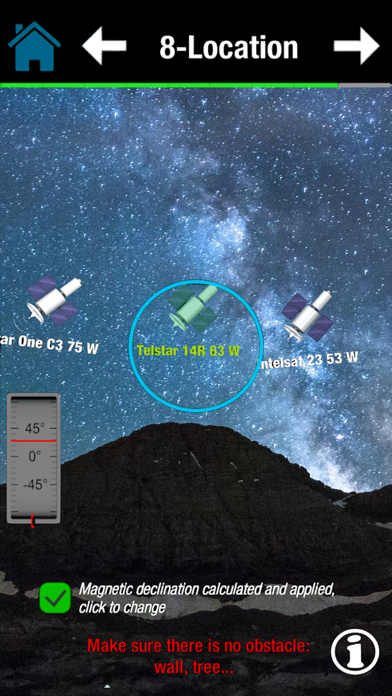
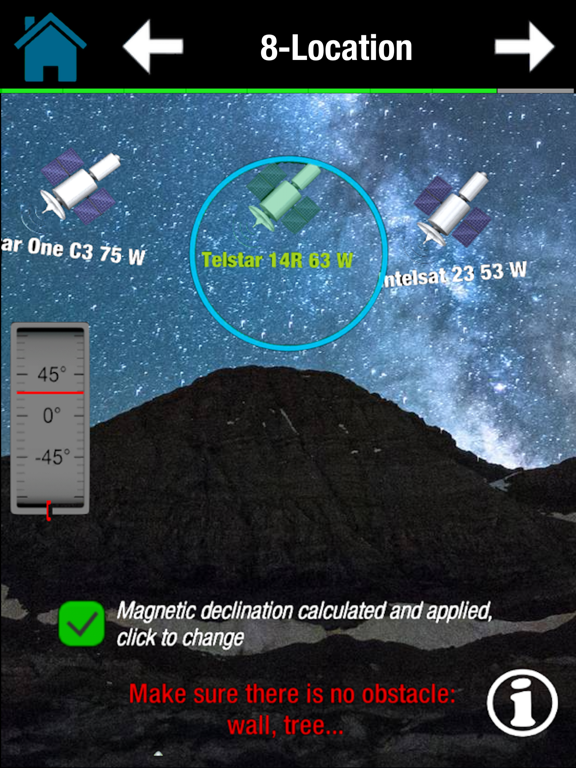
DishPointer is an application that lets you orient your dish or antenna to any satellite. Thanks to the sensors of your smartphone (Compass, accelerometer) this application displays the target satellite in space in order to better choose the location of your dish or antenna and to ensure the absence of any obstacle (wall, tree…).
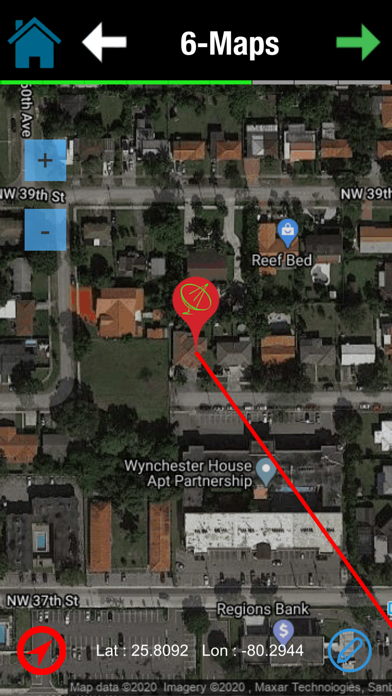
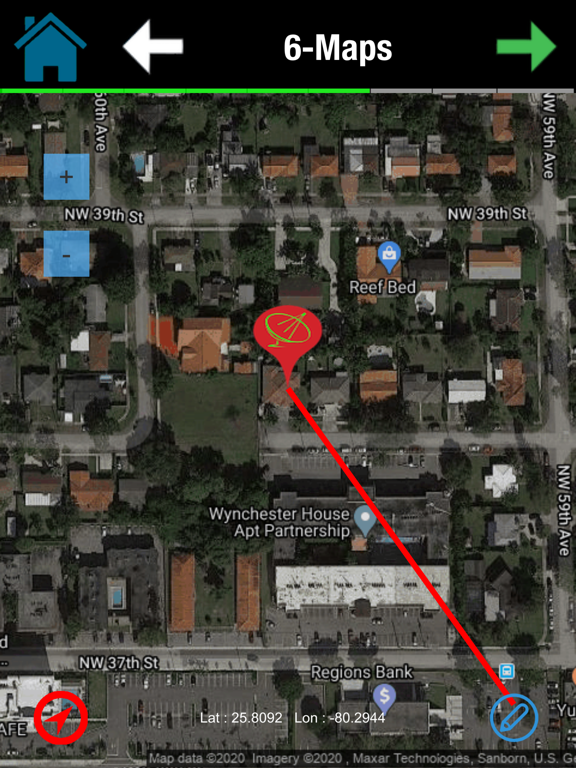
DishPointer also uses GPS to display your location on a map and then display the direction of the target satellite from your location.
The compass accompanied by a beep allows you to orient your antenna or satellite dish by following the acceleration of the beeps and the arrow of the compass.
The accelerometer is used to check that the support of your antenna or dish is vertical.
The steps for adjusting the antenna or the dish:
1- choose your language
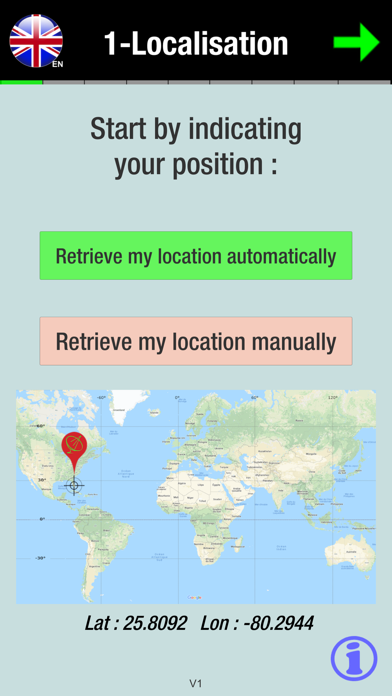
2- retrieving your GPS position automatically using GPS or manually by entering your latitude and longitude.
3- choose your target satellite to calculate the orientation parameters of the antenna or the satellite dish.
4- check that the support of your antenna or dish is vertical.
5- calculate the polarization and adjust the rotation of the LNB (the head of your antenna or satellite dish)
6- adjust the elevation
7- display of a line which indicates the orientation of the target satellite from your position on a Google Maps.
8- using the compass of your smartphone accompanied by a beep to help you find the right direction of the satellite (available in Pro version).
9- display the satellite in augmented reality thanks to your camera