Printer App: Print & Scan PDF

Printer App: Print & Scan PDF Summary
Printer App: Print & Scan PDF is a free, with in-app purchases iOS app in Business by Hendrik Folkerts. Released in Mar 2020 (6 years ago). It has 50K ratings with a 4.48★ (good) average. Based on AppGoblin estimates, it reaches roughly 219K monthly active users and generates around $<10K monthly revenue (100% IAP / 0% ads). Store last updated Feb 15, 2025
Recent activity: 21 new ratings this week View trends →
Printer App: Print & Scan PDF SDKs Summary
Printer App: Print & Scan PDF was last scanned for SDKs on 2026-05-09. No known SDKs were detected. Check the raw list of SDK parts detected here and feel free to request unknown SDKs be added to AppGoblin.
4.48★
Ratings: 50K
Screenshots
App Description
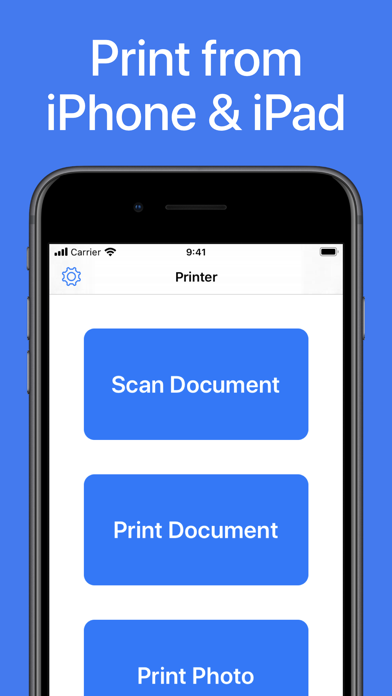
Printer App: Print & Scan PDF helps you to print your documents and photos easily. Scan a new document, select your printer and print your document within seconds. This app supports more than 5000 different AirPrint printers!
► PRINT FROM IPHONE & IPAD
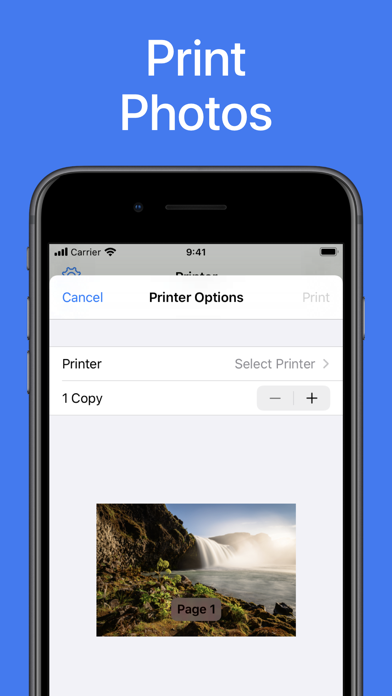
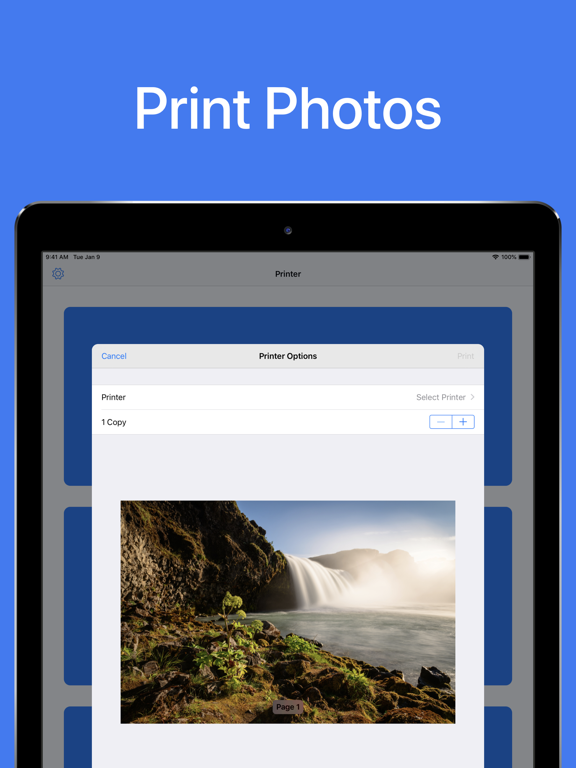
This app makes it really easy for you to print from your iPhone or iPad. Just select the document or photo from your camera that you want to print, select your printer and send the print job. You can print all sorts of different documents: PDF, Word DOC, Excel XLS, PowerPoint PPT, Photoshop PSD, JPEG, PNG, BMP, TIFF, GIF and more.
► SCAN DOCUMENTS & PHOTOS
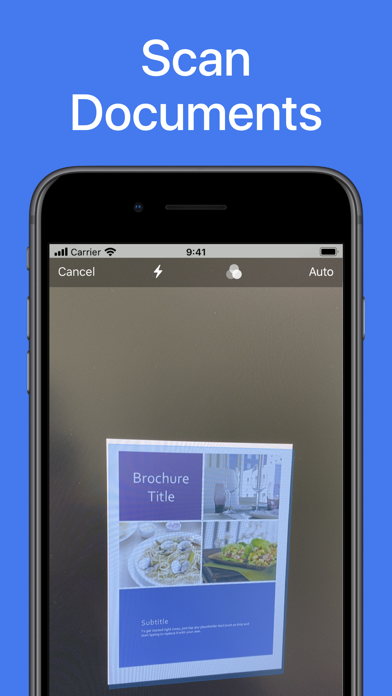
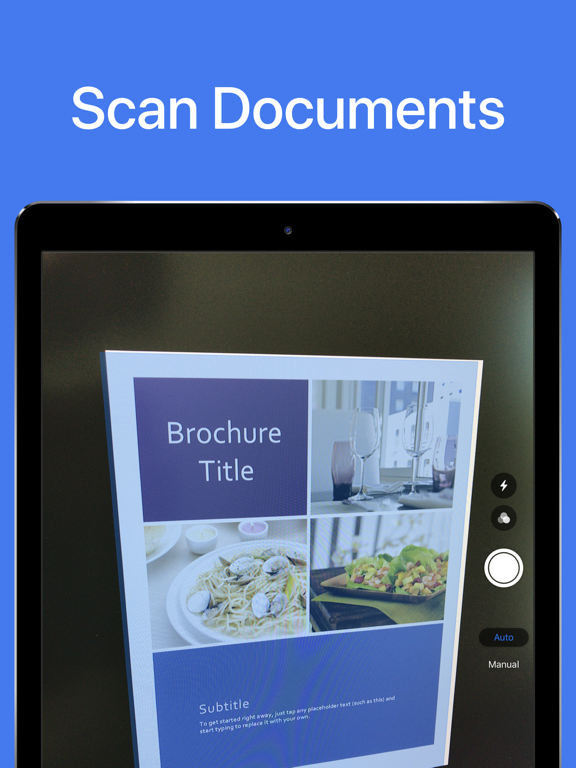
You can also scan already printed documents or photos with the integrated scanner. Just tap on scan and capture the document or photo with your camera. Then you can print the scanned document.
► PRINTER SUPPORT
Printer App: Print & Scan PDF supports more than 5000 printer models like Brother, Canon, Dell, Epson, HP, Kyocera, Lenovo, Lexmark, NRG, Oki, Olivetti, Panasonic, RICOH, Samsung, Sharp, Toshiba, Xerox and more.
DISCLAIMER: We are not affiliated with the mentioned companies in any way. We only developed and tested our App with these devices.
► SUPPORT
Do you need support? Please write us to: support@1Dashcam.com