Watermarkly ― Watermark Maker

Watermarkly ― Watermark Maker Summary
Watermarkly ― Watermark Maker is a with in-app purchases iOS app in Art And Design by Julia Nikitina. Released in Apr 2020 (6 years ago). It has 1.6K ratings with a 4.80★ (excellent) average. Based on AppGoblin estimates, it reaches roughly 6K monthly active users and generates around $<10K monthly revenue (100% IAP / 0% ads). Store metadata: updated Feb 2, 2026.
Recent activity: 7.00 new ratings this week View trends →
Store info: Last updated on App Store on Feb 2, 2026 .
4.8★
Ratings: 1.6K
Screenshots


App Description
Watermarkly is user-friendly, efficient, and straightforward app for watermarking images, videos and PDF files. With our batch-watermarking app, you can add multi-line text or upload your own logo, and customize them in less than no time. Watermarkly never changes the original images, videos or PDF files. Your watermarks will be added only to a copy.
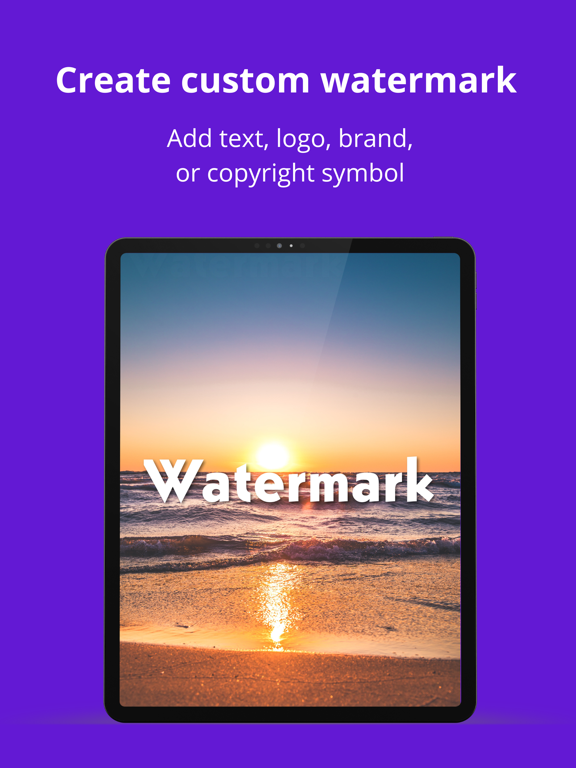
Create your perfect watermark
In our app, you will find all the necessary tools to bring your vision to life. Watermarkly allows you to:
• Add copyright symbol or image number to your text
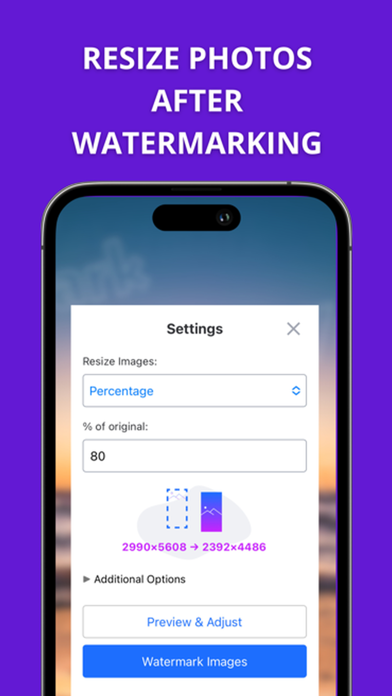
• Change the size of your watermark
• Rotate it to any angle
• Adjust its transparency
• Fill your photo with repeated watermarks
• Remove monochrome background from your logo
You will have access to :
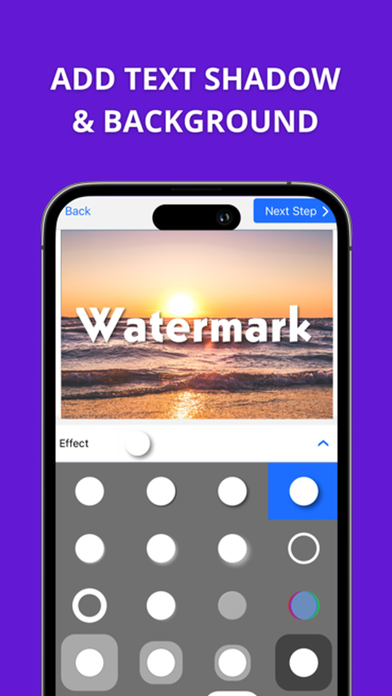
• 33 effects like 3D or drop shadow effect
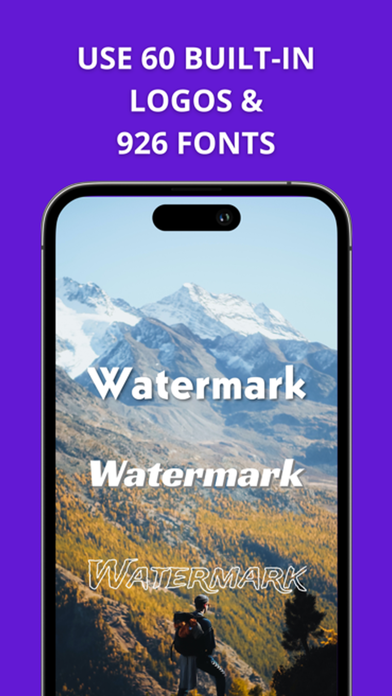
• Vast library of 1000 fonts
• Broad selection of colors, including gradient options
Adjust your watermark on each photo, video or PDF file
To make the watermarking process easier and faster, Watermarkly adjusts the size and position of your watermarks automatically if you upload a mixed batch of horizontal and vertical images. But the app still allows you to enlarge, shrink down and reposition your watermark manually on each photo. This can be done in the
Preview section.
Synchronize watermarks across all devices
Your templates will be synchronized between all your devices. Watermarks that you applied to photos at least once are added to the list of the 10 recently used templates. This list gets synchronized automatically, and you can access it whether you are on your phone or computer. For instance, you design and apply a watermark in our app. Then you open Watermarkly in Safari on your Mac and see the same watermark on the list of recently used templates. You can select and further customize it or apply it to your photos straightaway.
Protect your photos, videos and PDF files
Unfortunately, in our day and age, it is very easy and not time-consuming for somebody to download your photo and pose it as their own. Image theft happens on social media more often than you think. Moreover, there have been a few cases of well-known brands stealing a small creator’s photo or painting from their account and using it as a print on their clothes. This way, the artists got neither money nor credit for their work. Watermarks can help to prevent your images f