Scanner : Images to PDF
Scanner : Images to PDF Summary
Scanner : Images to PDF is a ad-supported iOS app in Tools by Anas Ziad Ali Almomany. Released in Jun 2020 (5 years ago). It has 14 ratings with a 4.93★ (excellent) average. Based on AppGoblin estimates, it reaches roughly 44 monthly active users and generates around $<10K monthly revenue (0% IAP / 100% ads). Store metadata: updated Mar 27, 2022.
Store info: Last updated on App Store on Mar 27, 2022 .
4.93★
Ratings: 14
Screenshots


App Description
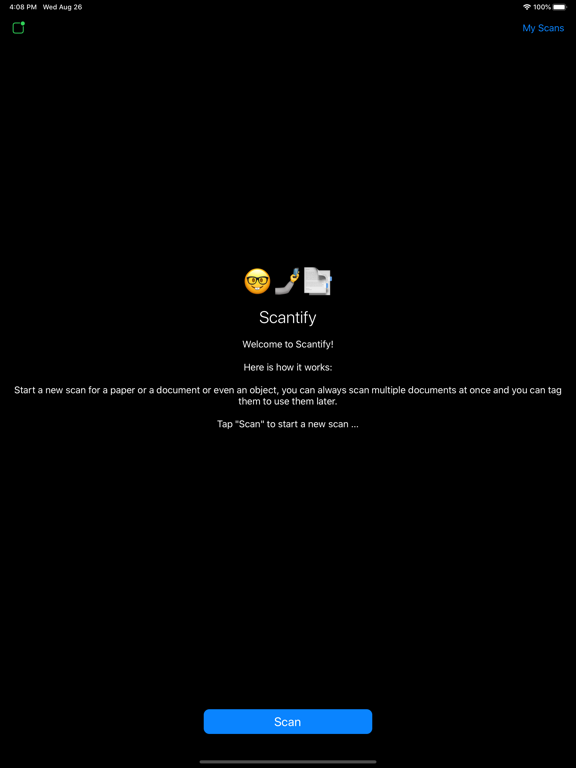
Scantify AI is your first AI-powered smart mobile scanner for any type of documents.
Forget about the desktop scanner forever.
Scantify AI turns your mobile device into a powerful all-purpose tool to create electronic copies.
It analyzes your photos in the gallery and the camera and recommends the perfect cut angels and provide recognition for the text to work with.
Using Apple and Google most powerful API's to provide most advanced optical character recognition technology , extracting text from scans even without an internet connection.
The extracted text is available for editing and sharing in multiple formats including PDF.With Scantify AI you can:
- Get digital copies of any printed or hand-written papers and save scans to different document formats
- Free yourself from searching for the right doc and automatically find documents directly from gallery and camera
- Instantly extract text from scans into .TXT , PDF format right on your device without an internet connection
- Recognize text on scans, preserving the original document formatting.
- Create and edit documents effortlessly (up to 1000 pages per folder)
- Get excellent visual quality with auto-capture of page boundaries and advanced image filters
- Let Siri read your scanned text
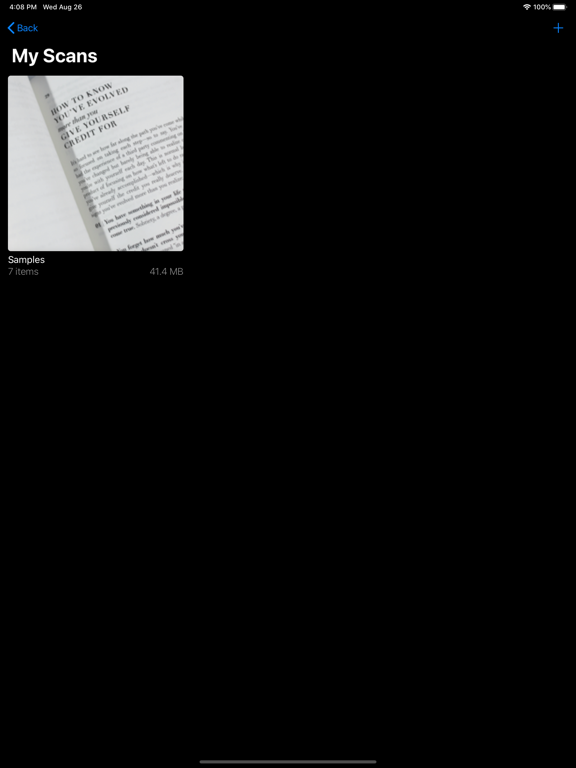
- Save scans inside the app with different tags and search capabilities
- Share and export results anywhere
- Scan to high-quality PDF or JPEG
- Save scans in grayscale, black and white or color
- Recognize and edit any text from your scans
- Advanced pic processing with enhancement and color correction, noise removing, automatic perspective correction and more.
- Multipage scanning – scan as many pages as you like
- Full-featured file manager with folders, drag & drop and document editing
- Share and upload scanned documents to any app in your device instantly like Dropbox, Evernote or Google Drive
- Save scans to Photos and use them later