Tongue_twister

Tongue_twister Summary
Tongue_twister is a ad-supported iOS app in Entertainment by RamSystem. Released in Apr 2020 (6 years ago). It has 1.00 ratings with a 2.00★ (poor) average. Based on AppGoblin estimates, it reaches roughly 1.00 monthly active users and generates around $<10K monthly revenue (0% IAP / 100% ads). Store metadata: updated Apr 25, 2023.
Store info: Last updated on App Store on Apr 25, 2023 .
2★
Ratings: 1.00
Screenshots
App Description
Operation explanation
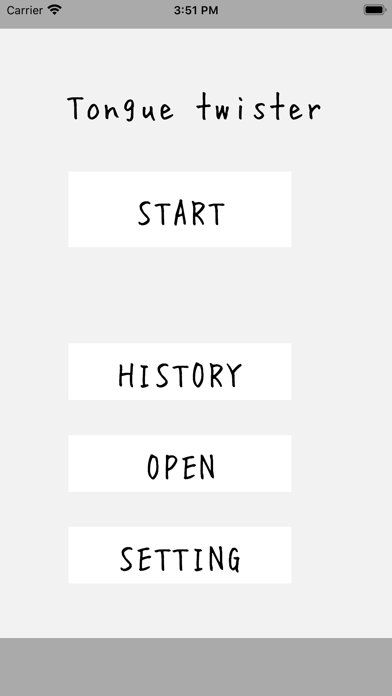
1) Start button
The tongue twister game will start.
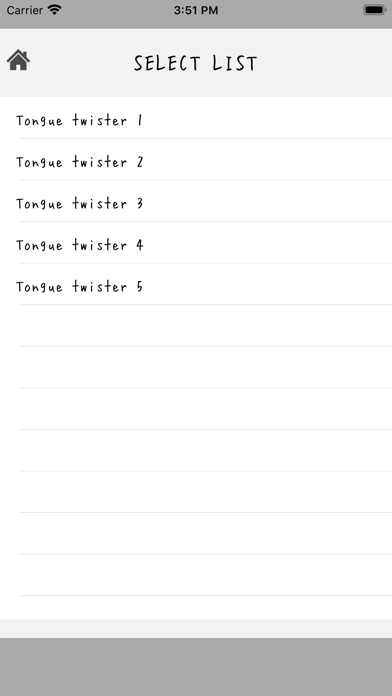
Select a set list of tongue twisters from the tongue twist list.
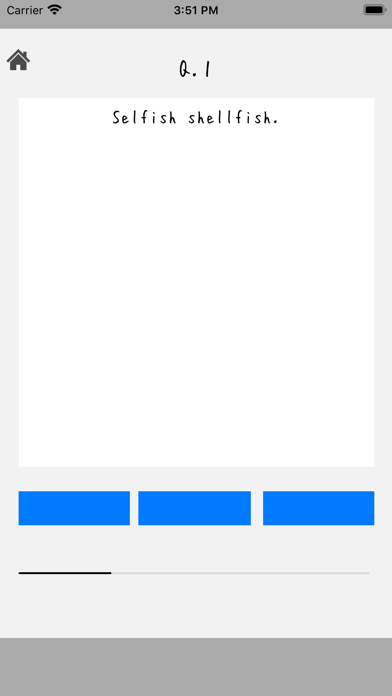
B. Spoken words are spoken in machine voice.
C. Please talk when all the lamps below are blue.
D. Talk time is within 2 seconds
E. Judgment will be issued.
f. The set list has about 10 questions.
You can continue or interrupt the process.
g. If you want to stop midway, tap the home icon on the upper left.
‥
2) History button
This is a history of tongue twisters
a. Select a set list of tongue twisters.
b. Each quick word will show you how many times you went before
c. When you tap the line, the history of that quick spoken word
Displayed with the audio output speaker icon.
d. Audio output The speaker icon allows you to hear the spoken audio.
e. If you tap the cloud up icon, this app user
Published with audio.
If you tap it again, the publication will be canceled.
f. Of the upper icons,
Home icon Return to start screen
X icon Returns to the previous screen
3) Released button
You can check the open tongue twister
A. A list of quick words and the number of publications are displayed.
B. You can hear the photo of the person who made it public, their name, and their tongue twisters.
By selecting the line c., You can register a comment for that person in characters and words.
D. Tap the microphone icon to start recording, then use the speaker icon
You can listen to the contents.
E. The icon is saved and the comment is added.
f. Of the upper icons,
Home icon Return to start screen
X icon Returns to the previous screen
4) Setting button
You can register your photo and name (nickname) and make various settings
Photographs can be selected from camera shooting and album (camera roll).
B. Please enter your name (nickname)
E.BGM ON / OFF can be selected
f. You can select ON / OFF of the sound effect.
g. ON / OFF of voice output (machine voice) can be selected
h. Language can be selected.
However, there are two choices, Japanese or English.
i. Toss list button creates a set of tossed words or
You can change the registered tongue twister.
-You can create a new se