Finshots

Finshots Summary
Finshots is a free iOS app in Finance by Finception. Released in May 2020 (6 years ago). It has 88 ratings with a 4.98★ (excellent) average. Based on AppGoblin estimates, it reaches roughly 1.1K monthly active users . Store last updated Jun 23, 2026
Finshots SDKs Summary
App not yet scanned for SDKs.
4.98★
Ratings: 88
Screenshots



App Description
With the Finshots app, get your daily dose of the latest, most important financial developments delivered in plain English. In less than 3 mins!!! Heavy on facts. 0 jargon.
Why should you download the Finshots app?
It’s absolutely FREE — no hidden in-app purchases!
50K+ downloads & 4.9 stars
Loved by 500K+ readers
Important financial updates that you can actually understand
Interesting stories from controversies to crazy marketing stunts
Insightful infographics that make learning less intimidating
Regular updates about government plans, policies and how they impact you
Tips and tricks to master personal finance. Because the more you learn, the more you earn!
Sleek & intuitive interface that’s quick to load and easy to navigate
App Features:
1. Set a Notification Time: Fix a time and receive your Finshot just when you want it. One notification, No spam.
2. Browse by tags: Sort stories by categories — Policy, Economy, Startups, you name it. We’ve got you covered.
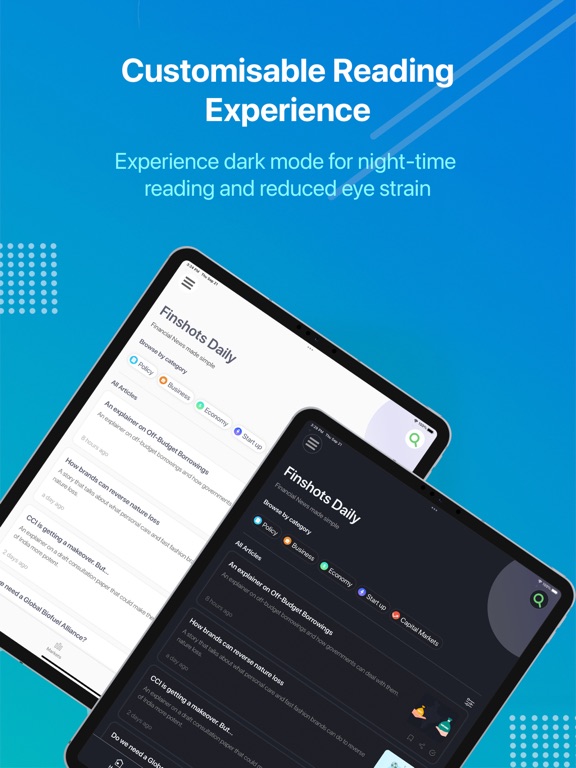
3. Customisable reading experience: Choose between Dark & Light mode as per your preferences
4. Zero interruptions: Enjoy an ad-free reading experience with no pesky distractions
5. In-app search functionality: Browse through our extensive archive and discover stories from the past
6. Save and Share: Bookmark articles you want to revisit later and share the ones you like directly to your social media apps (Twitter, LinkedIn & WhatsApp)