LightPDF Scanner: Scan PDF

LightPDF Scanner: Scan PDF Summary
LightPDF Scanner: Scan PDF is a with in-app purchases iOS app in Productivity by Wangxu Technology Co., Ltd. Released in Jul 2020 (5 years ago). It has 27 ratings with a 3.93★ (average) average. Based on AppGoblin estimates, it reaches roughly 137 monthly active users and generates around $<10K monthly revenue (100% IAP / 0% ads). Store metadata: updated Oct 13, 2025.
Store info: Last updated on App Store on Oct 13, 2025 .
3.93★
Ratings: 27
Screenshots


App Description
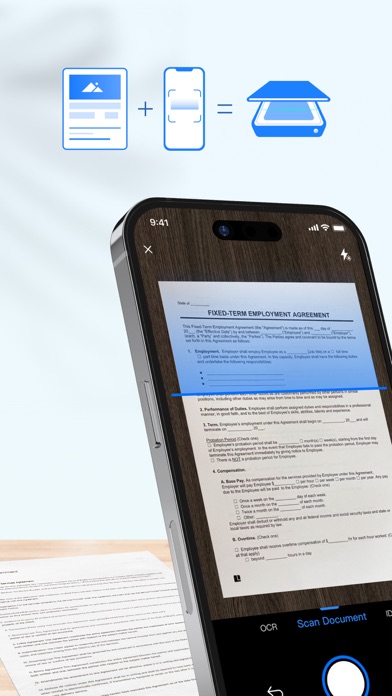
Say goodbye to huge and heavy copy machines, and say hello to your mobile phone by using the powerful scanner app LightPDF Scanner. Simply take a photo of the file, and the app will automatically convert it into a high-quality PDF file. Easy and fast to create quality scans on the go.
-------------------------
Key Features:
Document Scanner:
1. Scan Files
- Scan anything you need, books, papers, contracts, notes, photos...
- Unique smart calibration technology helps to correct image distortion and cluttered background, ensuring quality scans.
- Batch scanning lets you scan multiple documents into one single file, saving you from the hassle of combining them manually.
2. Scan IDs
- ID Card & Passport mode is specifically designed for fast scans of ID photos, saving you a trip to the print shop.
- ID info is 100% confidential, only visible to you.
PDF Converter & Editor:
1. File Converter
- This PDF scanner saves any of your scans as PDF, Word, Excel, TXT, and JPG.
- The converted files retain the original layout of text, images and tables, ensuring a seamless transition.
2. PDF Editor
- There is a variety of editing tools for further modifying: add, delete, merge, annotate, e-sign, and highlight.
- The AI Retouch mode harness the power of AI to remove sensitive or private info from the file.
3. Text Recognition (OCR)
- Extract text from PDFs and uneditable images swiftly, copy text with a single tap, or export it as a TXT file for editing the text.
- Supports 20+ languages including Simplified Chinese, Traditional Chinese, English, Japanese, Spanish, French, and more.
ID Photo Assistant:
1. Taking ID Photos
- The ID mode supports commonly-used ID sizes, including passports for US, UK, Japan, and Visa for US and EU.
- Automatically remove backgrounds, and offer various colors, specifications, and filters for good-looking ID photos.
2. Fix Blurry Image
- The new Unblur Image mode rescues you from blurred photos, improving image quality in a simple tap.
Essential Learning Tools:
1. Erase Handwriting
- Automatically removes handwritings from test papers, giving you a completely blank new paper.
- Save you from the mistakes you made in your study.
2. Scan Books
- Easily convert books, materials, notes into e-books. Access them on the go anytime, anywhere, making learning efficient and flexible.
3. Convert Handwriting To Text
- Take photos of blackboard