Tiny Dungeon Heroes

Tiny Dungeon Heroes Summary
Tiny Dungeon Heroes is a mobile iOS app in Games by Software101. Released in Jun 2020 (6 years ago). Store metadata: updated Dec 25, 2025.
Store info: Last updated on App Store on Dec 25, 2025 .
0★
Ratings: 0
Screenshots
App Description
Introduction
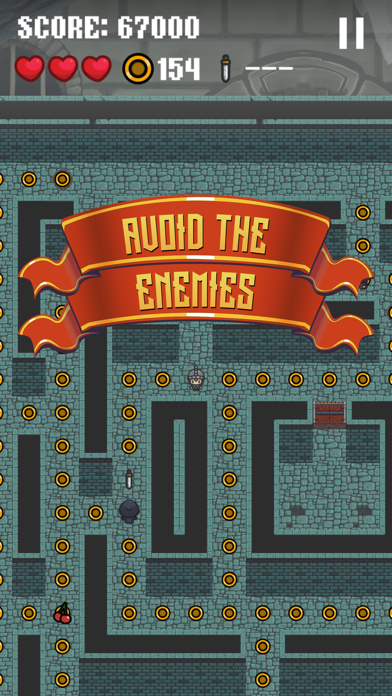
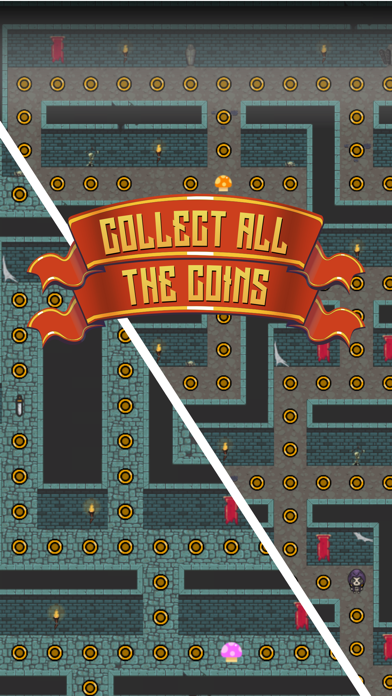
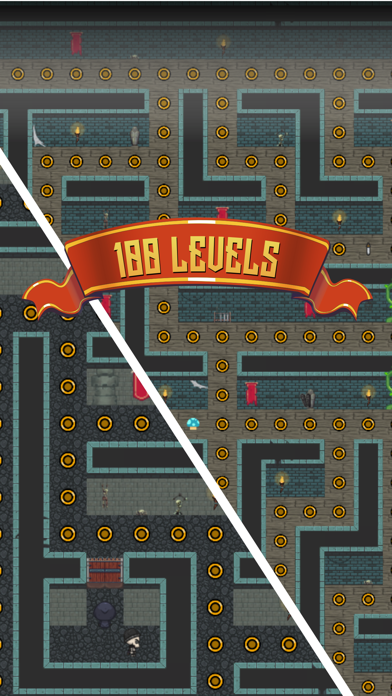
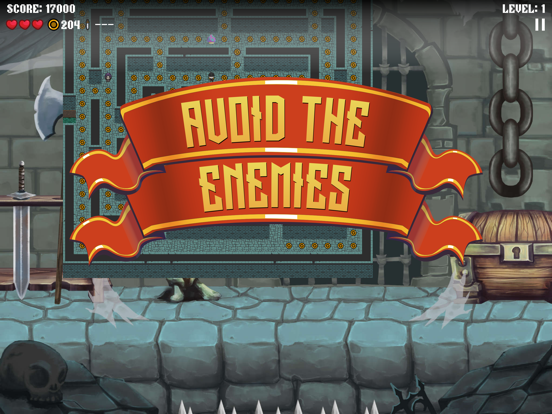
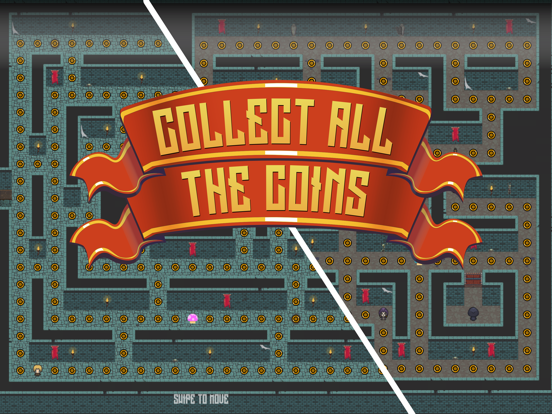
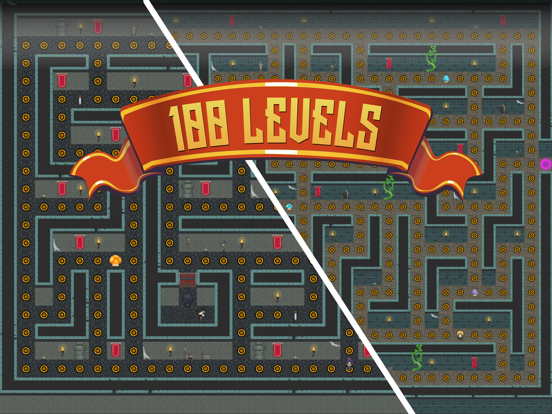
This is a super cute dungeon themed coin collecting game. Collect all the coins on a level to finish and move to the next level. There are one hundred hand crafted levels in total for you to explore. Once you complete a level it becomes available in the level selection menu so you can skip back to your favourite levels whenever you like.
You can play as one of six different characters, and with three difficulty settings. Watch out for spike traps on certain levels as these can really catch you out. Use the pink vortexes to transport from one location to another, or look out for doors in walls. On levels with more than two vortex or doors, you will randomly come out of a different exit.
Pick up swords to give you a short time where you can turn the tables on the enemies and tag them, sending them home and out of the way for several precious seconds. The enemies also avoid you during this time so use the swords wisely.
Pulsing shrooms will give you a score bonus for several seconds where you earn double points for any items collected.
Occasionally other fruit will appear and these simply give you additional points when collected. When your score hits a multiplier then if you don't already have three lives another one will appear on the map. Pick it up to grant you an additional life.
Some levels have ladders and vines. These are like secret passages that only the player can use. Use them to your advantage to stay out of trouble.
Controls
iOS
Just tap the menu buttons to make your selection in the menus. In the game, just swipe in the direction that you would like the character to move, swipe before the next junction in order to change direction, the character remembers your selection until they reach the junction, there is a direction indicator in the bottom left of the screen to help. Tap the pause button to pause the game and view the pause menu.
Apple TV
Use can use either the Siri remote of a game controller to play the game. Swipe on the Siri remote to navigate the menus or direct the character in the game, press the touch pad to select menu buttons.
Mac OS
You may also navigate the menus clicking the buttons with your mouse. You can use either the arrow keys or A,S,D,W to navigate like a d-pad also, with enter or spacebar to select a button. When in the game, use the arrow keys or A,S,D,W to select the direction to move in, and