iPhotos • Photo Collage editor

iPhotos • Photo Collage editor Summary
iPhotos • Photo Collage editor is a ad-supported, with in-app purchases iOS app in Photo And Video by Joao Victor Flores da Costa. Released in Jun 2020 (6 years ago). It has 790 ratings with a 4.16★ (good) average. Based on AppGoblin estimates, it reaches roughly 424 monthly active users and generates around $<10K monthly revenue (23% IAP / 77% ads). Store metadata: updated Jun 22, 2026.
Store info: Last updated on App Store on Jun 22, 2026 .
4.16★
Ratings: 790
Screenshots


App Description
Discover a powerful iOS photo editing app packed with impressive features! Express your creativity and transform your images with amazing effects, drawing tools, advanced image editor, unique sticker creator, and a free image library. Easily customize your photos and landscapes, and export your creations in high quality. Experience the following features in iPhotos:
- Filters: Add a special touch to your photos with a variety of incredible filters.
- Contrast, Brightness, and Color Adjustments: Perfect your images by adjusting contrast, brightness, and color levels.
- Effects: Add stunning effects to give a unique touch to your photos.
- Blur and Focus: Create depth and highlight specific areas with blur and focus options.
- Rotate: Rotate your images to get the best perspective.
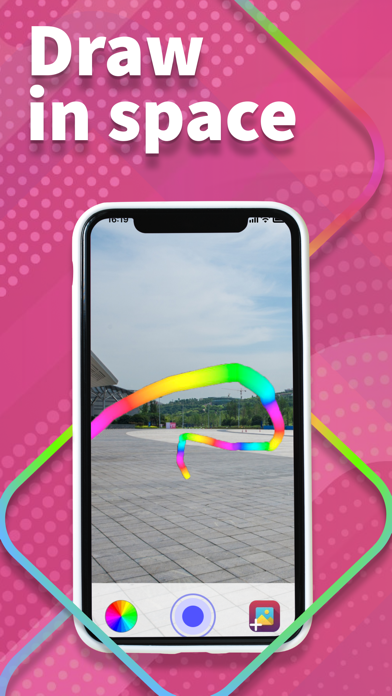
- Draw: Unleash your artistic side with intuitive drawing tools.
- Crop: Resize and adjust the composition of your photos with ease.
- ToneCurve: Fine-tune the tone curve for the perfect balance in your images.
Additionally, create custom stickers with your own photos and export them in high quality. Enjoy all these features and unleash your creativity! iPhotos also offers a wide selection of assets from freepik.com to add even more style to your creations.
=================
Privacy Policy: https://drive.google.com/file/d/147xkp4cekrxhrBYZnzV-J4PzCSqkix7t/view?usp=sharing
Terms of Use (EULA): https://www.apple.com/legal/internet-services/itunes/dev/stdeula/