Camera Scanner - PDF

Camera Scanner - PDF Summary
Camera Scanner - PDF is a free, with in-app purchases iOS app in Business by Position Mobile Ltd SEZC. Released in Aug 2020 (6 years ago). It has 8.4K ratings with a 4.45★ (good) average. Based on AppGoblin estimates, it reaches roughly 40K monthly active users and generates around $<10K monthly revenue (100% IAP / 0% ads). Store last updated Dec 3, 2024
Recent activity: -2 new ratings this week View trends →
SDK intelligence: AppGoblin detected 3 ad networks(e.g. Google), 2 development tools, 1 analytics: product,and 1 analytics: attribution integrated into Camera Scanner - PDF. View full SDK list →
Camera Scanner - PDF SDKs Summary
Camera Scanner - PDF was last scanned for SDKs on 2026-07-28. Below is the overview of third-party companies detected in the app. The full list of SDKs, permissions and unknowns is available here.
 Google
 Facebook
 AppLovin
 nanopb
 Firebase
 Adjust
4.45★
Ratings: 8.4K
Screenshots

App Description
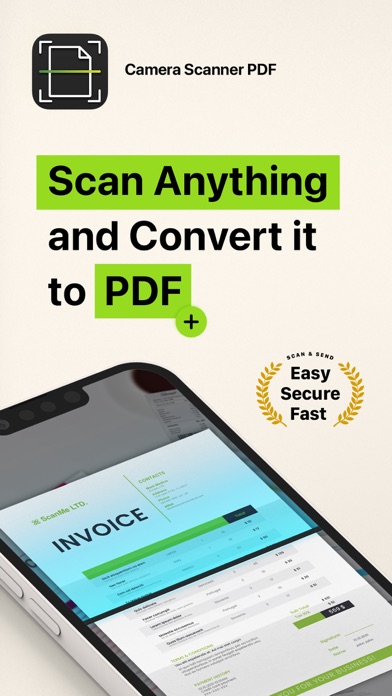
The Camera Scanner - PDF app offers you the most accurate PDF scanning capabilities using our powerful text editing (OCR) engine. With enhanced Optical Character Recognition software, you can now edit and sign documents much easier. Your device will become your essential portable document scanner. Manage an endless number of files and folders with just a few taps and keep all your documents securely in one place. You can even share your favorite documents with others easily and immediately or sign them.
Use your phone to scan any hand written, printed or graphic material such as:
- Contracts
- Business Cards
- Expenses
- School or university documents
- Books
- Notes
- IDs (Driver's License, Passports, Personal Identification, etc)
- Tax Forms & Tax Documents
PDF Document Scanner with OCR app is easier than ever to use and with a pixel perfect design. Simply follow these easy steps:
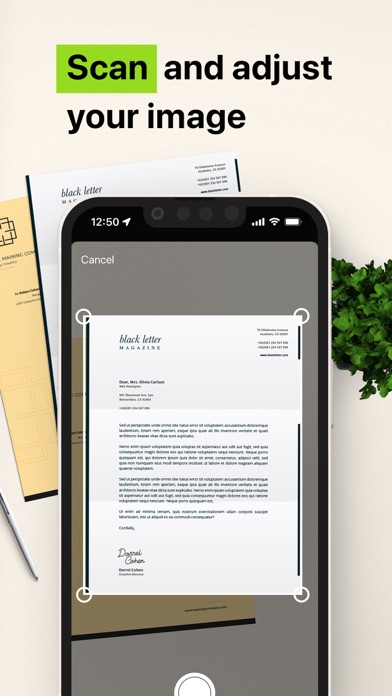
- SCAN documents from your camera, photos or even from your clipboard
- EDIT your documents in order to fit your needs (crop, blur and use many other filters)
- PRINT or SHARE your PDF files with anyone via email, message or any other platform that you use
- COPY TEXT from your digital scans
- STORE securely all your documents on your device with no additional cloud storage cost involved
- SIGN your docs in a secure environment
This app is your best ally for scanning purposes!
--------------------------------------
PDF Document Scanner with OCR Premium Subscription
--------------------------------------
Upgrade to the Premium version in order to:
- Share your files with no limits
- Use our powerful character recognition engine (OCR) to copy and edit text from your scanned files
- Enjoy an ad-free experience
Document Scanner – PDF, OCR app has different subscription plans.
Subscription payments are charged to your iTunes account at confirmation of purchase. Subscription automatically renews unless auto-renew is turned off at least 24 hours before the end of the current subscription period or trial. Subscriptions starting with a trial automatically renew for the indicated price after the trial period ends. Any unused portion of a free trial period, if offered, will be forfeited when you purchase a premium subscription during