Smart View - Screen Mirroring

Smart View - Screen Mirroring Summary
Smart View - Screen Mirroring is a ad-supported, with in-app purchases iOS app in Photo And Video by Soufiane Benabid. Released in Aug 2020 (5 years ago). It has 49.7K ratings with a 4.36★ (good) average. Based on AppGoblin estimates, it reaches roughly 24.7K monthly active users and generates around $<10K monthly revenue (35% IAP / 65% ads). Store metadata: updated Sep 2, 2025, version 15.5.6.
Recent activity: 5.00 new ratings this week View trends →
Data tracking: SDKs and third-party integrations were last analyzed on Jun 10, 2026.
Store info: Last updated on App Store on Sep 2, 2025 (version 15.5.6).
SDKs, Trackers & Permissions
Smart View - Screen Mirroring was last scanned for SDKs 2026-06-10. Below is the overview of third party companies detected in the app. The full list of raw SDKs, app permissions and unknown SDKs is available here.
 Firebase
 Google
 Alamofire
 Airbnb Engineering
 nanopb
 Snap
SnapApp Details
App Store
Ads & App-Ads.txt
AppGoblin SDK Scans
4.36★
Ratings: 49.7K
Screenshots


App Description
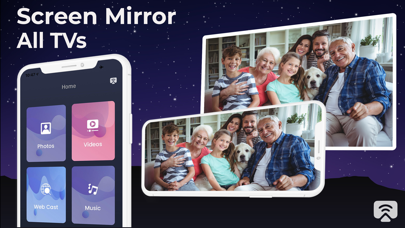
Transform your iPhone screen mirroring experience with our professional screen casting solution. Mirror your iPhone to TV, cast phone to TV, and stream content wirelessly to Samsung TV, LG TV, Roku, and other smart TVs. Perfect alternative to Miracast for iPhone users, utilizing advanced wireless display technology.
Key Features:
- Free screen mirroring app with intuitive user interface
- Cast iPhone to Samsung TV, LG TV, and other smart displays
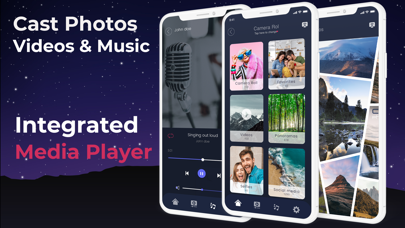
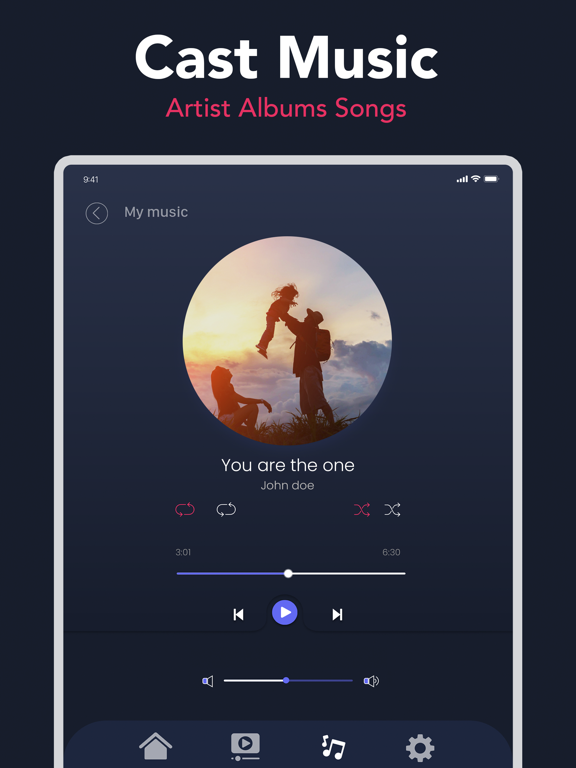
- Stream photos, videos, and music with built-in media player
- Wireless display connection - no cables or additional hardware required
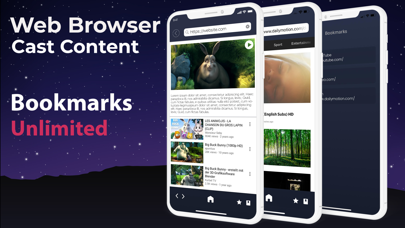
- Integrated browser for casting online videos directly to your TV
- Compatible with iPhone screen mirroring to Samsung TV and LG screen share
Professional Screen Casting Solution:
Experience seamless screen mirroring iPhone to TV functionality. While many users search for Miracast iPhone solutions, our app provides superior wireless casting specifically designed for iOS devices. Support for all major TV brands including Samsung, LG, Sony, and Roku devices. Connect phone to TV effortlessly through your WiFi network.
How to Start Screen Mirroring:
1. Ensure both your iPhone and TV are connected to the same WiFi network
2. Select your content (photos, videos, or music)
3. Choose your target device from the available casting options
4. Enjoy wireless display mirroring on your big screen
Subscription Options:
- Free version with daily casting limitations
- Premium plans: $6.99/week, $8.99/month, $19.99/year, or $39.99 lifetime access
- Unlock unlimited screen mirroring iPhone to Samsung TV and all casting features
Subscription Terms:
- Auto-renewal can be disabled 24 hours before period end
- Account charges occur within 24 hours of renewal
- Manage subscriptions in Account Settings
- Free trial forfeited upon subscription purchase
Privacy Policy: https://benabid.me/privacy
Terms of Use: https://benabid.me/terms