Smartphone iD - Passport photo

Smartphone iD - Passport photo Summary
Smartphone iD - Passport photo is a free iOS app in Photo And Video by Smartphone iD. Released in Oct 2020 (6 years ago). It has 26K ratings with a 4.72★ (excellent) average. Based on AppGoblin estimates, it reaches roughly 16K monthly active users . Store last updated Oct 15, 2026
Recent activity: 12 new ratings this week View trends →
SDK intelligence: AppGoblin detected 3 ad networks(e.g. Google), 2 analytics: product, 2 business tools, 1 development tools,and 1 analytics: attribution integrated into Smartphone iD - Passport photo. View full SDK list →
Smartphone iD - Passport photo SDKs Summary
Smartphone iD - Passport photo was last scanned for SDKs on 2026-10-28. Below is the overview of third-party companies detected in the app. The full list of SDKs, permissions and unknowns is available here.
 Google
 Facebook
 One Signal
 Firebase
 Google Analytics
 Adjust
 Stripe
 PayPal
4.72★
Ratings: 26K
Screenshots


App Description
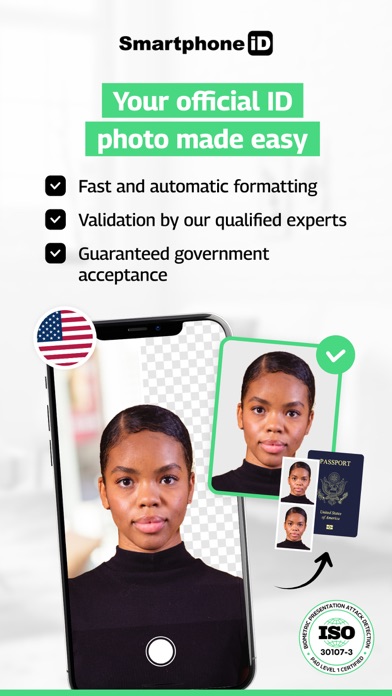
Passport photo – 100% accepted for all official US documents.
Take it from home. Fast, secure, and government-compliant.
Simple. Fast. Reliable service.
Since 2017, millions of users have trusted Smartphone iD to take official ID photos — without leaving home.Whether it’s for a passport, visa, Green Card, DMV license, or any government application, Smartphone iD provides a compliant photo in minutes, with step-by-step guidance.
Why choose Smartphone iD:
- 100% compliant with official US and international standards
- Unlimited retakes until your photo is approved
- Dual verification: AI + human expert review
- Track your order directly from the app
- Service available 24/7 — take your photo anytime
- Affordable, fast, and user-friendly
- GDPR & privacy compliant — full control over your data
How it works:
1. Select your country
2. Choose the document type (passport, visa, ID, Green Card…)
3. Take your photo with our guidance
4. Confirm your order and get your verified photo by email
Need a physical photo?You can order prints or download the file.
If you print it yourself, use a certified photo kiosk to ensure quality and acceptance.
Check our quick photo tips before starting — it speeds up approval.