Daily Planner with Calendar

Daily Planner with Calendar Summary
Daily Planner with Calendar is a ad-supported, with in-app purchases iOS app in Productivity by KIYO, K.K.. Released in Aug 2020 (5 years ago). It has 152 ratings with a 4.83★ (excellent) average. Based on AppGoblin estimates, it reaches roughly 582 monthly active users and generates around $<10K monthly revenue (22% IAP / 78% ads). Store metadata: updated Mar 22, 2024, version 1.1.59.
Data tracking: SDKs and third-party integrations were last analyzed on Apr 21, 2026.
Store info: Last updated on App Store on Mar 22, 2024 (version 1.1.59).
Daily Planner with Calendar was last scanned for SDKs 2026-04-21. Below is the overview of third party companies detected in the app. The full list of raw SDKs, app permissions and unknown SDKs is available here.
 Google
 Unity
Unity4.83★
Ratings: 152
Screenshots


App Description
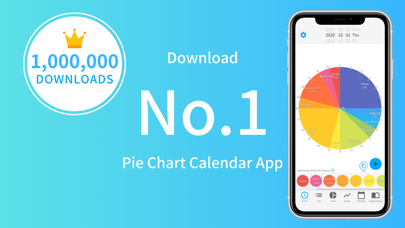
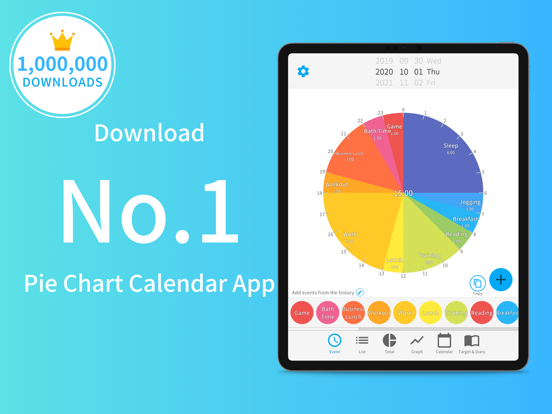
App Store 1st place (Pie chart schedule management app ranking in Japan *).
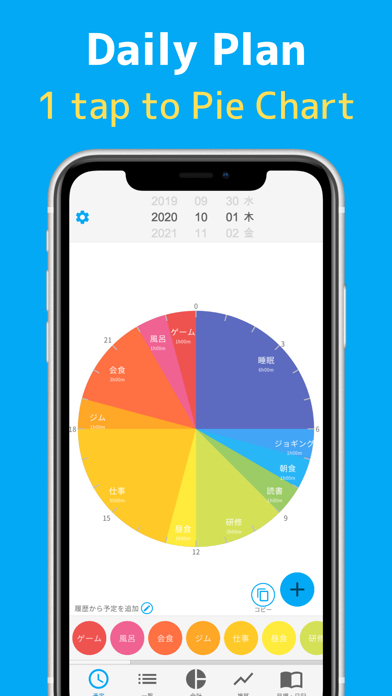
A free schedule management app that manages your daily schedule in a 24-hour pie chart.
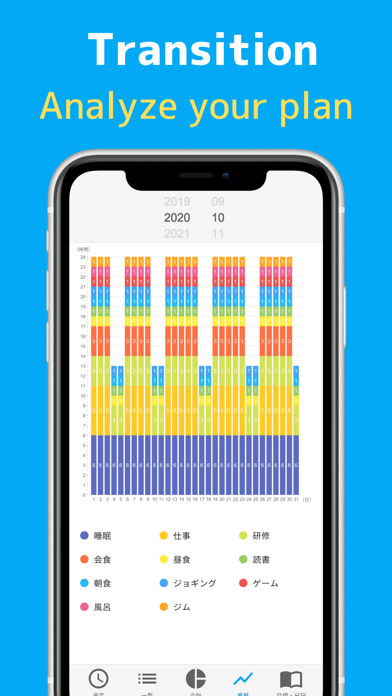
Full of functions such as total time calculation and graph transition display.
▼ For daily schedule management and visualization of records to look back on the day ▼
Enter your 24-hour schedule for the next day and have a meaningful day.
With automatic analysis, you can also display the total time and bar graph, so you can look back on the schedule of the day at the end of the day.
You can visualize the wasted time, improve your vague life, and spend a well-balanced day toward your goals.
▼ Full of functions ▼
It is equipped with all the functions necessary for schedule management, such as automatic totaling of total time, display of transitions by bar graph, registration of diary and goals, and remind function by push notification.
▼ Features / Differences from similar apps ▼
[free]
The usage fee is free. (With in-app purchase)
[Schedule registration with 1 tap]
You can easily register an appointment with "1 tap", so scheduling does not take time.
[Pie chart]
The schedule is displayed as a pie chart, so you can visualize the flow of the day.
[Schedule tittle can be freely described]
You can add as many schedules as you like, so you can use them according to your purpose.
[Automatic total time]
Since the total time can be calculated automatically for each schedule, you can immediately see "how many hours you have studied in total".
You can view the total time for breaks and games to improve the way you spend your day when scheduling the next day.
[Transition by bar graph]
You can see the transition for one month on the bar chart.
[List display]
The schedule can be displayed not only in the pie chart but also in the list, so you can check the detailed schedule at a glance.
[Over 100 colors ]
We have more than 100 color variations so that you can choose the color that suits your schedule.
[Time is in 5 minute increments]
Schedules can be registered in 5-minute increments, so detailed schedules can be registered and visualized.
[Notification function]
You can turn on push notifications to receive notifications at the scheduled start time.
[Registration of diary]
You can write down your daily records and hard work as a diary.
[Visualization of goals]
Since you can register goa