Scan and Sign - Scanner app

Scan and Sign - Scanner app Summary
Scan and Sign - Scanner app is a ad-supported, with in-app purchases iOS app in Business by Siiling OU. Released in Oct 2020 (5 years ago). It has 9.00 ratings with a 4.67★ (excellent) average. Based on AppGoblin estimates, it reaches roughly 57 monthly active users and generates around $<10K monthly revenue (27% IAP / 73% ads). Store metadata: updated May 12, 2021.
Store info: Last updated on App Store on May 12, 2021 .
4.67★
Ratings: 9.00
Screenshots


App Description
"Scan and Sign" is an easy-to-use and time-saving application that can be used anywhere anytime! Scan, sign, and share any documents.
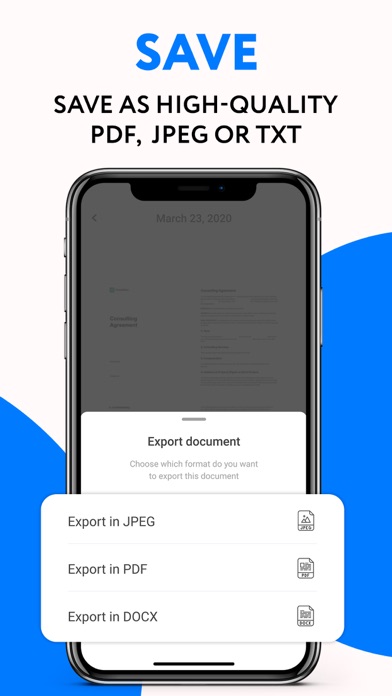
The "Scan and Sign" application is designed to simplify the procedure of scanning papers (documents), passes, and photos. It has image recognition functions, the ability to put digital signatures and convert to PDF and JPEG in high resolution.
Here are the options that become available to you when installing the application:
- Document scanner
- Digital signature
- Editing
- Multi-page scanning mode
- Fast conversion to text
- Highlight the text
The Internet connection is not required to use the application, as all files are stored on a local drive by default and can be synchronised with the cloud storage only afterward. You can share the edited document, sign the contract, and even print it out if you have a printer nearby.
When you need to prepare for an exam, send documents by fax, just take your phone and launch the application! It recognises the elements presented, whether they are text, images, or laminated documents, through the camera. "Scan and Sign" can distinguish between texts, business cards, and invoices, identify brochures and certificates, and record contracts, agreements, and reports. Sketches, rental papers, and articles of any format can also be scanned and edited here.
The interface is simple and intuitive. Even a school student can use it to scan and send a document and, if necessary, pre-edit it so that there are no extra details on the text or image.
There are also several options for premium access in the application. You can always pay for a subscription for several months or terminate it through the settings section.