Scanner+:PDF Document OCR

Scanner+:PDF Document OCR Summary
Scanner+:PDF Document OCR is a ad-supported, with in-app purchases iOS app in Productivity by 青兆 李. Released in Sep 2020 (5 years ago). It has 1.00 ratings with a 5.00★ (excellent) average. Based on AppGoblin estimates, it reaches roughly 4.00 monthly active users and generates around $<10K monthly revenue (27% IAP / 73% ads). Store metadata: updated May 5, 2022.
Store info: Last updated on App Store on May 5, 2022 .
5★
Ratings: 1.00
Screenshots


App Description
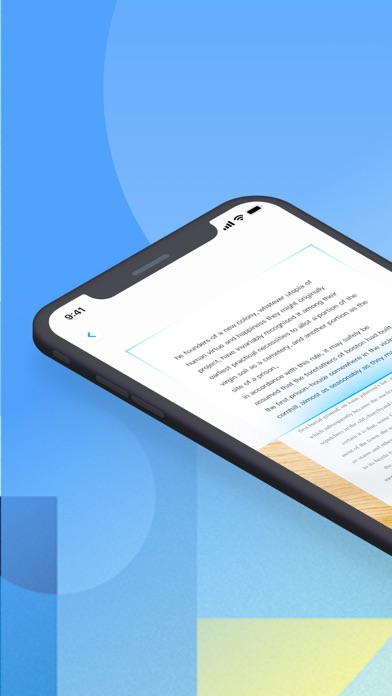
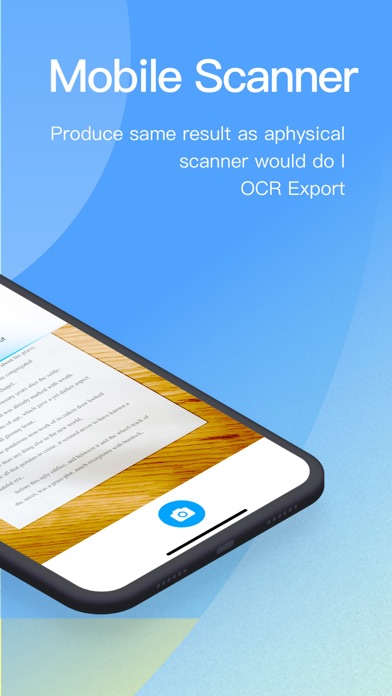
* Scan docs into clear & sharp image/PDF, to email, fax, print
Blue scanner is a free scanner app that helps users scan, edit, store, and sync contents across phone, iPads, tablets and computers. Extract texts with OCR and convert PDF to Word, Excel, etc.
Features:
*Free Mobile Scanner
Use your phone camera to scan receipts, notes, invoices, whiteboard discussions, business cards, certificates, etc.
*Advanced Editing
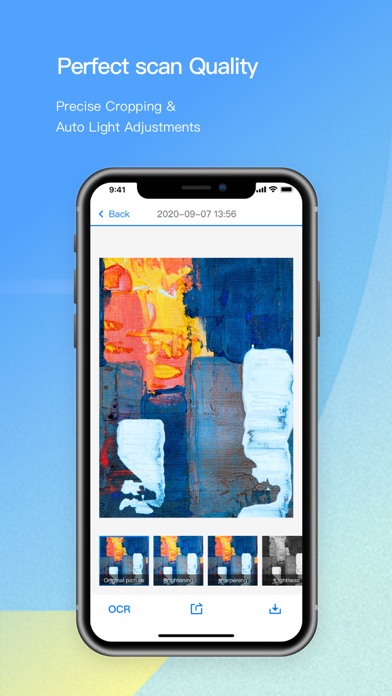
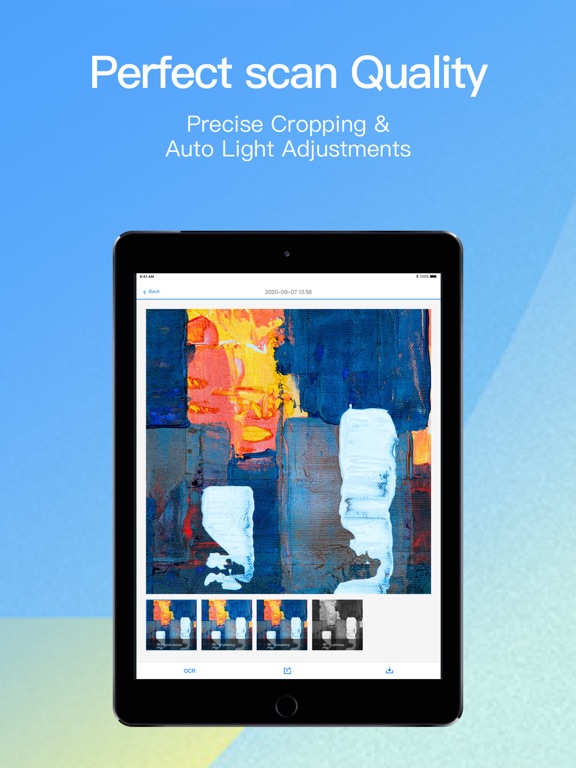
Making annotations or adding customized watermark on docs are made available for you.
*Extract Texts from Image
OCR (optical character recognition) feature extracts texts from single page for further editing or sharing.
*Share PDF/JPEG Files
Easily share documents in PDF or JPEG format with others via social media, email attachment or sending the doc link.
Payment models for Premium subscription:
• Monthly Subscription: free for 3 days and $2.99 per month,
• Three Monthly Subscription: free for 3 days and $7.99 per 3 month
• Yearly Subscription: free for 3 days and $29.99 per year,
• Payment will be charged to iTunes Account at confirmation of purchase.
• Account will be charged for renewal within 24-hours prior to the end of the current subscription period.
• Subscriptions may be managed by the user and auto-renewal may be turned off by going to the user's Account Settings after purchase.
For Terms of Use, please visit https://bluescanner.wordpress.com/terms-of-service/
For Privacy Policy, please visit https://bluescanner.wordpress.com/privacy-policy/
We’d love to hear your feedback: luanyou@foxmail.com