VLog Cam

VLog Cam Summary
VLog Cam is a mobile iOS app in Photo And Video by Heng Jia Liang. Released in Sep 2020 (5 years ago). Store metadata: updated Feb 13, 2026.
Store info: Last updated on App Store on Feb 13, 2026 .
0★
Ratings: 0
Screenshots



App Description
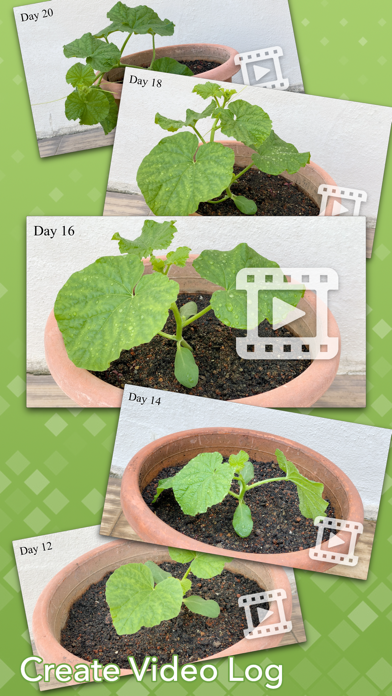
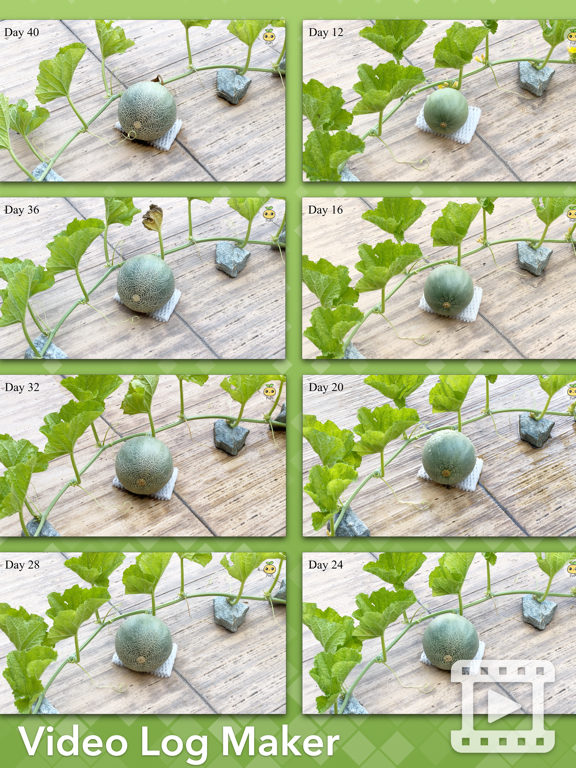
Vlog Cam enables you to capture video clips just like time-lapse. Capture video clips in the same location and orientation easily with the assistance of previous photo overlay and orientation log. By setting clip limits, each video clip will capture with a specific length.
Vlog Cam includes Standard Camera Features:
• Default highest video quality output depends on the device. Configure between HD, FHD, and 4K.
• Pinch to Zoom.
• Touch Focus.
• Touch Exposure Control.
• Show/Hide Grid.
• Show/Hide Leveler.
• Enable/Disable Flash.
• Switch Front or Back Camera.
• Support Landscape or Portrait mode.
• Video capture with EXIF Data.
• Video capture with embedded time and date.
• Video clip delay start. Delays 3 seconds on button press to eliminate camera shake.
• Video clip auto stop limit. E.g., video clip auto stops at 5 seconds.
Vlog Cam Features:
• Show overlay image for position mapping.
• Enable/Disable Save Original Photo while video capture.
• Show/Hide Device orientation such as heading (0-360° relative to North) and device pitch angle (0° horizontal, looking up, e.g., 20.5°, or looking down, e.g., -15.6°). Useful for day-by-day reference when the device is handheld to get the same position every day.
• Show/Hide Time and Date.
Create Custom Projects:
• Create projects with custom settings.
• Rename/Delete custom projects.
• Show overlay image for positioning while capturing the next video clip.
• Select first or last image for overlay.
• First overlay will always use the first captured image as an overlay reference.
• Last overlay will always use the previous captured image as an overlay reference.
• Show/Hide Capture Number.
• Show/Hide Title.
• Videos captured with custom projects are saved into a custom album in the photo library for fast and easy access. The album name matches the custom project title.
• Video clip names match the project title. E.g., Plant-12-12-2021.mp4.
Quick Start Guide:
- Tap on the Project button.
- Create a project and define the capture settings.
- Tap on the project name to load the project.
- Position the camera and start capturing.
Usage Scenario:
Let's assume we are going to capture a video clip of building construction day by day.
- Start by tapping on the Project button.
- Create a project named "Building."
- Define capture settings. E.g., set clip limit t