Widgets Pro & Icon Packs

Widgets Pro & Icon Packs Summary
Widgets Pro & Icon Packs is a free, ad-supported, with in-app purchases iOS app in Tools by Wave Design Studio. Released in Dec 2020 (5 years ago). It has 19 ratings with a 2.58★ (poor) average. Based on AppGoblin estimates, it reaches roughly 51 monthly active users and generates around $<10K monthly revenue (22% IAP / 78% ads). Store last updated Jan 13, 2022
Widgets Pro & Icon Packs SDKs Summary
App not yet scanned for SDKs.
2.58★
Ratings: 19
Screenshots
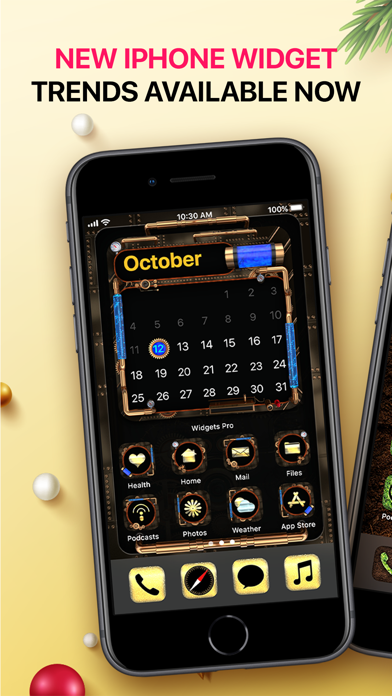
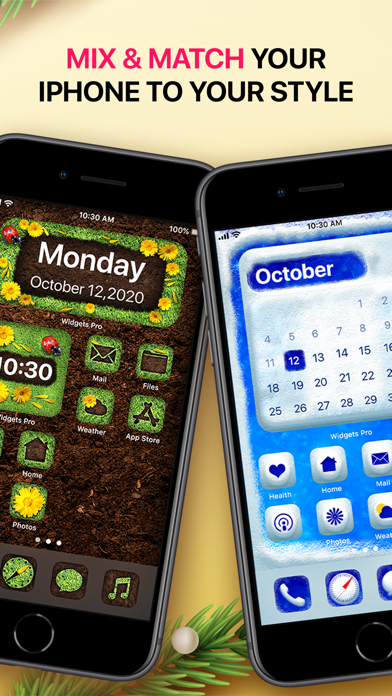
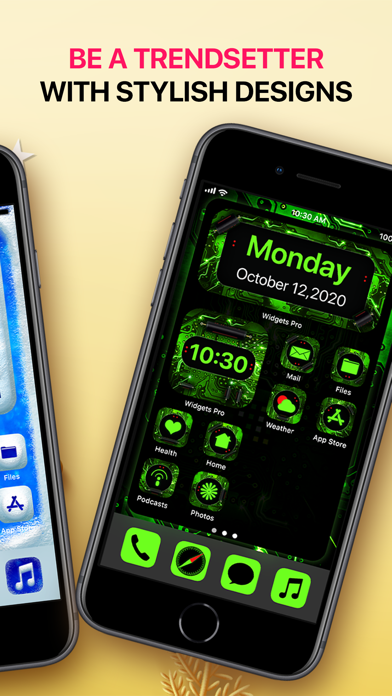
App Description
Step up your iPhone customisation level with Widgets Pro. Choose a totally unique look by combining our beautifully designed widgets with the gorgeous set of custom icons. Each widget theme has it’s own custom designed icon pack. You can select any of the carefully designed widgets then download the icon pack and set shortcuts for all the desired apps, you wish to customise.
To add a widget to the screen just long press on the home screen and tap the plus (+) button, then select Widgets Pro from the apps list and the widget type (small, medium or large).
Adding custom icons to your favourite apps is possible only through the Shortcuts app. First save the icon pack you wish to use, in your iPhone’s gallery. Open the Shortcuts app, create a new shortcut, search for “open app” action and select it from the list, tap “Choose” and select the desired app, tap (…) button from the right hand corner then add a name to your shortcut, select the desired icon and then tap “Add to Home Screen”
To access the premium content in our app you need subscribe to our Unlimited Access subscription. We offer a 3 days free trial after which you’ll be charged $24.99 in your local currency.
SUBSCRIPTION INFORMATION:
- Subscription payments will be charged to your iTunes account at confirmation of purchase and at the beginning of each renewal term.
- A free trial subscription will automatically renew to a paid subscription. You can cancel your subscription or free trial from your iTunes account settings at least 24 hours before the end of the free trial period.
- Renewal cost will be charged to your account 24 hours prior to the end of the curent period.
- The cancellation will take effect the day after the last day of the current subscription period.
Terms of service: http://livewallpapers.com/terms-and-conditions.html
Privacy Policy:http://livewallpapers.com/privacy-policy.html