VVD - Photo Editor

VVD - Photo Editor Summary
VVD - Photo Editor is a with in-app purchases iOS app in Photo And Video by Seohyeon Lee. Released in Dec 2020 (5 years ago). It has 22 ratings with a 3.41★ (mixed) average. Based on AppGoblin estimates, it reaches roughly 13 monthly active users and generates around $<10K monthly revenue (100% IAP / 0% ads). Store metadata: updated May 6, 2026.
Store info: Last updated on App Store on May 6, 2026 .
3.41★
Ratings: 22
Screenshots
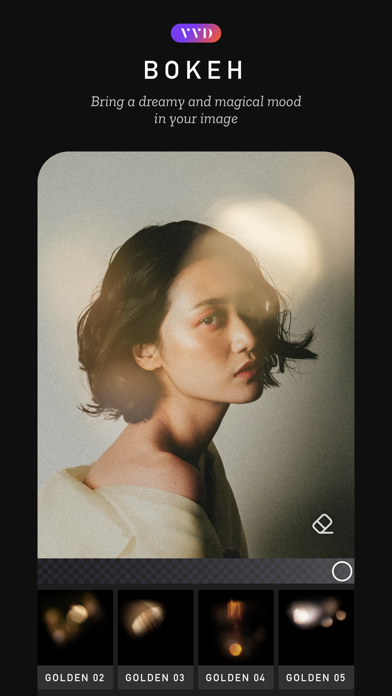
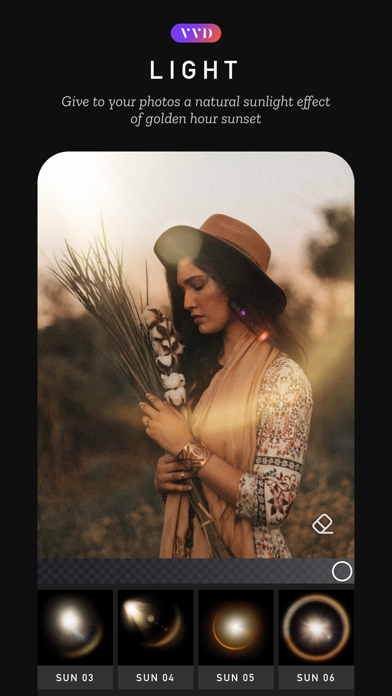
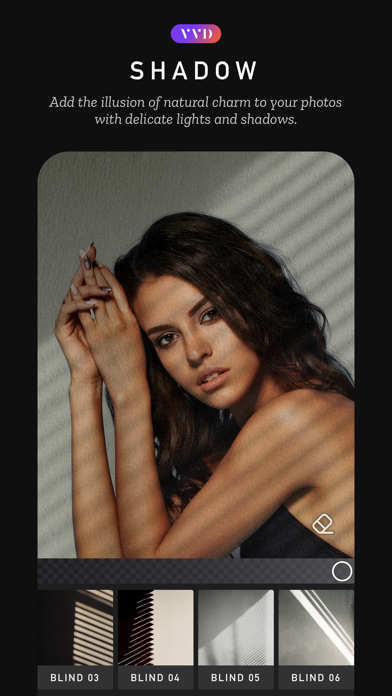
App Description
Use VVD to vivid your images!
Use VVD to enhance your photos with the power of beautiful light, natural elements, and captivating overlays. With over 500 overlays and professional photo editing tools, you can take complete control of your image. Each overlay can be erased or masked on a layer-based basis, allowing for detailed adjustments that can be applied individually.
It's super easy to use – simply select the overlay and make any necessary adjustments, such as changing the angle or size. VVD's Ultimate Overlays Library offers over 500 overlays across 14 themes, including Light, Shadow, Prisms, Bokeh, Sky, Film, Elements, and Weather. Each theme provides unique effects that can help you achieve your desired mood, such as a natural sunlight effect during golden hour or a dreamy, magical mood.
VVD also offers powerful layer-based editing tools such as erase/mask, filters, and adjustments, including exposure, contrast, saturation, and more. Additionally, the app features advanced retouching tools such as beauty, blur, and color fringe effects.
Upgrade to VVD PRO to access all of the app's features and content. The subscription plan offers monthly or annual billing, or you can opt for a one-time payment plan. VVD PRO subscription will be charged to your iTunes account at confirmation of purchase and will auto-renew at the end of the billing period unless canceled 24 hours in advance. You can manage your subscription and turn off auto-renewal in your Account Settings after purchase.
For more information, please read our Terms of Service and Privacy Policy.
If you have any questions or suggestions, please contact us at support@mocadeco.com or visit our support page at www.mocadeco.com/support.