Photo to PDF: Convert To PDF

Photo to PDF: Convert To PDF Summary
Photo to PDF: Convert To PDF is a mobile iOS app in Business by Evinco Solutions Inc.. Released in Jul 2021 (4 years ago). It has 54 ratings with a 4.70★ (excellent) average. Based on AppGoblin estimates, it reaches roughly 250 monthly active users . Store metadata: updated Aug 30, 2021.
Store info: Last updated on App Store on Aug 30, 2021 .
4.7★
Ratings: 54
Screenshots

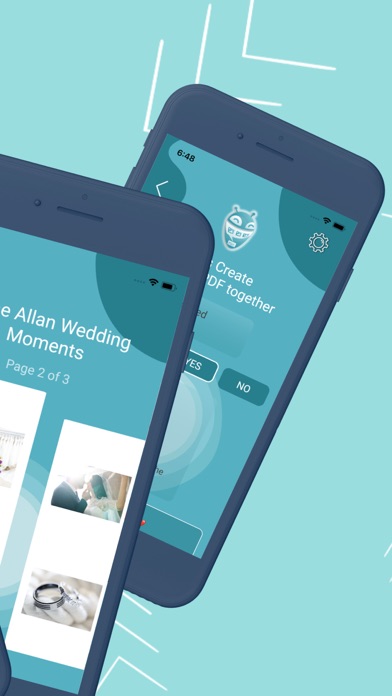

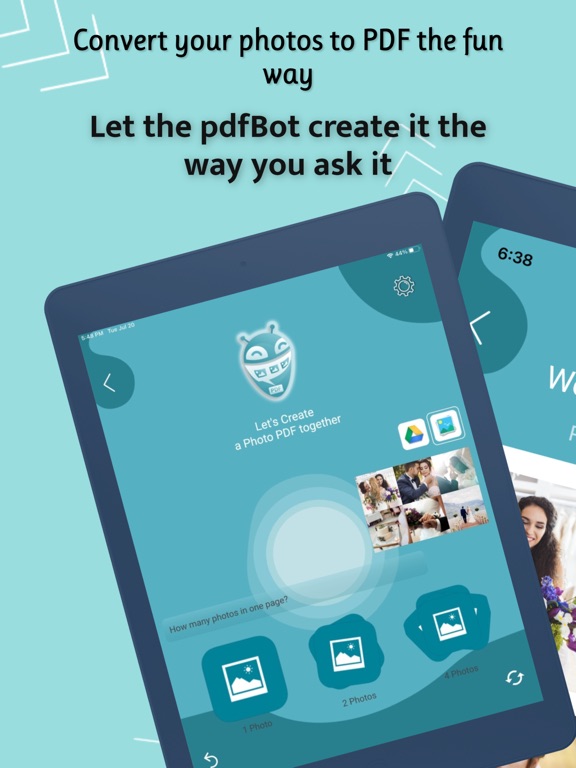


App Description
◆ THE FUN & EASY WAY TO CONVERT IMAGES TO PDFS ◆
Are you in search of an EASY and FREE jpeg png converter to convert photos to pdf?
Want to add multiple images with text to a pdf with a simple pdf generator from image?
Meet PdfBot: Pic to Pdf Image Converter & Photo PDF Generator. Download NOW to convert your images to pdf in the fun way with NO WATERMARK for FREE using an AI-powered pdf photo converter, generator & editor.
►AI PIC TO PDF CONVERTER
This pdf jpg editor & pdf converter for iPhone & iPad has a built-in integrated PDFBot that interacts & understands your needs. It creates the pdf according to your choice. Not only our png to pdf converter & pdf creator free is extremely to use, but it is completely FREE, there is NO WATERMARK and NO ADS to distract you.
Now you can forget about other image converters to pdf apps with over-complicated non-essential features. PdfBot jpg to pdf converter will ask you few questions. Based on your answers it will convert your JPG to PDF & turn them into a PDF report. With this pdf generator & pdf maker for iPhone, you will not only be at the top of your productivity but also at the top of your cheerful mental state!
►PDFBOT: PHOTOS TO PDF CONVERTER FEATURES:
◉ This is REAL! The AI Bot will be creating the PDF for you!
AI-Powered Fun way to convert pdf photos. No more of the boring photos to pdf apps. It’s like you are playing a game and at the end, a PDF document is ready to share with your loved ones, or coworkers.
◉ Thinking of a Cover Page for your PDF Document?
Just tell the pdfmaker bot that you need a cover page. That’s it! You can even add a logo into the cover page, customize the title or footer of the cover page with this smooth auto pdf creator.
◉ Photos in Google Drive, not in your phone?
No problem! You can import your photos directly from Google drive on our pdf to image converter. If your photos are already in the phone’s photo gallery, our image to pdf converter will quickly find them too.
◉ Want to add captions to your photos?
When the pdf creator bot asks you, just say YES! Then you will have options to add customized captions or descriptions for each photo or image.
◉ Want to organize your photos in templates/layouts?
Need to add more than one photo per page? No problem! The img to pdf bot will guide you through choosing one of the pre-defined beautiful templates