Spirit Talker ®

Spirit Talker ® Summary
Spirit Talker ® is a mobile iOS app in Lifestyle by Spotted Ghosts. Released in Oct 2020 (5 years ago). It has 809 ratings with a 2.73★ (poor) average. Based on AppGoblin estimates, it reaches roughly 1.8K monthly active users . Store metadata: updated Feb 26, 2025.
Recent activity: 4.00 new ratings this week View trends →
Store info: Last updated on App Store on Feb 26, 2025 .
2.73★
Ratings: 809
Screenshots
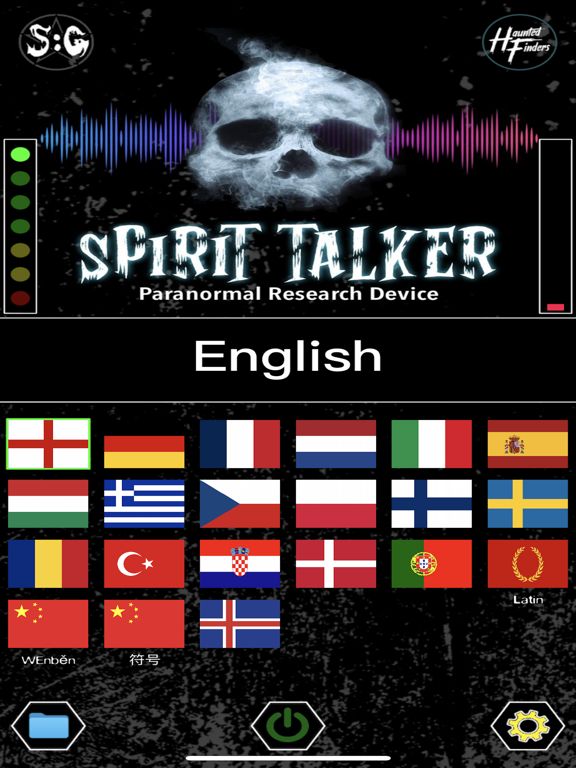
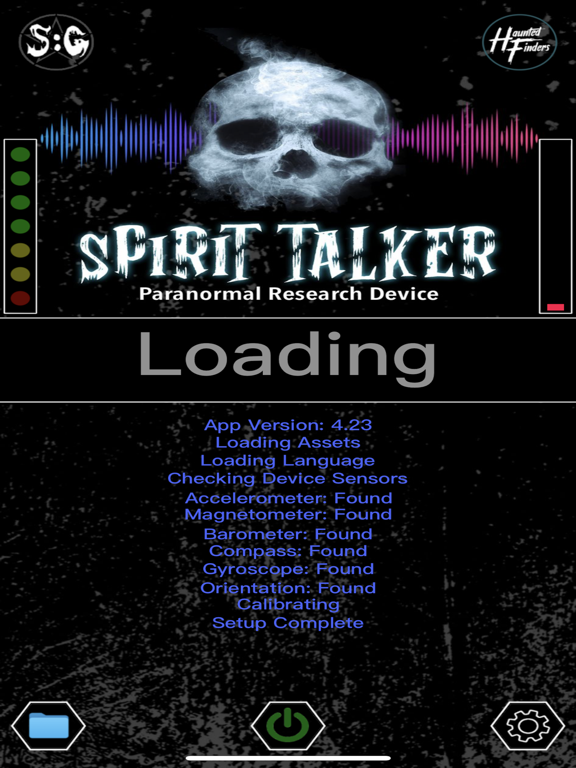
App Description
As seen on:
Haunted Finders, The Paranormal Files, Twin Paranormal, WWE, Scarlett & Shotzi, Bad Cat Paranormal, Exploring Harley, Ghost Club Paranormal, Barrier Beyond, Tommy Amongst the Tombstones, Hauntings with Hodge, Jasko, Omar Gosh, Paranormal XP, What Goes Bump in the Night, Exploring with Josh, Ghostly Travels with Zac, Kelsi Davies, Moxleys Paranormal World, Hunting the Dead, TylerReynolds TV, PollyFox Paranormal, Paranormal Discovery, Sam and Colby, WhatThe? Paranormal, F.D.L Paranormal and many many more.
Beware of FAKE copies, this is the Original Spirit Talker App.
*********************************************************************
Spirit Talker ® works in a similar way to the world famous Ovilus device, but it is based on my own research and theories.
It produces words and speech based on what the sensors in your phone are detecting.
The theory behind this app is that spirits might be able to manipulate the device sensors to communicate with you.
Spirit Talker ® is a modern form of ITC (Instrumental Trans Communication) and is very simple to use.
Just click the green ON button and begin asking your questions.
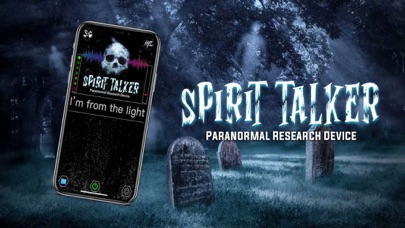
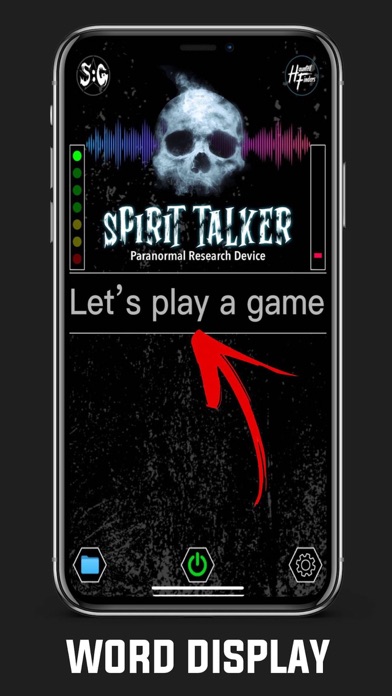
When a response is detected by the app the words will show visually in the text box along with audible speech.
Nothing is chosen randomly, everything produced is based on the values from the sensors.
When you have finished your session just click stop. You can also look back at the responses you received during your session by clicking on the folder button (this only works when the scanner is "Stopped").
You can also look back at the responses you received during your session by clicking on the folder button (this only works when the scanner is "Stopped").
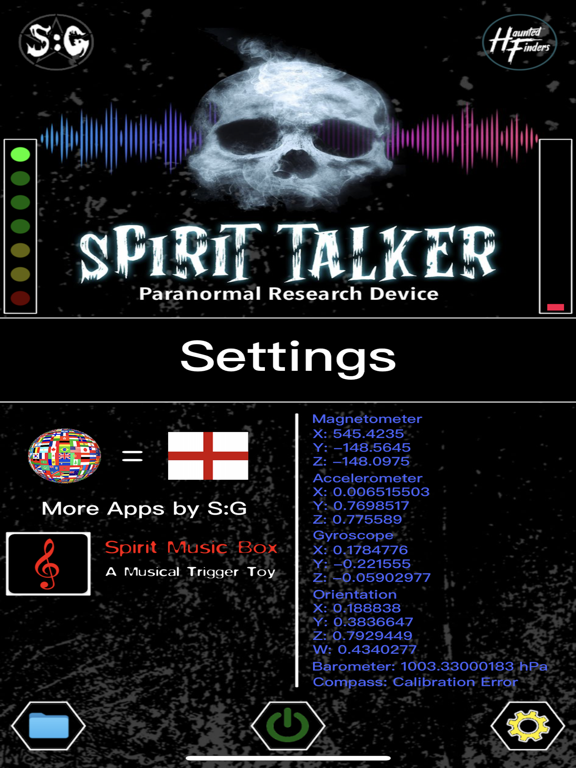
The sensors that the app uses are:
Magnetometer (EMF)
Accelerometer
Gyroscope
Orientation
Barometer
Compass
The EMF Meter only works if your device has a Magnetometer Sensor. If not then the EMF Meter won't be displayed.
Please check the compatibility of your phone / tablet.
When you have finished your session, turn off the scanner to save the words to the file.
Moving your phone quickly or putting it near electronic equipment will manipulate the sensors and make it produce a result, please do not do this!
Languages in the app are:
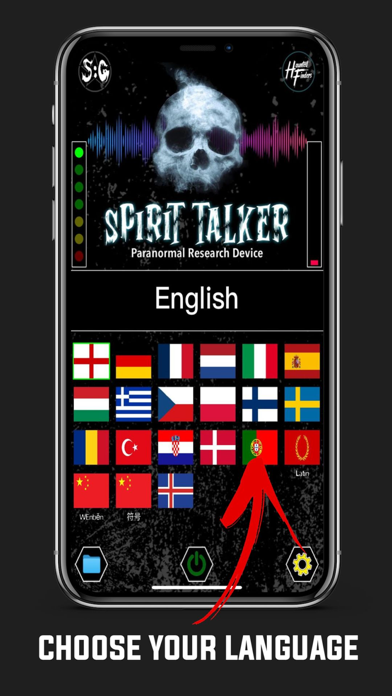
English, Latin, French, German, Chinese (Text or Symbols), Danish, Portuguese, Romanian, Turkish, Croatian, Polish, Finnish, Swedish, H