Call Widget: Speed Dial

Call Widget: Speed Dial Summary
Call Widget: Speed Dial is a free, with in-app purchases iOS app in Tools by AZUR APPS FZ-LLC. Released in Oct 2020 (6 years ago). It has 1.9K ratings with a 4.26★ (good) average. Based on AppGoblin estimates, it reaches roughly 8.1K monthly active users and generates around $<10K monthly revenue (100% IAP / 0% ads). Store last updated Mar 29, 2021
SDK intelligence: AppGoblin detected 4 development tools(e.g. Google), 2 ad networks,and 2 analytics: product integrated into Call Widget: Speed Dial. View full SDK list →
Call Widget: Speed Dial SDKs Summary
Call Widget: Speed Dial was last scanned for SDKs on 2026-11-04. Below is the overview of third-party companies detected in the app. The full list of SDKs, permissions and unknowns is available here.
 Google
 Airbnb Engineering
 nanopb
 ReactiveX
 Facebook
 Snap
Snap Firebase
 Amplitude
4.26★
Ratings: 1.9K
Screenshots
App Description
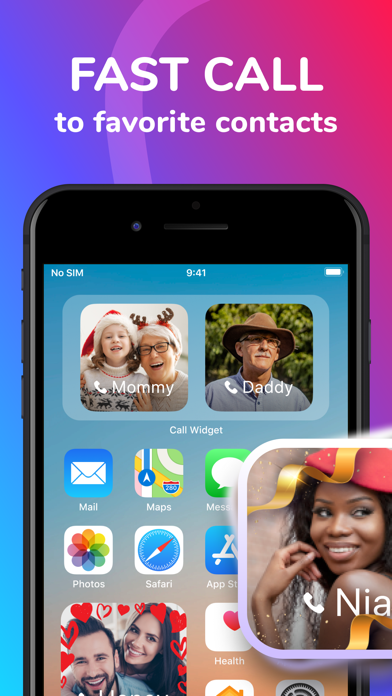
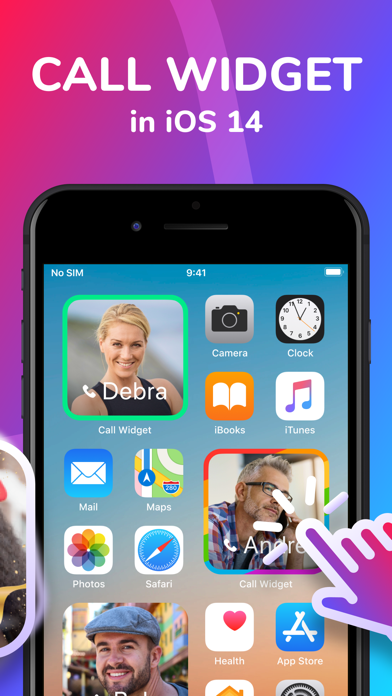
Call Widget is the first iOS 14 widget for speed-dialing your favorites directly from your home screen! All you need is to choose your favorite contacts, assign a photo, and find the best place on your screen for beautiful and useful widgets. Call your favs in two clicks. Isn’t it awesome?
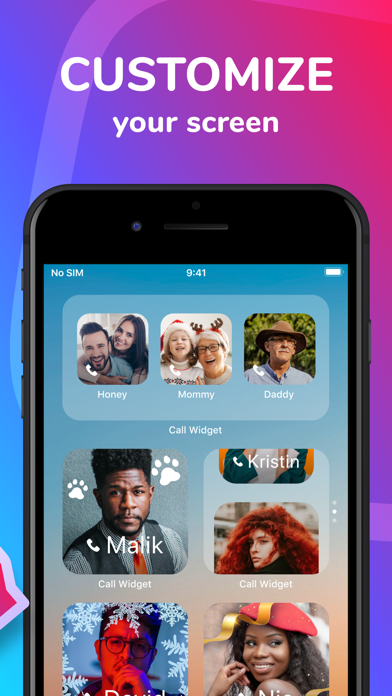
Call Widget is also an easy way to personalize your phone and be the coolest kid on the block.
Still in doubt? With Call Widget you can:
- SPEED DIAL your favorite contacts
- CUSTOMIZE your home screen
- EASILY set it up and use
Join in!
Terms of Use: https://www.azurapps.com/terms-of-use
Privacy Policy: https://www.azurapps.com/privacy-policy
Note: For using the App, you need to be sure that your device has been updated to iOS 14.