Solo - Fretboard Visualization

Solo - Fretboard Visualization Summary
Solo - Fretboard Visualization is a with in-app purchases iOS app in Music And Audio by Trio Software Ltd. Released in Jan 2021 (5 years ago). It has 775 ratings with a 4.78★ (excellent) average. Based on AppGoblin estimates, it reaches roughly 1.9K monthly active users and generates around $<10K monthly revenue (100% IAP / 0% ads). Store metadata: updated Jun 6, 2026.
Recent activity: 2.00 new ratings this week View trends →
Store info: Last updated on App Store on Jun 6, 2026 .
4.78★
Ratings: 775
Screenshots

App Description
Solo is the ultimate practice App for mastering fretboard visualization, designed by world renowned guitarists Tom Quayle and David Beebee.
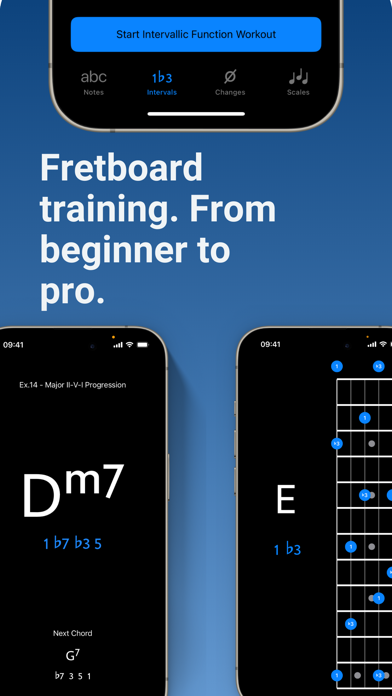
Four powerful fretboard trainers allow you to work intuitively on each aspect of the visualization process; learning note names, memorising interval shapes, outlining chord changes, and practicing scales.
Solo asks you to find intervallic functions against one root note, chord symbol or scale at a time, listens to the notes you play, and doesn’t move on until you’ve correctly found each note by its intervallic function in the specified order.
Practice with Solo and finally learn your note names, master interval shapes, confidently play through chord changes and break out of scale boxes with intervallic functions. Start transforming your playing and confidence on the fretboard today!
NOTE TRAINER
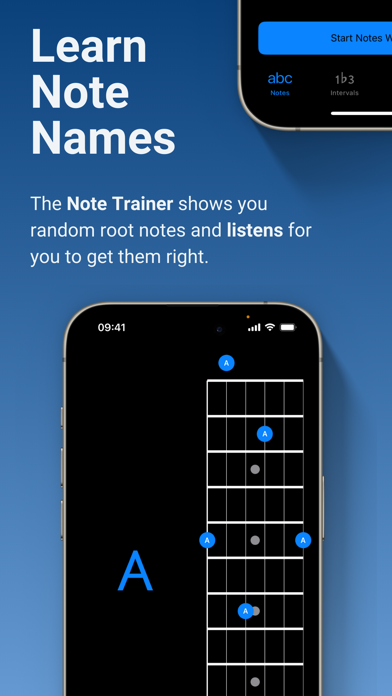
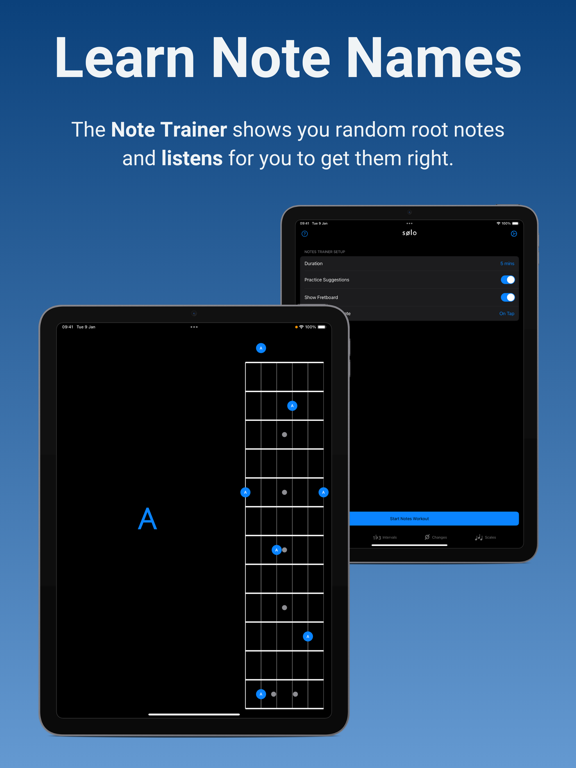
The Note Trainer is perfect for beginner and intermediate players getting to grips with note names on the neck - the foundation of solid fretboard knowledge.
‣ Solo shows you random root notes to find and listens, waiting for you to get it correct.
‣ Slide on the interactive fretboards for helpful diagrams and to study alternative options. Choose from 6 string guitar (standard and 4ths tuning), 7 string guitar, 4 string bass & 5 string bass.
‣ Optional practice suggestions offer challenging ways to limit and test yourself.
‣ Duration based workouts allow you to craft the perfect practice session.
INTERVAL TRAINER
The Interval Trainer will help players at all levels work on interval shapes with intervallic functions - the key to unlocking true freedom on the fretboard.
‣ Choose any combination of intervallic functions to practice.
‣ Create custom interval groups or choose the intervals for ANY chord type or scale.
‣ The Interval Trainer will randomise your chosen intervals and ask you to find them against either a fixed or random root note.
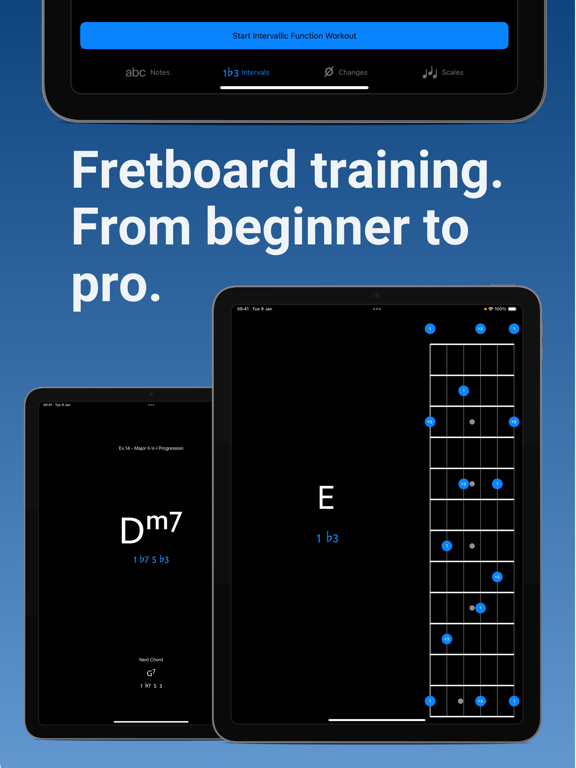
‣ Slide on the interactive fretboards for helpful diagrams, showing you where all of the interval shapes are across the neck, and to study alternative options. Choose from 6 string guitar (standard and 4ths tuning), 7 string guitar, 4 string bass & 5 string bass.
‣ Duration based workouts allow you to craft the perfect practice session.
CHANGES TRAINER
In the Changes Trainer you find intervallic functions, using single notes to outline different chord types or