Ringtone Maker Garage

Ringtone Maker Garage Summary
Ringtone Maker Garage is a free, ad-supported, with in-app purchases iOS app in Music And Audio by TwinBit Ltd. Released in Nov 2020 (5 years ago). It has 23K ratings with a 4.52★ (excellent) average. Based on AppGoblin estimates, it reaches roughly 58K monthly active users and generates around $<10K monthly revenue (31% IAP / 69% ads). Store last updated May 22, 2026
Recent activity: 8.00 new ratings this week View trends →
SDK intelligence: AppGoblin detected 5 development tools(e.g. Google), 2 ad networks,and 1 analytics: product integrated into Ringtone Maker Garage. View full SDK list →
Ringtone Maker Garage SDKs Summary
Ringtone Maker Garage was last scanned for SDKs on 2026-07-29. Below is the overview of third-party companies detected in the app. The full list of SDKs, permissions and unknowns is available here.
 Google
 Facebook
 Airbnb Engineering
 nanopb
 Alamofire
 Firebase
4.52★
Ratings: 23K
Screenshots
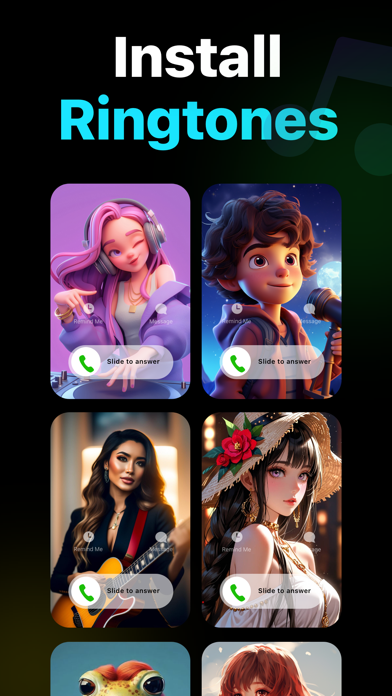
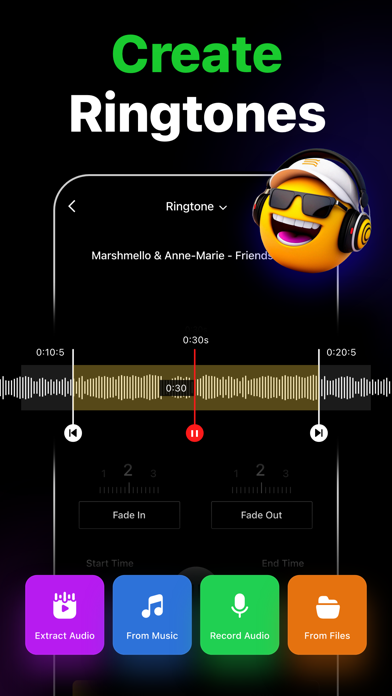
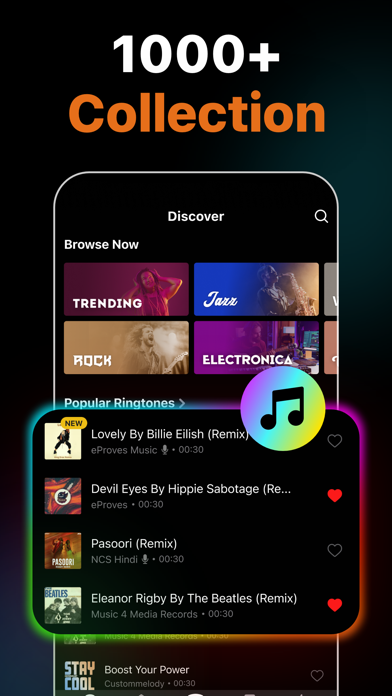
App Description
Easily create custom ringtones for iPhone with the best Ringtone Maker app using songs from local iTunes and videos. Personalize your ringtones, alarm tones, text alert, and notification sounds anytime from a rich collection of popular music genres and categories.
Key Features of Ringtone Maker:
• Create unique ringtones, custom alarms, and text tones for iPhone from local iTunes files
• Extract audio from videos to make ringtones
• Record audio to create ringtones
• Trim, Fade in, and Fade out audio files
• Install ringtones via GarageBand and iTunes
• Numerous catalogs of ringtones – HipHop, Funky, Jazz, Rock, Classical, Children, Comedy, Reggae, TikTok, Blues ringtones, and more
• Regularly updated popular ringtones section
• Mark ringtones as favorites and share them with friends
• Large selection of wallpapers to set as iPhone home screen and lock screen
Ringtones from Various Genres of Music
This music ringtones app offers tons of choices for those looking for how to change ringtones on an iPhone. Personalize your device however you want, from Latin, Instrumental, Rap, R&B to Souls, Blues, Pop, and Folk music ringtones.
Create Ringtones from Audio and Video
Make iPhone ringtones by directly recording audio or trimming songs in just a few steps. Cut any music from the local iTunes library using the audio trimmer. You can also extract audio from videos and set them as ringtones on your iPhone.
Cool iPhone Wallpapers
Personalize both your iPhone lock screen and home screen with a wide variety of wallpapers available in the app. From aesthetic wallpapers to cute backgrounds, you have a plethora of options to decorate your iPhone and give it a whole new stylish look.
Popular Ringtones and Favorite Feature
Frequently updated popular ringtones ensure that you don't miss out on trendy tunes and keep your iPhone experience fresh. Also, favorite any ringtones to find those easily later on.
How to make a custom ringtone on iPhone with the Ringtone Maker app?
Whether the goal is to make custom ringtones for contacts or create iPhone text message sounds, just follow these simple steps.
- Tap on the "+" button
- Select the song you want to convert into the iPhone ringtone format
- Trim, fade-in, or fade-out as necessary
- Save the custom ringtone
How to make a ringtone for iPhone without iTunes or PC using Ringtones: Ringtone Maker?
Ringto