Multi Space, PDF for Whats Web

Multi Space, PDF for Whats Web Summary
Multi Space, PDF for Whats Web is a with in-app purchases iOS app in Social Networking by Engels Cybersecurity & Consulting GmbH. Released in Nov 2020 (5 years ago). It has 115 ratings with a 4.52★ (excellent) average. Based on AppGoblin estimates, it reaches roughly 376 monthly active users and generates around $<10K monthly revenue (100% IAP / 0% ads). Store metadata: updated Sep 29, 2022.
Store info: Last updated on App Store on Sep 29, 2022 .
4.52★
Ratings: 115
Screenshots



App Description
One App with multiple tools for your social networking.
====WA Tools====
--Direct Chat
--Split Browser
--Message Templates
--Text Styler
--Text Decorator
--Emoticons
--Text Repeater
====Key Features====
--Login up to 4 WhatsApp accounts
--Automatic conversion of WhatsApp chats
--Access PDFs from WhatsApp chats
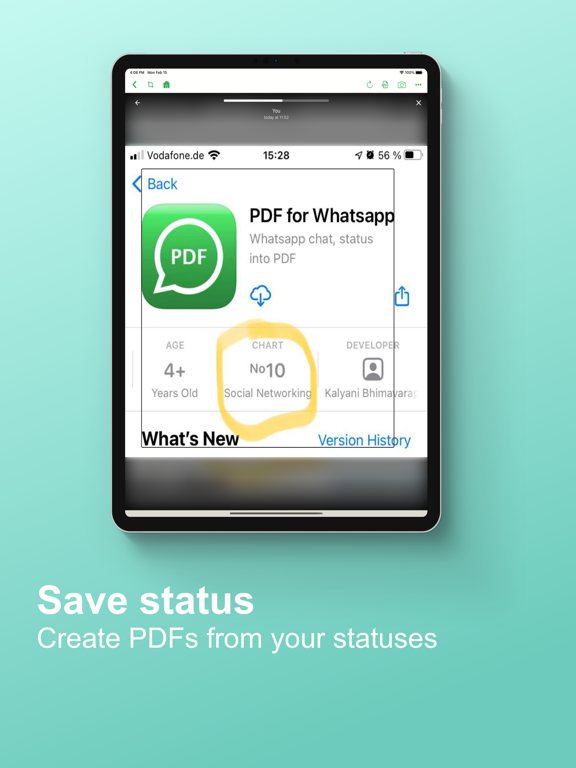
--Create PDFs from screenshots
--Create PDFs from any web based app
--Edit & Annotate PDFs
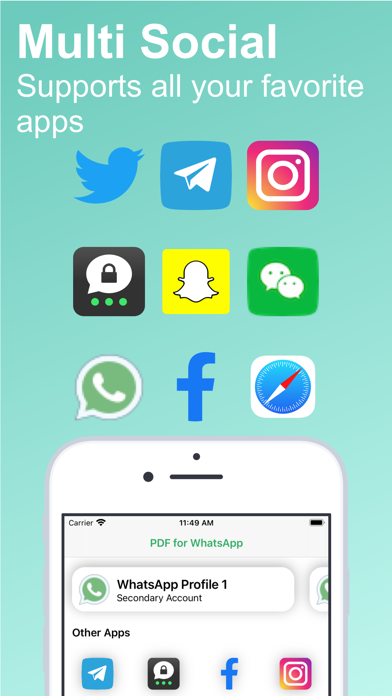
====Social Networks Supported====
--WhatsApp
--Telegram
--Threema
--WeChat
--Facebook
--Instagram
--Twitter
--Snapchat
--All web based social networks(tiktok etc.)
====Security and Privacy====
--No personal data is collected
--We do not get access to your chats
--PDFs are saved locally on your device
--Only YOU can access your PDFs
If you are worried about privacy from any social networking app, then use this app to save that app's chats/data in PDF format. Later, delete your chats/data from that app.
Login to your WhatsApp Web by scanning QR code on this app.
>> Access your chats, statuses, media etc.
>> Make screenshots using this app
>> Convert all screenshots into PDF file
Export chat with or without media directly from WhatsApp app
>> Create PDF file of your chat with only few taps
Login into any web based social network like Facebook, Instagram etc.
>> Access your chats, statuses, media etc.
>> Make screenshots using this app
>> Convert all screenshots into PDF file
Please look into " Instructions" video for detailed steps and tips in creating PDF files.
Information about the auto-renewal of subscription:
- Payment will be charged to iTunes Account at confirmation of purchase;
– Subscriptions are billed weekly, monthly, quarterly, or annually at the rate based on the subscription plan
- Subscription automatically renews unless auto-renew is turned off at least 24-hours before the end of the current period;
- The account will be charged for renewal within 24-hours before the end of the current period. The cost depends on the selected plan;
- Subscriptions may be managed by the user and auto-renewal may be turned off by going to the user’s Account Settings after purchase;
Privacy Policy: https://pdf-for-whatsapp-79a92.web.app/privacypolicy.html
Terms of Use: https://pdf-for-whatsapp-79a92.web.app/terms.html
For any questions or inquiries, please get in touch: lokireddy.apps@gmail.com
Note -