MP3Converter - Video & Audio

MP3Converter - Video & Audio Summary
MP3Converter - Video & Audio is a free, ad-supported, with in-app purchases iOS app in Tools by 国辉 满. Released in Nov 2020 (5 years ago). It has 3.4K ratings with a 4.66★ (excellent) average. Based on AppGoblin estimates, it reaches roughly 8.2K monthly active users and generates around $<10K monthly revenue (24% IAP / 76% ads). Store last updated Jun 2, 2026
Recent activity: 1.00 new ratings this week View trends →
MP3Converter - Video & Audio SDKs Summary
App not yet scanned for SDKs.
4.66★
Ratings: 3.4K
Screenshots
App Description
Convert Any Media: Video to MP3, Video to Video, and More!
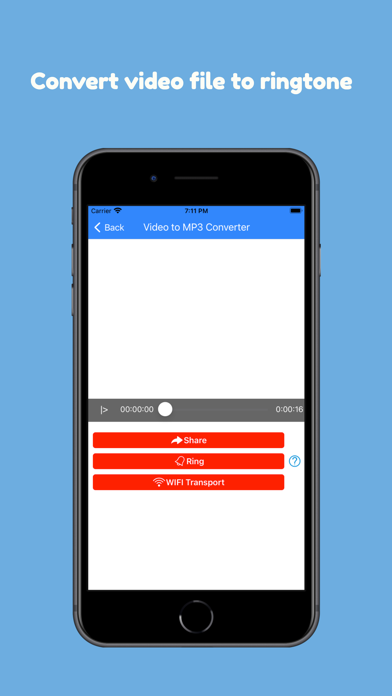
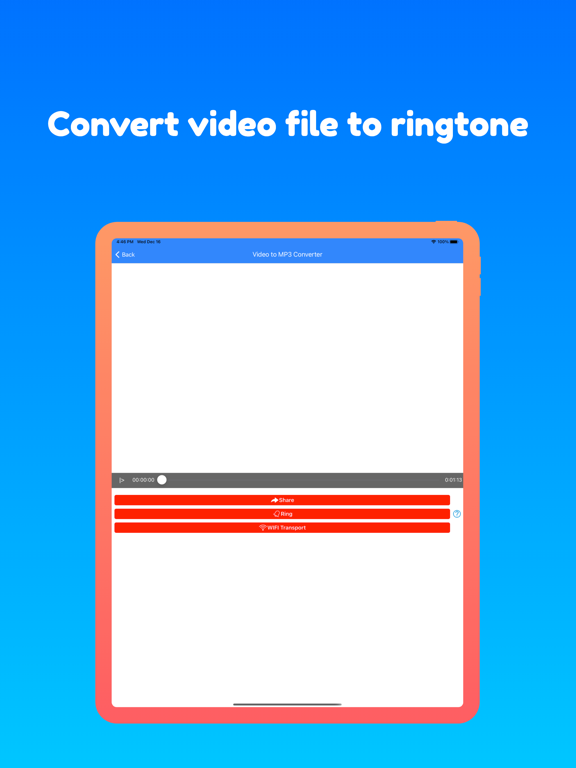
Convert video to MP3 or transform videos into other formats effortlessly. Create ringtones, extract audio, or convert video formats for free!
With the Fastest Media Converter
Easily convert videos to MP3 or switch between video formats with a range of customizable options. Extract high-quality audio or convert videos to your preferred format in seconds.
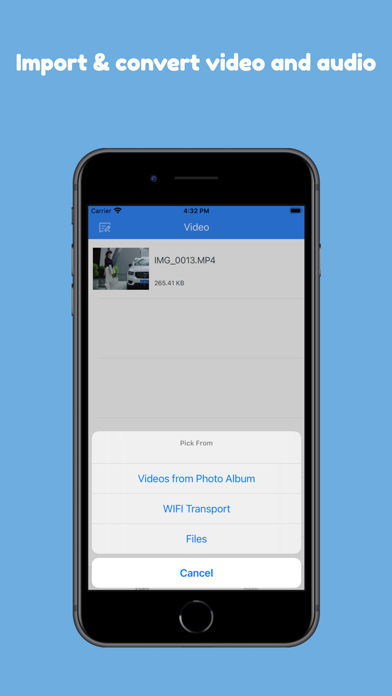
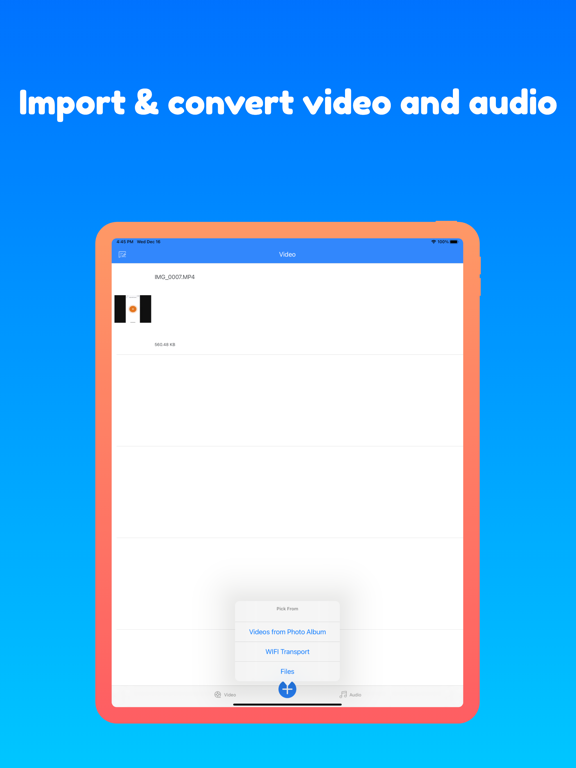
Import Videos from Anywhere:
- Import videos from your photo library
- Transfer videos from your computer
- Access videos stored on iCloud Drive
- Convert screen-recorded videos
Convert Any Video to MP3 or Other Video Formats
From MP4 to AVI, MKV to MOV, this tool can handle it all:
- Supported Video Files: mp4, m4v, mkv, avi, wmv, f4v, f4p, mov, vob, qt, mpg, mpeg, m1v, mpv, 3gp, 3g2, rmvb, mts, m2ts, xvid, flv, rm, divx, asf, webm, wtv, dvr-ms, ogv, swf
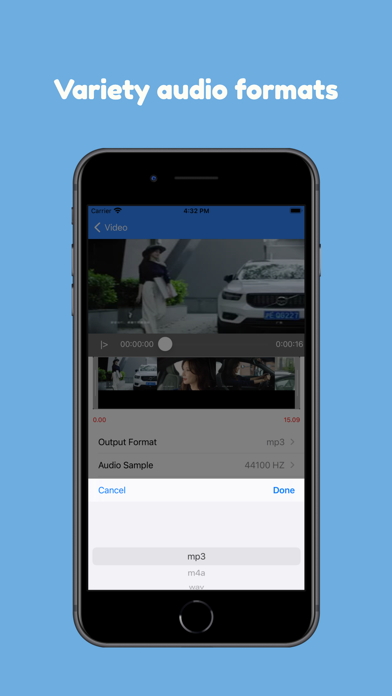
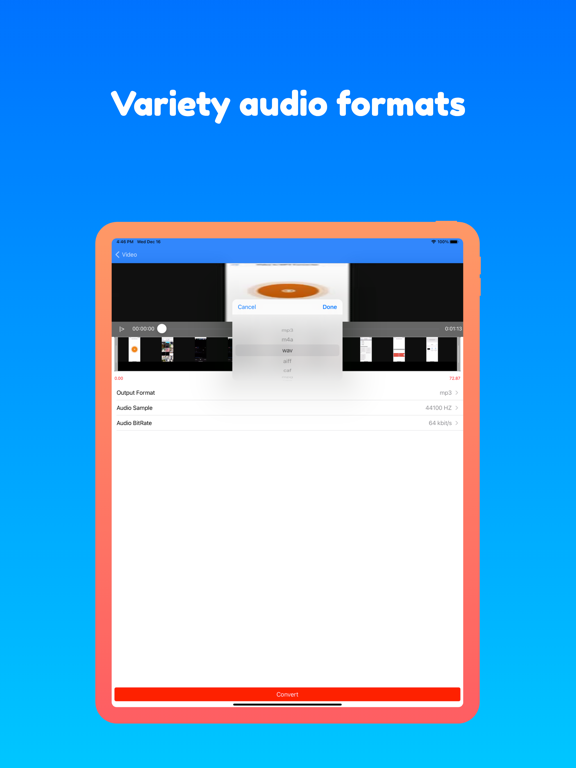
- Convert to Video or Audio Formats: Convert to mp4, mov, avi, mkv, or extract audio as mp3, wav, m4a, flac, ogg, amr, mp2, and m4r (for iPhone ringtones).
High Quality Audio and Video Settings
Use advanced settings to fine-tune your output quality:
- Audio Bitrate: Select a higher bitrate for better MP3 quality.
- Audio Sample Rate: Extract CD or DVD-quality MP3.
- Cut Audio: Convert specific portions of the video into MP3 or other formats.
- Fade In/Out: Create a smooth listening experience with fade effects.
- Video Resolution: Adjust resolution for your video output.
- Aspect Ratio: Maintain or customize aspect ratios like 16:9, 4:3, and more.
Free, Secure, and Private
This tool is completely free and works locally on your iOS device.
- No Network Required: Perform conversions offline without data usage.
- Private and Secure: Your files stay on your device, ensuring total privacy.
Simple, Powerful, and Free
Whether you want to convert video to MP3, adjust video formats, or create ringtones, this app does it all—quickly and easily!