Photo Lab: Edit Selfie Photos

Photo Lab: Edit Selfie Photos Summary
Photo Lab: Edit Selfie Photos is a with in-app purchases iOS app in Lifestyle by Asadullah Yaseen. Released in Nov 2020 (5 years ago). Store metadata: updated May 13, 2025.
Store info: Last updated on App Store on May 13, 2025 .
0★
Ratings: 0
Screenshots


App Description
ENHANCE, STYLIZE AND SHARE YOUR PHOTOS WITH EASE.
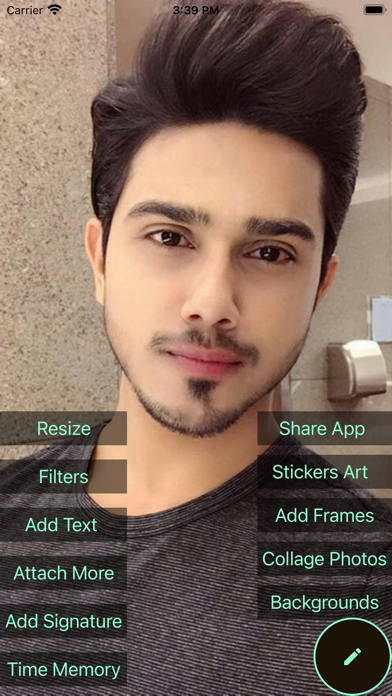
Edit Lab has a stunning yet simple design that makes your photo editing experience Fast & Easy, Unique and Engaging. Tuba Photoshop delivers a full spectrum of photo effects and editing features at your fingertips.Personalize your experiences with borders and text, enhance color and imagery, create picture collages, make quick fixes & enhance your worthy moments.
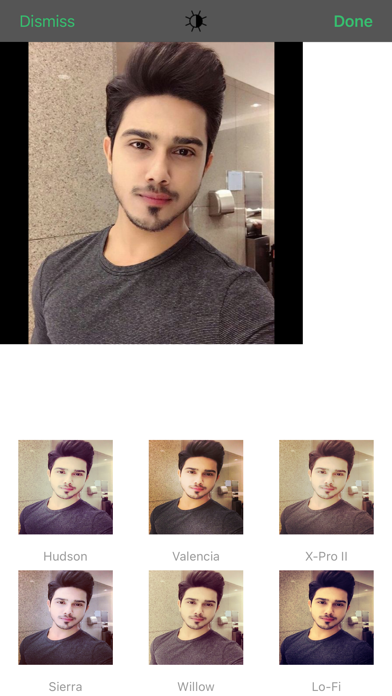
PHOTO FILTERS AND EFFECTS
• Work on a single part of an image while the rest remains untouched to create striking photo effects with Selective Editing.
• Combine photos to create your own unique layering styles.
• Intensify your moments with photo effects from Looks categories: Black and White, Portrait, Nature and Duo tones.
• Amplify your photo’s appearance with a unique assortment of new Blend effects.
• Explore Color Temperature, Vibrance and other color effects with an easy adjustment slider.
• Remove atmospheric fog or Dehaze for clear, detail-rich scenery.
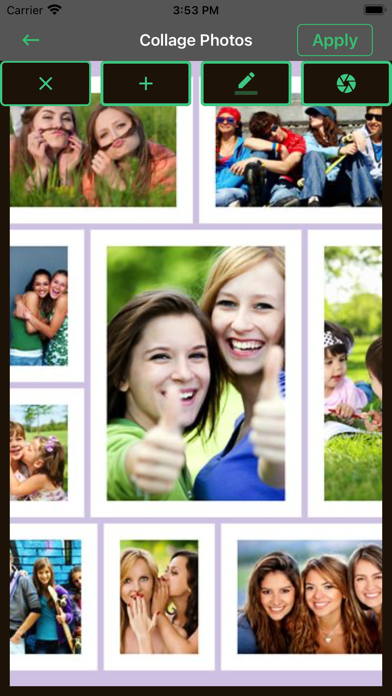
STUNNING PHOTO COLLAGES
• Create professional-quality photo collages by adding ready-to-use backgrounds, gradients and layouts.
• Apply the Style Transfer feature to easily apply the same look and feel across all the images in your collage.
• Highlight color themes with the Pop-Color Tool to get that wow effect.
• Unleash creativity with the photo collage maker by applying unique effects for aspiring artistry.
ADD BORDERS AND TEXT
• Customize stickers, memes and captions with your own unique personal touches.
• Style your messages with a wide array of fonts, colors and opacity controls.
• Inspire with photo color matching borders or choose unique custom frames.
• Fine-tune text placement with pan, zoom and rotate settings.
• Add watermarks easily by adding custom text or logos.
QUICK FIXES
• Crop, straighten, rotate, and flip your photos for eye-catching compositions.
• Use Auto-Fix options for one-touch adjustments to Contrast, Exposure, and White Balance settings.
• Reopen closed eyes with a single touch and create the perfect shot.
• Add emphasis on your subject with simple vignettes.
APPLY BLUR
• Shift focus to specific elements and blend out backgrounds with Radial Blur.
• Enhance imagery and create movement with the Full Blur features.
ADVANCED IMAGE HEALING
• Remove any unwanted elements from your shots with pr