GPS Speedometer: Speed Tracker
GPS Speedometer: Speed Tracker Summary
GPS Speedometer: Speed Tracker is a with in-app purchases iOS app in Maps And Navigation by Mikhail Nikitsin. Released in Dec 2020 (5 years ago). It has 7.3K ratings with a 4.45★ (good) average. Based on AppGoblin estimates, it reaches roughly 18K monthly active users and generates around $<10K monthly revenue (100% IAP / 0% ads). Store metadata: updated Nov 20, 2024, version 5.
Recent activity: 9.00 new ratings this week View trends →
Data tracking: SDKs and third-party integrations were last analyzed on May 28, 2026.
Store info: Last updated on App Store on Nov 20, 2024 (version 5).
SDKs, Trackers & Permissions
GPS Speedometer: Speed Tracker was last scanned for SDKs 2026-05-28. Below is the overview of third party companies detected in the app. The full list of raw SDKs, app permissions and unknown SDKs is available here.
AppGoblin saw GPS Speedometer: Speed Tracker uses 6 Development Tools
 Airbnb Engineering
 nanopb
 Google
 ReactiveX
AppGoblin saw GPS Speedometer: Speed Tracker uses 1 Business Tools
 Qonversion
AppGoblin saw GPS Speedometer: Speed Tracker uses 2 Analytics: Product
 Firebase
 Amplitude
App Details
App Store
Ads & App-Ads.txt
AppGoblin SDK Scans
4.45★
Ratings: 7.3K
Screenshots
App Description
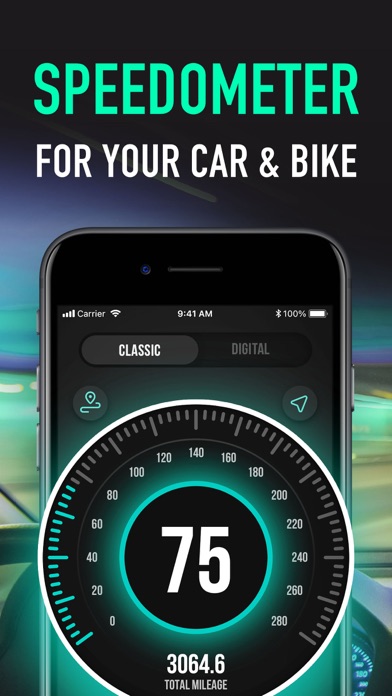
GPS Speedometer is the most elegant and unique combination of speedometer and trip computer in one application. Just start the application and it will automatically record your speed, time, distance and many more. This app uses phone’s GPS to accurately determine your speed.
Main Features:
Trip Computer
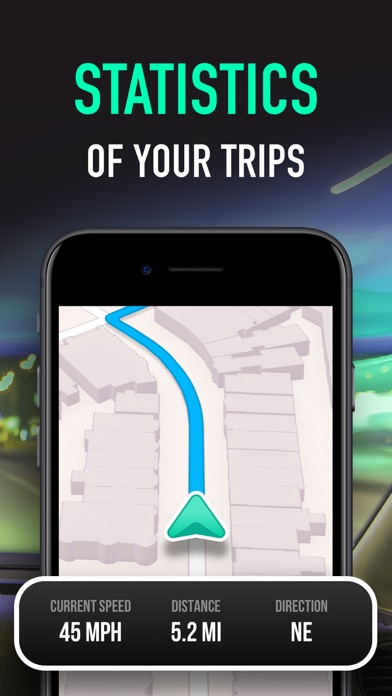
Track important trip statistics in real time. Average and Maximum speed, distance covered, moving and stopped time.
Statistics
All the aggregated data from the very first trip will be saved in one single place.
Units
Our application supports different units of measurements (mph / kph / knots)
Automatic Stop Detection
Automatically identify either you are moving or standing and calculate your average speed basing on that. Generate trip report showing travel and stoppage time separately.
HUD
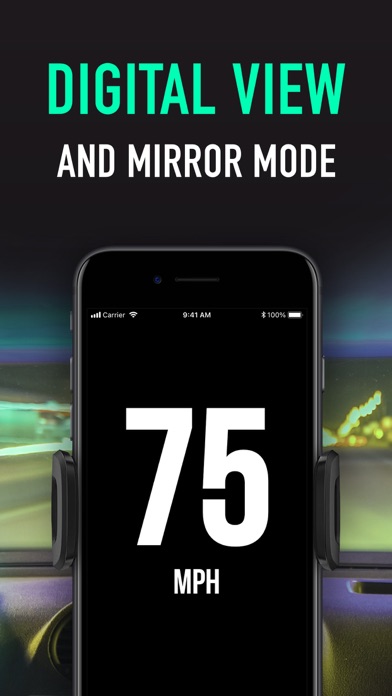
Head-up display – outstanding feature available in GPS Speedometer application. Just enable HUD and put your iPhone under the windshield. Specially designed HUD interface will display the most accurate speed right on the windshield.
Map
Built-in map will help you not to get lost. You can always switch to navigation mode and check your current position on the map in real time.
Privacy Policy: https://sites.google.com/view/sikoralex/privacy-policy
Terms of Use: https://sites.google.com/view/sikoralex/terms-of-use