Scanner-App: Scan Text & Notes

Scanner-App: Scan Text & Notes Summary
Scanner-App: Scan Text & Notes is a ad-supported, with in-app purchases iOS app in Business by Appsorama Media Limited. Released in Dec 2020 (5 years ago). It has 73 ratings with a 3.16★ (mixed) average. Based on AppGoblin estimates, it reaches roughly 388 monthly active users and generates around $<10K monthly revenue (22% IAP / 78% ads). Store metadata: updated Dec 14, 2021, version 1.
Data tracking: SDKs and third-party integrations were last analyzed on May 31, 2026.
Store info: Last updated on App Store on Dec 14, 2021 (version 1).
SDKs, Trackers & Permissions
Scanner-App: Scan Text & Notes was last scanned for SDKs 2026-05-31. Below is the overview of third party companies detected in the app. The full list of raw SDKs, app permissions and unknown SDKs is available here.
 nanopb
 Google
 Alamofire
 Facebook
 Snap
Snap Firebase
App Details
App Store
Ads & App-Ads.txt
AppGoblin SDK Scans
3.16★
Ratings: 73
Screenshots


App Description
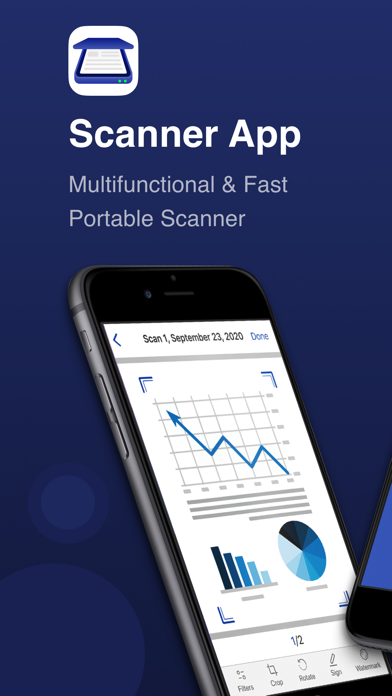
Scanner-App is a user-friendly multifunctional mobile scanning app that turns everything from IDs to receipts into digital information.
No more queuing up near a huge scanner. Tiny and fast Scanner-App will scan and share docs via email or massager in some minutes. Forget about tons of paper. Organize, manage and store documents in the app or in a cloud.
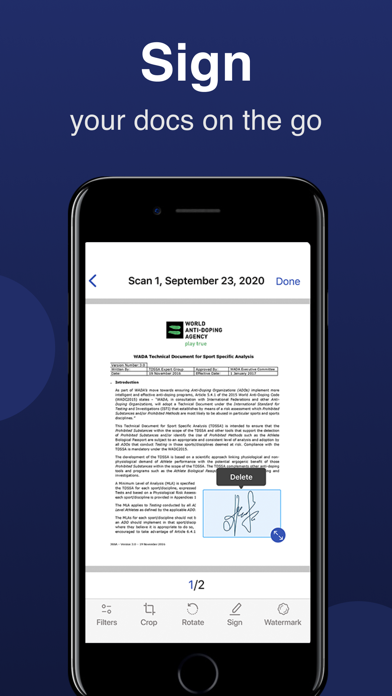
With Scanner-App, you don’t need to wait until you get to your office or home office. You can scan and sign documents and send them while you are in a transport or walking through the street.
Main features:
- High quality PDF and JPG scans
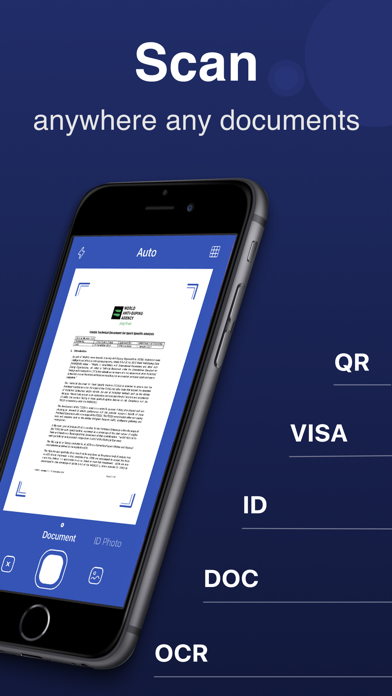
- Live border detection and perspective auto correction
- OCR (convert image text to word format editable text)
- E-sign any document by adding your signature to scans within the app
- Full featured file and folder organizer
- Edit docs: move, rotate, add or delete pages
- Print your scans with any Wi-Fi printer
- Cloud services like Dropbox or Google Drive
- Multiple pages in a single document
- Scan QR codes
- Share your scans via email, massager send to iBooks.
Unique technology of image transformation allows the algorithm of the application instantly detects borders, removes unnecessary shadows and edit perspective. In 5 seconds the Scanner-App creates a full scan of any document. It will not lose clarity and color. There is also the possibility of flexible color adjustment of the document.
By using Scanner-App, you are agreeing to our Privacy Policy and Terms of Use:
http://p.appsorama.me/com.appsorama.scanner
http://p.appsorama.me/com.appsorama.scanner.terms