RemNote - Notes & Flashcards

RemNote - Notes & Flashcards Summary
RemNote - Notes & Flashcards is a with in-app purchases iOS app in Education by RemNote, LLC.. Released in Jan 2023 (3 years ago). It has 2.2K ratings with a 4.82★ (excellent) average. Based on AppGoblin estimates, it reaches roughly 4K monthly active users and generates around $<10K monthly revenue (100% IAP / 0% ads). Store metadata: updated May 25, 2026, version 6.
Recent activity: 13 new ratings this week View trends →
Data tracking: SDKs and third-party integrations were last analyzed on May 26, 2026.
Store info: Last updated on App Store on May 25, 2026 (version 6).
4.82★
Ratings: 2.2K
Screenshots




App Description
RemNote is an all-in-one learning tool that combines note-taking, knowledge management, flashcards, and spaced repetition to enable effective and efficient learning. Sure, it’s a note-taking tool. But there’s also flashcards, PDFs, backlinks, and more - to help you study, stay organized, and think.
WHY CHOOSE REMNOTE?
Learn more in less time: RemNote makes learning easy. Get higher grades or reach your learning goals in less time.
Grow your knowledge: Using RemNote you’ll can connect the concept you learn about and generate more ideas.
Organize your thoughts, plans, and tasks: We’re built to help you plan all of your life in one place.
WHAT DOES REMNOTE HAVE TO OFFER?
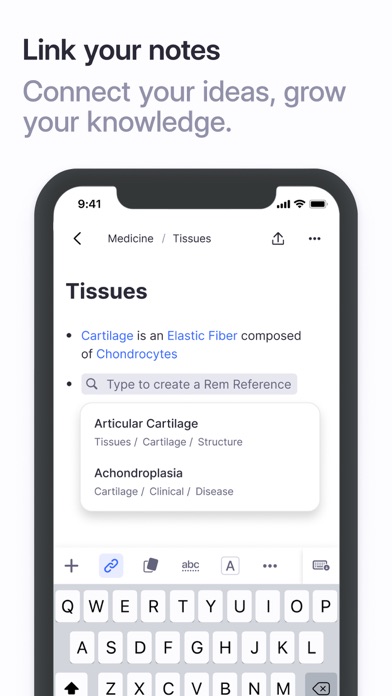
Notes, Docs & Outlines: Capture and link your ideas. RemNote is built for thinking and long-term knowledge management.
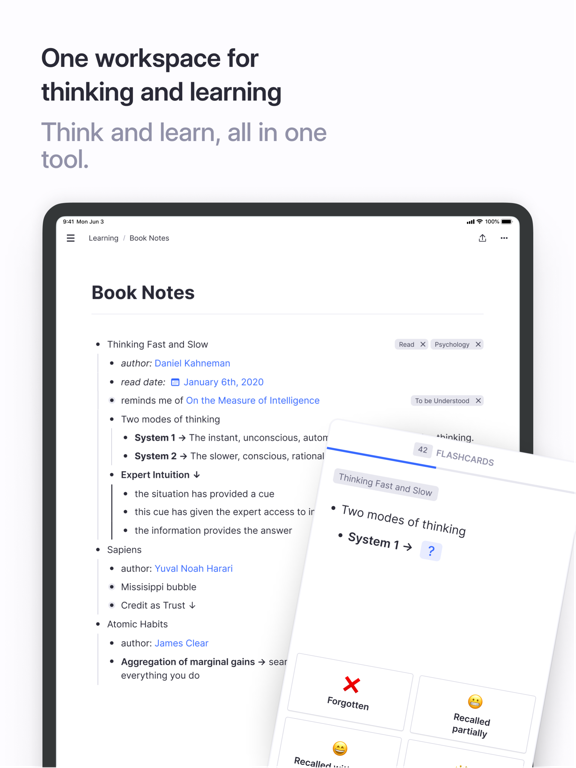
Smart Flashcards: Create flashcards directly from your notes.
Spaced Repetition: Remember more with less studying. Build your long-term memory with the spaced repetition plan built into your flashcards.
Linked Reference: Reference and review all notes connected to a specific topic with contextual links and create flashcard sets on-the-fly as you take notes.
PDF Annotation: Work with external documents directly in the app, make your notes and create flashcards using the source materials. Highlight, create margin notes, and link sections of your document to the rest of your digital library.
Multimedia Embedding: Incorporate documents, videos, and anything else embeddable into your notes as you make them.
Tags: Tag your notes, to-do items, and even multimedia source materials like images and video. And get your life sorted.
To-dos: Take in new information and generate to-do lists and action items with reminders on the fly, without juggling windows or switching apps.
WANT MORE?
Easy Formula Handling: The Latex feature allows you to create inline formulas with a simple annotation editor. Easily create and edit formulas on the fly as you take notes, and enjoy a clear and attractive display of these formulas as you review your notes and flashcards.
Templates: Create templates to make repetitive tasks a thing of the past. Whether you’re preparing briefs or structured lecture notes, a predefined template can help you create better materials, save time, and pay more attention to the subject matter.
Build knowledge that lasts forever: Import from every note-t