PDF Edit - create, stamp, sign

PDF Edit - create, stamp, sign Summary
PDF Edit - create, stamp, sign is a with in-app purchases iOS app in Business by Yaroslav Ermolaev. Released in Feb 2021 (5 years ago). Store metadata: updated Feb 7, 2026.
Store info: Last updated on App Store on Feb 7, 2026 .
0★
Ratings: 0
Screenshots


App Description
Features:
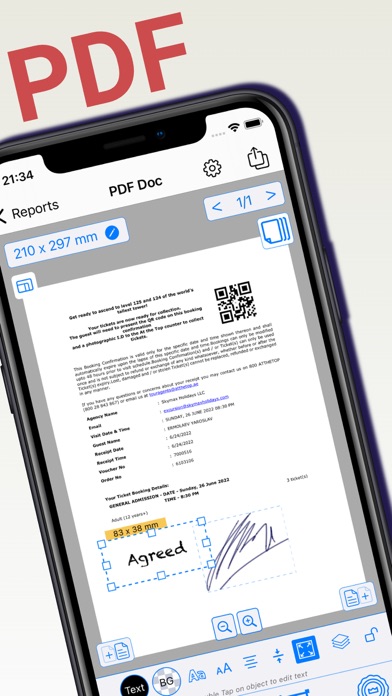
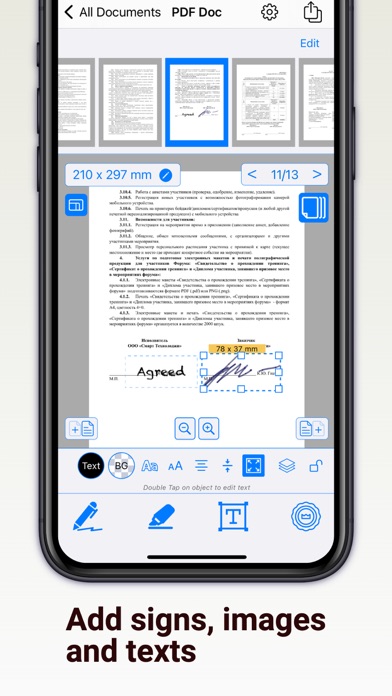
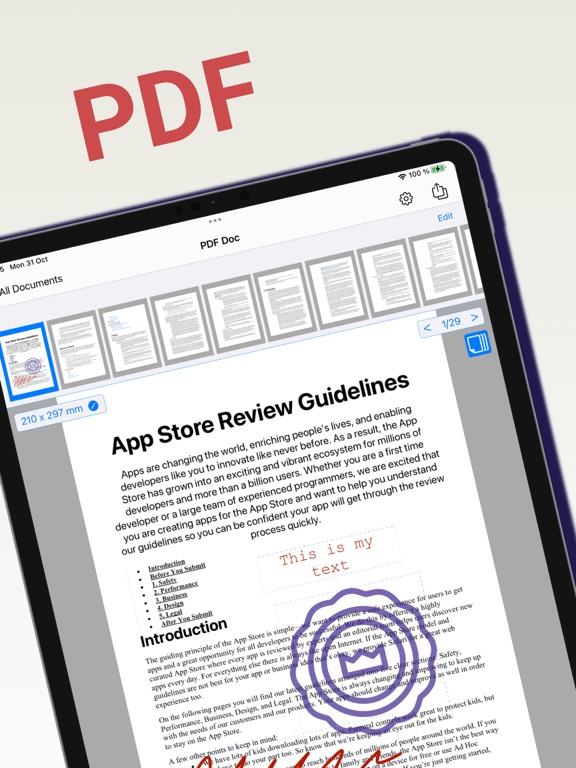
+ Open and edit multi-page PDF files by adding signatures, stamps, or images
+ Receive PDF files or images from other apps (from email or messenger)
+ Merge multiple PDF documents into one
+ Scan documents using your phone
+ Create PDF documents from photos
+ Create new pages of a specified size in a PDF document
+ Set the background color of PDF document pages
+ Insert pages into a PDF document from photos
+ Delete pages or change their order
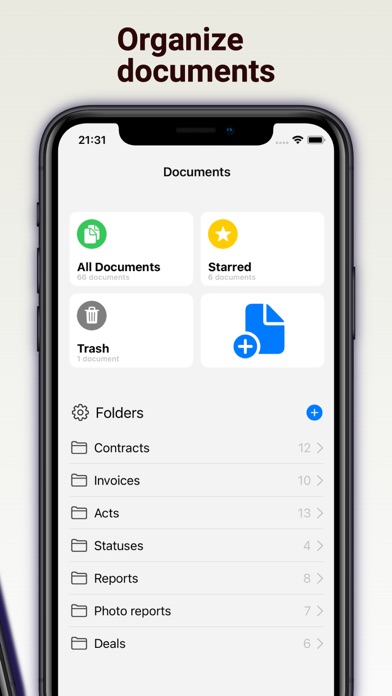
+ Create folders for PDF documents
+ Create folders for images (which can be inserted into PDF documents)
+ Add documents and images to Favorites
+ Print documents directly (via AirPrint)
You can add to PDF document:
+ Graphic signature or some drownings
+ Stamp or any image (the app will help you remove the background)
+ Text
Attention! You cannot edit the text of the PDF file in the application, but you can add your own elements.
If you signed up for a free trial subscription and you don't want to renew it, cancel it at least 24 hours before the trial ends.
Read our Terms of Use here: https://regpart.ru/pdfedit_terms.html