Send Fax from iPhone - Fax App

Send Fax from iPhone - Fax App Summary
Send Fax from iPhone - Fax App is a free, with in-app purchases iOS app in Business by TOP APP d.o.o.. Released in May 2021 (5 years ago). It has 59 ratings with a 4.64★ (excellent) average. Based on AppGoblin estimates, it reaches roughly 194 monthly active users and generates around $<10K monthly revenue (100% IAP / 0% ads). Store last updated Jul 22, 2021
SDK intelligence: AppGoblin detected 2 development tools(e.g. nanopb),and 2 analytics: product integrated into Send Fax from iPhone - Fax App. View full SDK list →
Send Fax from iPhone - Fax App SDKs Summary
Send Fax from iPhone - Fax App was last scanned for SDKs on 2026-10-12. Below is the overview of third-party companies detected in the app. The full list of SDKs, permissions and unknowns is available here.
 nanopb
 Google
 Amplitude
 Firebase
4.64★
Ratings: 59
Screenshots

App Description
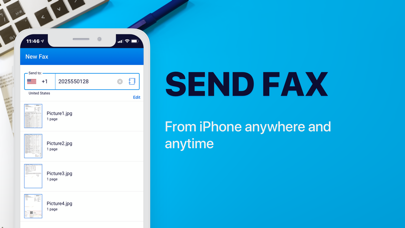
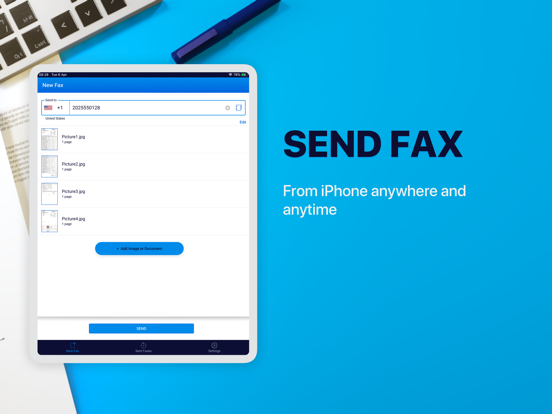
Send and receive faxes from your iPhone or iPad. Anywhere, anytime! There’s no need to use a fax machine anymore. Send your next fax straight from your iPhone! Fax App is an excellent mobile fax solution that’s always in your pocket!
Fax App is HIPAA - compliant so it is great app for sending medical records.
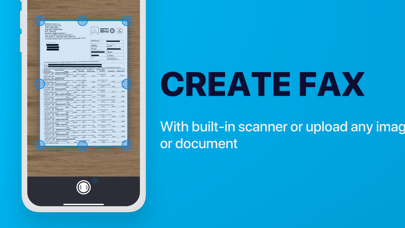
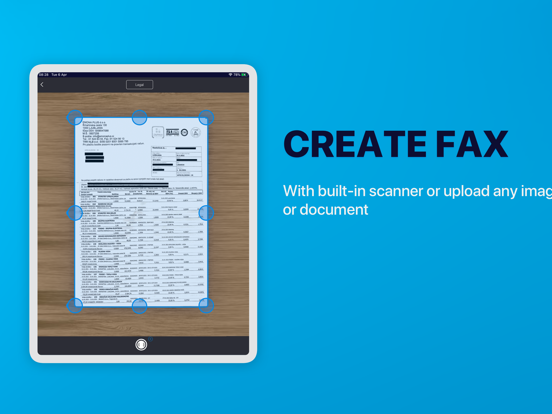
Easy-to-use, fast, and secure fax app for when you’re on-the-go. Import or scan documents, invoices, receipts, or notes and send them worldwide with just a few taps. The built-in advanced scanner will turn all your files into fax-ready documents.
Key Features:
- Send faxes in 60+ countries
- Create high-quality documents with the image correction tool;
- Powerful Document Scanner
- No fax machine or landline phone service needed;
- Combine multiple documents into a single fax;
- Track status of sent documents;
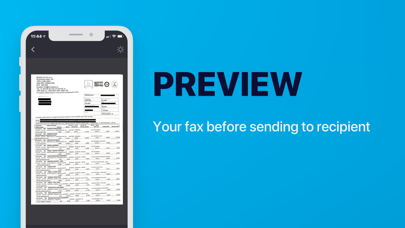
- Preview documents before sending;
- HIPAA- compliant
What are you waiting for? Start using Fax App and turn your mobile device into a portable fax machine!
Subscription plans - Unlimited:
• 1-week subscription — US$ 6.99
• 1-month subscription — US$ 17.99
• 12-month subscription — US$ 54.99
Note: price may vary depending on location.
SUBSCRIPTIONS
- Prices vary based on selected region and duration, starting from $9.99/week.
- Subscription duration options include 1 week, 1 month, and 1 year.
- The title of subscriptions will be “weekly”, “monthly”, or “yearly” - Subscription charges are made automatically to the given payment account unless cancelled 24 hours prior to the end of the trial period.
- Send Fax from iPhone - Fax App contains both a free trial and paid subscriptions for sending faxes. Free trial offers are only available once per subscription per user.
- Subscriptions will automatically renew unless auto-renew is turned off at least 24-hours prior to the end of the current period.
- Initial payments are charged to the user's iTunes Account at confirmation of purchase.
- Charges for renewal occur within 24-hours prior to the end of the current period.
- Subscriptions can be managed by the user and auto-renewal can be turned off by going to the user's Account Settings after purchase.
- Any unused portion of a free trial period, if offered, will be forfeited when the user purchases a subscription to that publication, where applicable.
- Fair Use