Mural Maker by Da Vinci Eye

Mural Maker by Da Vinci Eye Summary
Mural Maker by Da Vinci Eye is a with in-app purchases iOS app in Art And Design by Da Vinci Eye LLC. Released in May 2021 (5 years ago). It has 420 ratings with a 3.85★ (average) average. Based on AppGoblin estimates, it reaches roughly 1.6K monthly active users and generates around $<10K monthly revenue (100% IAP / 0% ads). Store metadata: updated May 18, 2026.
Recent activity: 1.00 new ratings this week View trends →
Store info: Last updated on App Store on May 18, 2026 .
3.85★
Ratings: 420
Screenshots
App Description
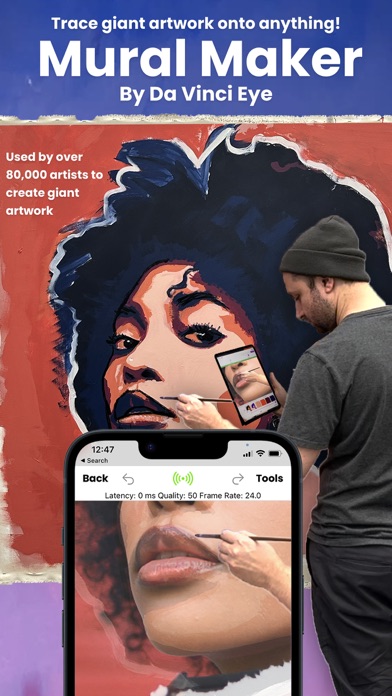
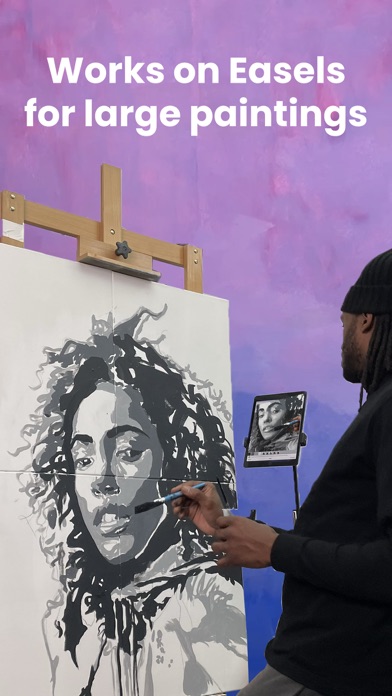
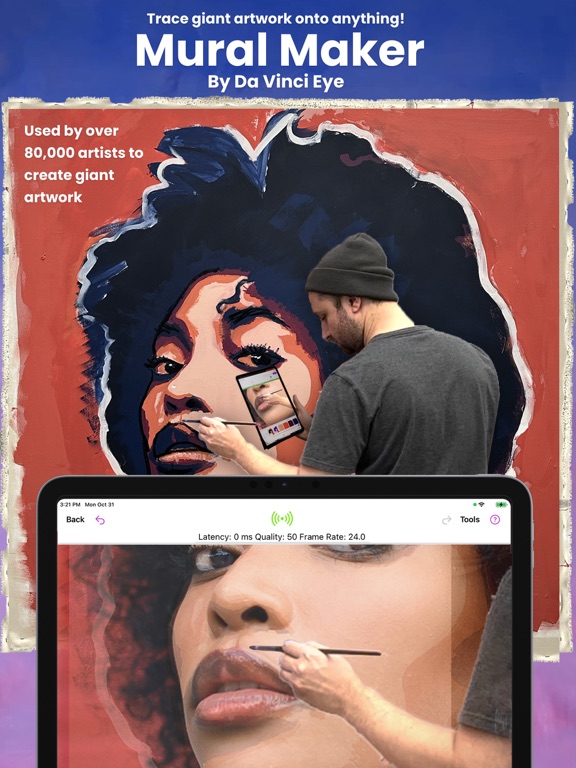
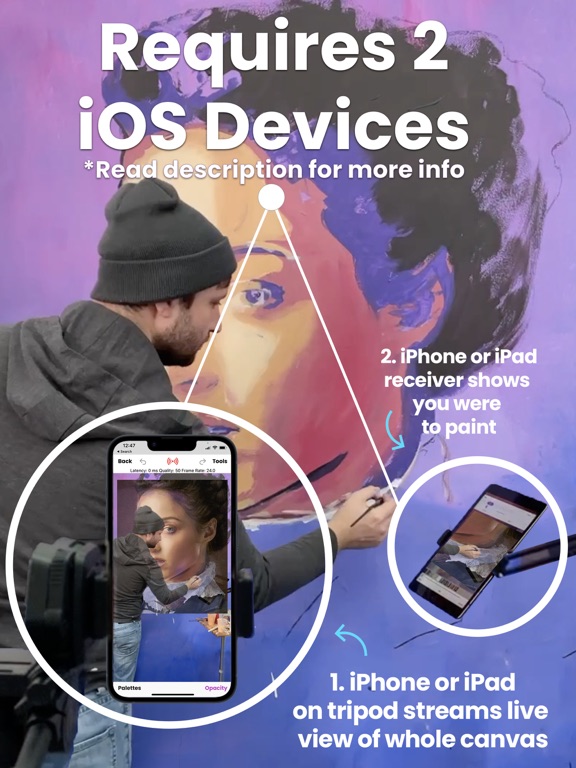
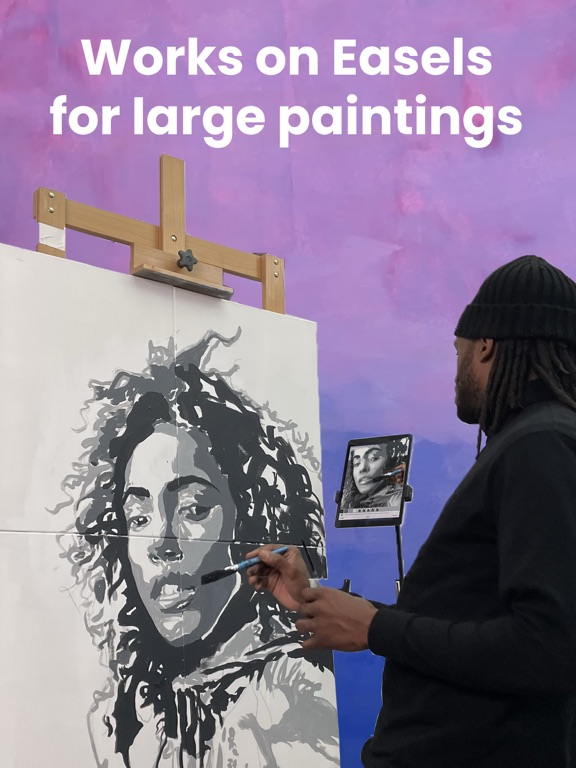
Mural Maker by Da Vinci Eye is the ultimate app for artists who want to create massive drawings and paintings on various surfaces including walls, canvases, sidewalks, buildings, streets, signs, chalkboards, and even rugs.
Compatibility
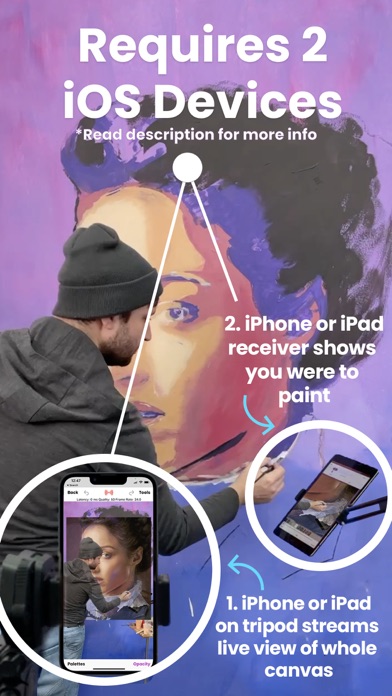
Before you read any further, note that to use Mural Maker, artists will need two iOS devices: one to function as a video camera and the other to display the live video feed in their hand. The app works with any combination of iPads and iPhones.
Customer Support
If you have any trouble setting up Mural Maker, we offer complimentary concierge customer service and will even video chat with you to help you with your project.
Why is Mural Maker better than a Projector and Grids?
Mural Maker offers several advantages over traditional art projectors and time-consuming grids/doodle grids. Unlike projectors, which can be bulky and require a dark room and a power cord, Mural Maker functions perfectly well outdoors, in bright daylight, away from power outlets, and doesn't even need Wi-Fi. Plus, the app allows artists to accurately compare colors and shades on their canvas to the reference image, making it easier to create more precise and accurate artwork... something that no grid or projector will ever be able to do.
In addition to simply tracing, Mural Maker offers a suite of tools and features such as...
Breakdown Mode
Enables artists to break down their image into stencils by color value. Artists can then print out a color palette, allowing them to mix their paints to the exact colors they need before they begin. The app then shows artists where to paint each color with augmented reality stencils.
Multiplayer mode
Multiple people can paint at the same time as the camera device can stream to multiple drawing devices. This makes it a perfect tool for group projects, workshops, and community mural painting events.
AR Tracking
Artists can get back to work in seconds instead of trying to re-align their overlay image back with their work. Mural Maker remembers their project's exact position, making it super easy for artists to work on their mural over multiple days.
Second Set of Eyes
Mural Maker is also your second set of eyes for any project. It allows artists to stand up close next to their giant artwork while simultaneously letting them look at it from far away.
Key Feature Recap:
- Requires two iOS devices to use
-