SuperCycle Bike Computer

SuperCycle Bike Computer Summary
SuperCycle Bike Computer is a with in-app purchases iOS app in Health And Fitness by Osborn Technologies, Inc.. Released in Apr 2021 (5 years ago). It has 871 ratings with a 4.80★ (excellent) average. Based on AppGoblin estimates, it reaches roughly 3.2K monthly active users and generates around $<10K monthly revenue (100% IAP / 0% ads). Store metadata: updated Mar 14, 2026.
Recent activity: 4.00 new ratings this week View trends →
Store info: Last updated on App Store on Mar 14, 2026 .
4.8★
Ratings: 871
Screenshots


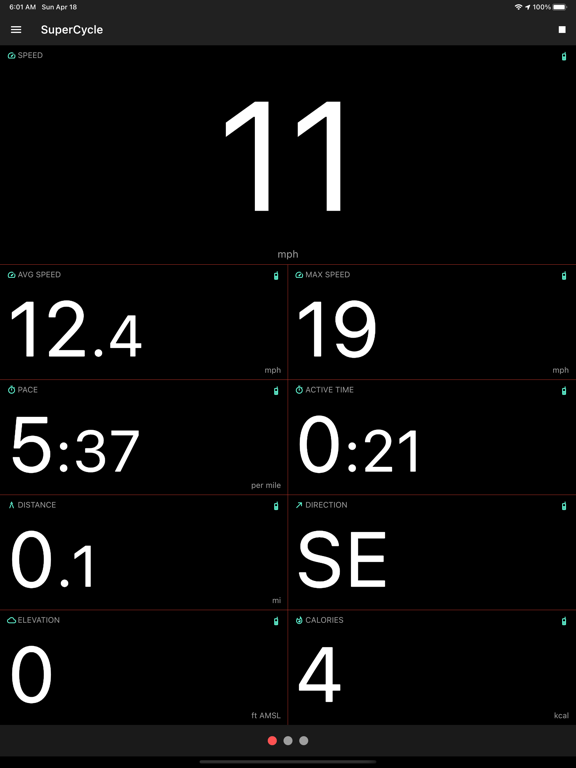
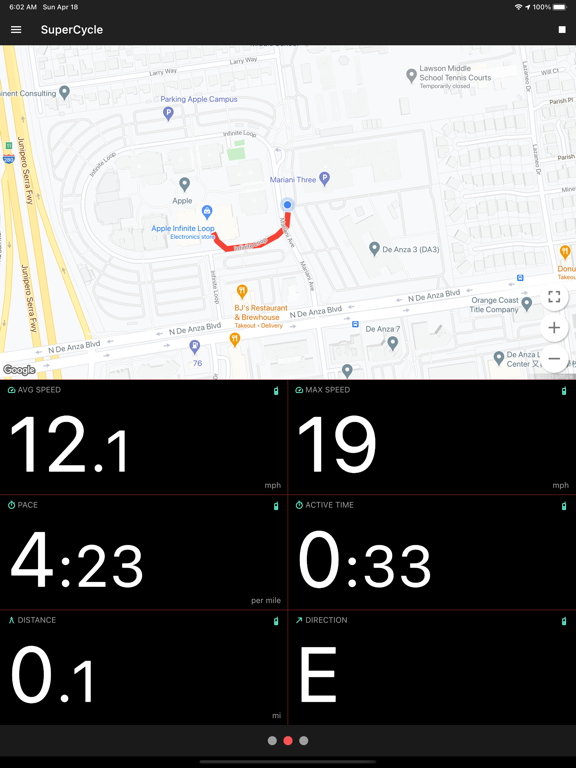
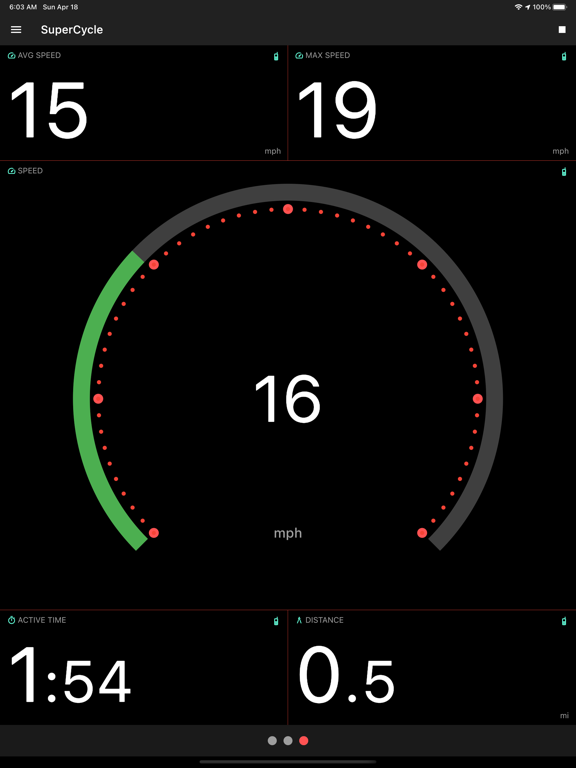
App Description
SuperCycle is a bike computer app that tracks and maps your bicycle rides, while displaying real-time GPS and Bluetooth® sensor data such as speed, distance, elevation, calories burned, cadence, and power.
It's Free!
• No pesky ads.
• No pay walls. All functionality is freely available.
• No expensive upgrades or subscriptions.
• If you like the app, you can buy me a coffee.
It's Private!
• No website login required, so no passwords to remember.
• Collected data does not leave your phone unless you choose to export it.
• No advertisers tracking your every move.
Sensors!
• Supports most Bluetooth® (BLE) sensors.
• Power meter - Supports both single and dual sided power meters.
• Speed and cadence sensor - Supports both separate and 2-in-1 sensors.
• Heart rate monitor - Supports most Bluetooth® compatible heart rate monitors.
• GPS - No sensors? Use the GPS in your phone to track speed, distance and elevation.
• Barometer - If your phone has a built-in barometer (most do), the app uses it to track elevation gain/loss.
It's Customizable!
• Save separate sensor configurations for multiple bikes.
• Easily select the bike you are about to ride.
• Add any number of data display grids.
• Choose from 12 different data grid layouts.
• Choose digital and analog gauge widgets to display only what you want to see.
• Display your route on a map widget.
• Set target heart rate, cadence and power zones.
• Option to automatically pause recording when motion stops.
• Light/dark mode.
Statistics!
• Charts and tables show essential statistics to help you analyze your ride.
• Statistics include speed, cadence, heart rate, power (watts) and more.
• Graph and map those statistics over the course of your ride.
• Export your ride as a file that is compatible with other popular apps.
• Show weekly, monthly, yearly trends for distance, calories burned, active time, and FTP (Functional Threshold Power).
• Upload your rides to Strava.
Set Goals!
• Track your progress by setting weekly and monthly goals.