TV Cast for Google Chromecast

TV Cast for Google Chromecast Summary
TV Cast for Google Chromecast is a with in-app purchases iOS app in Tools by Soufiane Benabid. Released in Jan 2021 (5 years ago). It has 83 ratings with a 4.06★ (good) average. Based on AppGoblin estimates, it reaches roughly 494 monthly active users and generates around $<10K monthly revenue (100% IAP / 0% ads). Store metadata: updated Apr 1, 2025.
Store info: Last updated on App Store on Apr 1, 2025 .
4.06★
Ratings: 83
Screenshots


App Description
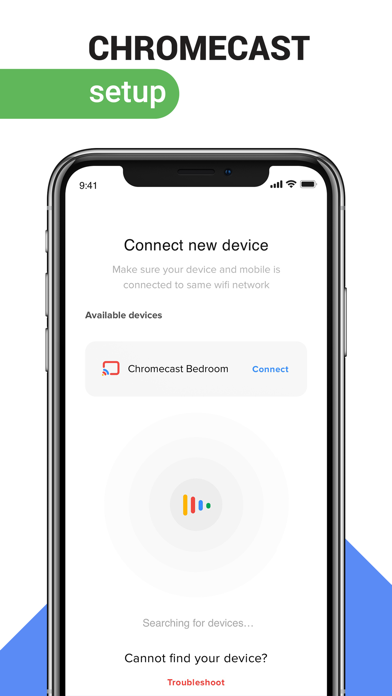
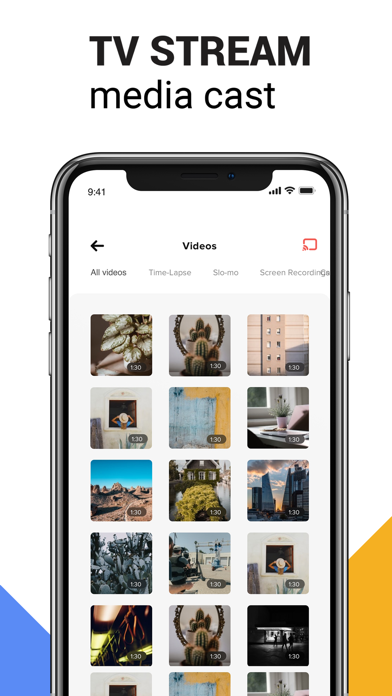
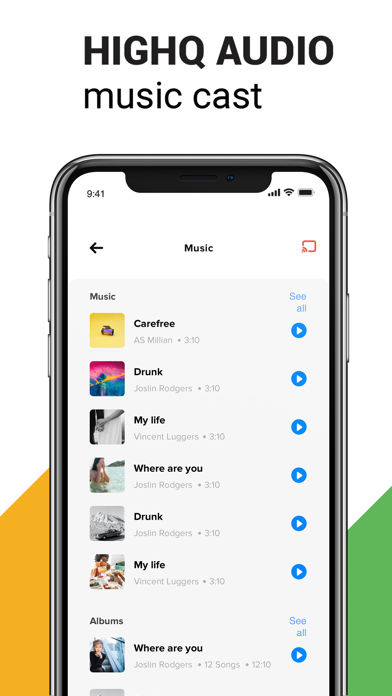
TV cast enables you to stream local and online videos, photos and music from your iOS device directly to your Chromecast.
Setup guide:
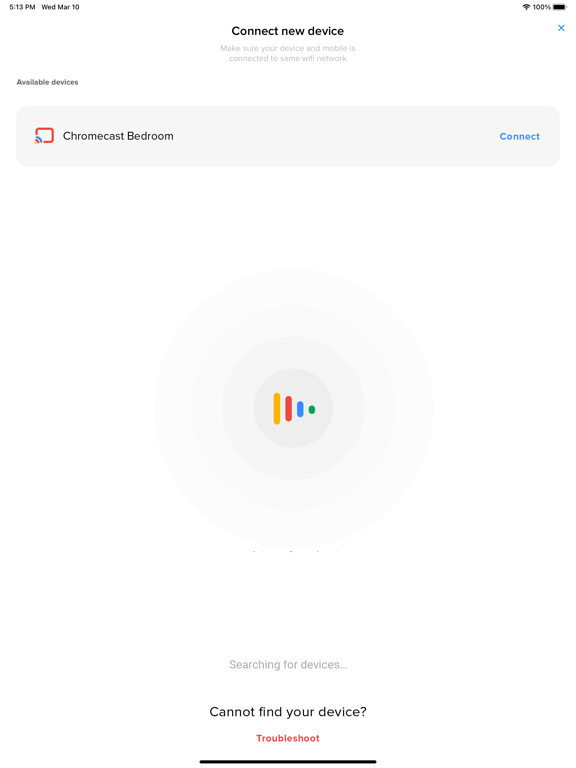
Please make sure your phone and chromecast are connected to the same Wi-Fi network.
Explore your chromecast full potential with Media cast.
Features:
• Auto search for available chromecast devices.
• Complete screen mirroring to your chromecast device.
• Auto detect and connect for smoother experience.
• Google drive and dropbox support.
• Add local video, local audio to Play Queue.
• Microphone support for live broadcasting.
• Casting with high definition and no lags.
Disclaimer:
TV for Chromecast app is not affiliate with Google LLC. All rights belong to their respective owner.
Premium Subscription:
Media cast includes an optional auto-renewable subscription to access current and future premium categories:
Please note that pricing may vary depends on your region.
• 4.99$ weekly auto-renewable subscription.
• 9.99$ monthly auto-renewable subscription.
• Check in app for exact pricing in your region
• Payment will be charged to your iTunes account at confirmation of purchase and will automatically renew unless auto-renew is turned off at least 24 hours before the end of the current period.
• Account will be charged for renewal within 24-hours prior to the end of the current period, and identify the cost of the renewal.
• You can manage your subscription by going to your iTunes Account Settings, but refunds will not be given for any unused portion of the term.
Terms of Service: https://benabid.me/terms
Privacy: https://benabid.me/privacy
If you have any queries you can always reach us at contact@benabid.me