YYZ-ACS
YYZ-ACS Summary
YYZ-ACS is a mobile iOS app in Business by Kale Logistics. Released in Feb 2021 (5 years ago). Store metadata: updated Mar 22, 2024.
Store info: Last updated on App Store on Mar 22, 2024 .
0★
Ratings: 0
Screenshots


App Description
OVERVIEW
The ACS app allows login for the following users:
1. Freight Forwarder
2. Trucker
3. GHA
4. TPS
The Import module of the app supports the following functionalities for the individual stakeholders:
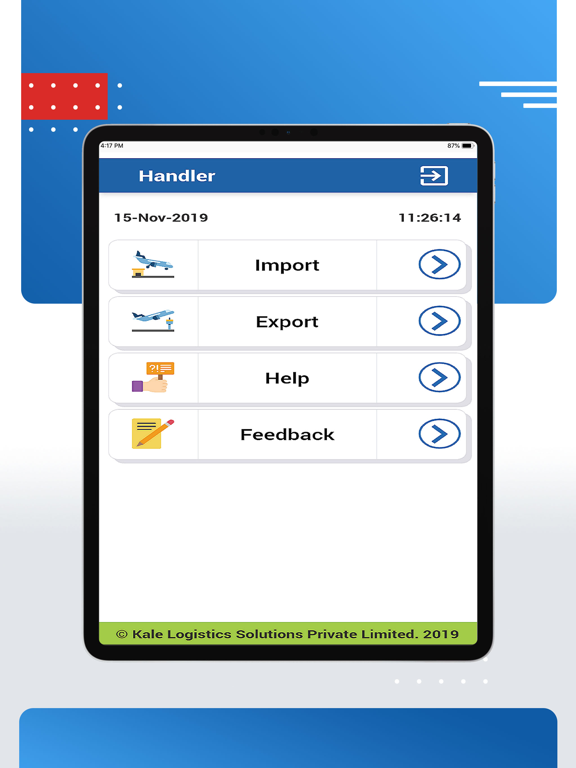
Ground Handling Agent
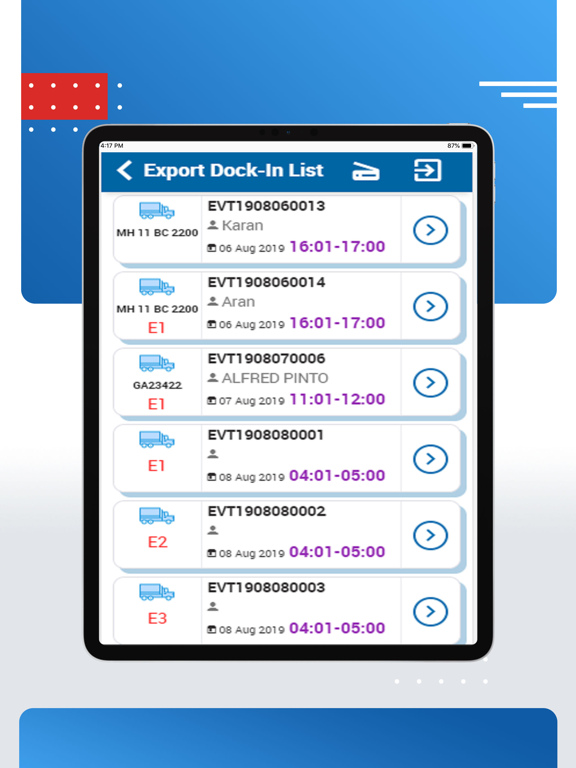
• Dock in: To perform the Dock in function, the GHA needs to enter the VT no. manually or scan the barcode and all the details pertaining to it shall be updated. The event status with the time stamp status shall be updated in ACS
• Dock Out: To dock out the GHA needs to enter the VT no. manually or scan the barcode and all the details pertaining to it shall be updated. The event status with the time stamp status shall be updated in ACS
• POD (Proof of Delivery): This feature Is used for the final delivery of the shipments. The GHA enters the AWB details and clicks on the search icons. All the details of the shipments for that particular AWB is displayed and then the GHA can confirm the delivery of the shipments.
• Location: This feature is used to locate the shipments once they arrive. GHA can enter the AWB no and the details shall be auto populated the GHA can record that the following shipments have been located and the same status shall be updated in ACS
• Delivery Order: This feature shall allow the GHA to create a DO. GHA can enter all the details on the screen and then click on the ‘Submit’ button to create the DO for the shipments specified
Trucker
• W/H Gate Out: Once the shipments are accepted in the warehouse, the trucker can login to the ACS app and perform the W/H Gate out action. Trucker can either enter the VT no. manually or scan the VT. Once it is done successfully, all the details of the shipments and the vehicles shall be displayed and the trucker can take the shipments out of the warehouse.
• M/Y Gate in: Once the trucker takes out the shipments from the warehouse, he needs to wait at the marshalling yard till his turn comes to take out the shipments from the terminal. To wait at the marshalling yard, he need to provide the VT details or scan the VT and all the details pertaining to it are displayed.
• Terminal Gate out: This feature allows the trucker to take the shipments out of the terminal. User can enter the VT no. manually or scan it to fetch all the details of the shipments belonging to that particular vehicle.
• Print Vehicle Token: This feature is used for Vehicle Token scanning. Truck