KODAK Photo Printer

KODAK Photo Printer Summary
KODAK Photo Printer is a free iOS app in Photo And Video by Prinics Co., Ltd. Released in Aug 2021 (5 years ago). It has 139K ratings with a 4.78★ (excellent) average. Based on AppGoblin estimates, it reaches roughly 191K monthly active users . Store last updated Aug 11, 2026
Recent activity: 1.5K new ratings this week View trends →
SDK intelligence: AppGoblin detected 4 development tools(e.g. Google), 2 ad networks,and 1 analytics: product integrated into KODAK Photo Printer. View full SDK list →
KODAK Photo Printer SDKs Summary
KODAK Photo Printer was last scanned for SDKs on 2026-08-09. Below is the overview of third-party companies detected in the app. The full list of SDKs, permissions and unknowns is available here.
 Google
 Facebook
 nanopb
 Alamofire
 SDWebImage
 Firebase
4.78★
Ratings: 139K
Screenshots

App Description
Thank you for using KODAK photo printer.
The previous KODAK Instant Printer app will be replaced with the new KODAK Photo Printer app. The new features including the AR and beauty functions will blow you away!
Supported Models :
Kodak 2 inch Printer (P210, M200)
Kodak 2 in 1, 2 inch Camera (C210, MS200)
Kodak 3 inch Square Printer (P300, M300)
Kodak 3 inch Square 2 in 1 Camera (C300, MS300)
Kodak 4inch Square Camera (MS400)
Kodak 6 inch Dock Printer (PD460, D600)
Easily print amazing photos with KODAK Instant Camera and Printer.
The "KODAK" Instant photo printer and camera can be used to print images from smartphones by connecting Bluetooth to the device.
You can take and edit pictures on smartphones or tablets. It will instantly print your precious moments!
[How to Use]
1. Make sure you recharge the printer before you use it.
2. Make sure the Adapter is connected properly.
3. Turn on the printer
4. Go to Bluetooth setting and find the printer’s MAC address.
The MAC address is placed inside the printer’s door
If you purchased Dock Printer, dock your smartphone at the pin on top the of the printer or find the MAC address on the downside of the printer to connect the device to the Bluetooth.
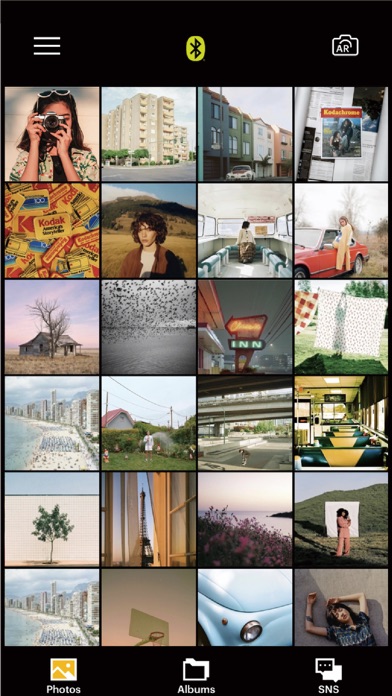
5. Select an image from the Gallery or take a photo with your smartphone.
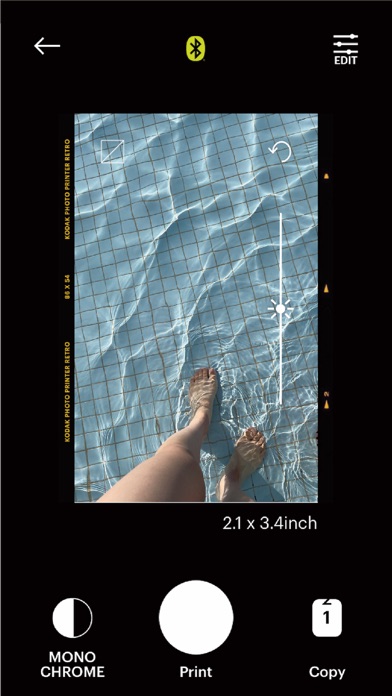
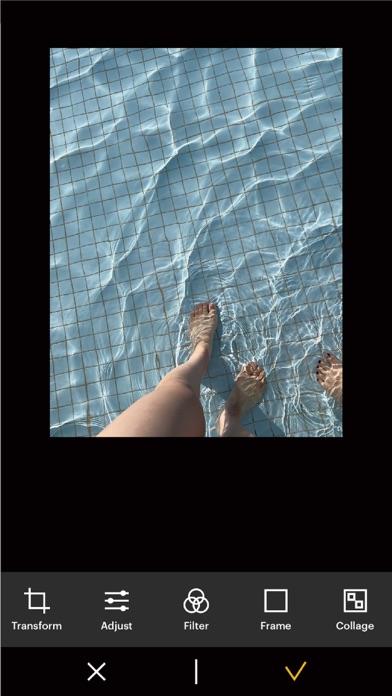
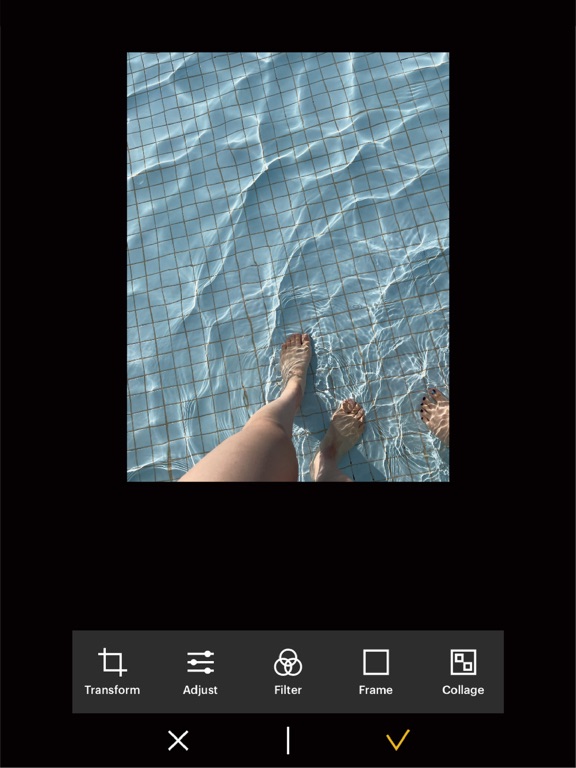
6. Once image has been selected, edit the image with your personal preference.
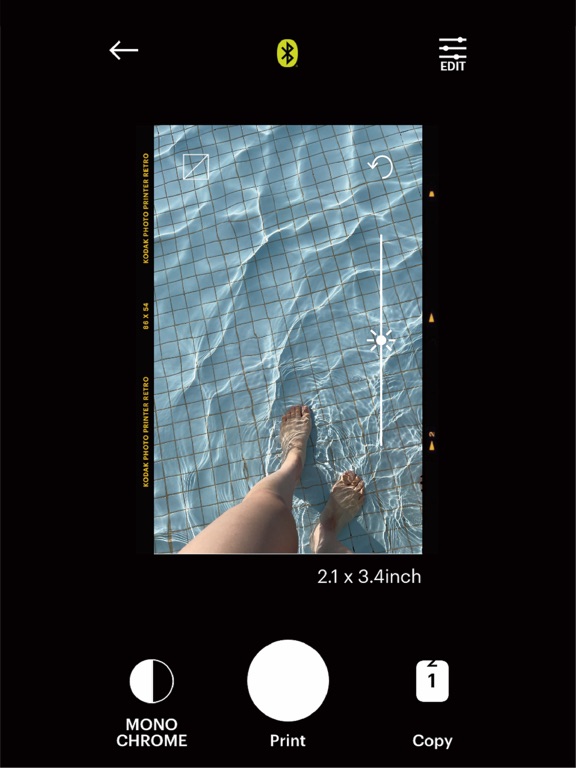
7. Now press print button located on top of the printer when editing is completed.
8. When you print for the first time, it may need to update the firmware. Please follow the instruction shown on the screen of your smartphone.
9. It will take about a minute to fully print. Please do not pull the photo until it is completely printed.