Dorico - Compose Music

Dorico - Compose Music Summary
Dorico - Compose Music is a with in-app purchases iOS app in Music And Audio by Steinberg Media Technologies GmbH. Released in Jul 2021 (4 years ago). It has 6.2K ratings with a 4.57★ (excellent) average. Based on AppGoblin estimates, it reaches roughly 18.4K monthly active users and generates around $<10K monthly revenue (100% IAP / 0% ads). Store metadata: updated Jun 10, 2026.
Recent activity: 14 new ratings this week View trends →
Store info: Last updated on App Store on Jun 10, 2026 .
4.57★
Ratings: 6.2K
Screenshots
App Description
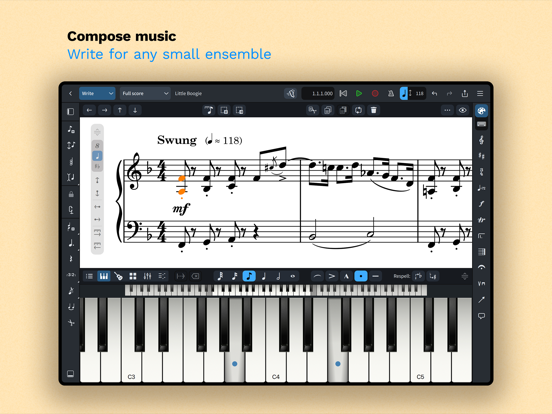
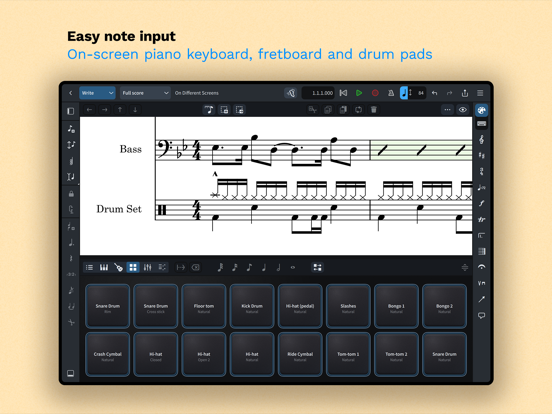
Compose your own music for free with Dorico. Create beautiful music notation for up to eight instruments quickly and easily with the on-screen keyboard, drum pads and fretboard. Play back instantly with the included sounds and shape the performance with powerful MIDI editing tools. When your piece is finished, share it as PDF, audio or MusicXML, or print directly to your AirPrint-enabled printer. Perform using the built-in read mode, and annotate with your Apple Pencil.
Dorico is the award-winning music notation and composition software from Steinberg for macOS, Windows, and iPadOS. It’s easy enough to learn and use that it is used by students in schools, and deep enough that it satisfies the needs of the most demanding professionals in the worlds of concert music, music for film and TV, and music publishing. Dorico for iPad is fully compatible with Dorico for macOS and Windows, so you can work on your projects on the move on your iPad and in your studio on your desktop or laptop computer, or share projects with musicians using Dorico on any platform.
Dorico’s interface is split into four modes. In Setup mode, you can add and change instruments, create and reorder sections of music (called “flows”), and choose how your music will be formatted for your musicians into layouts. In Write mode, you can input and edit music and other notations using simple, well-organized toolboxes and panels. In Engrave mode (included if you buy a paid subscription to Dorico’s advanced features), you can make graphical tweaks to every item in your project. Finally, in Play mode, you have access to powerful sequencer-style MIDI editing tools, including piano roll and velocity editors.
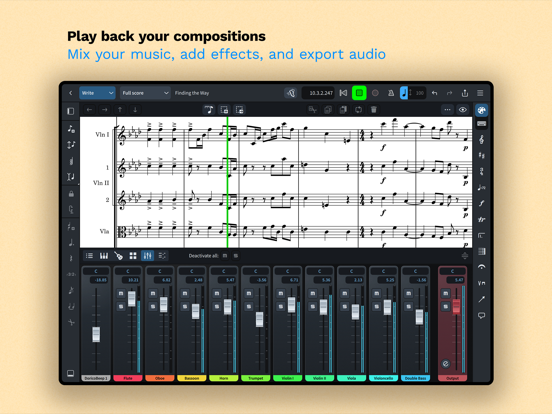
Dorico includes built-in virtual instruments and effects to allow you to play back your compositions, and you can also easily use any compatible Audio Unit plug-in or external MIDI device (with optional subscription or Lifetime Unlock in-app purchase), and tweak playback using the on-screen Mixer.
Input music using an on-screen piano keyboard, or by connecting a MIDI keyboard to your iPad directly via USB or using a compatible USB-to-Lightning adaptor. If you have a Magic Keyboard or other external keyboard, you can make use of extensive keyboard shortcuts to work quickly and efficiently.
Dorico is free to use, allowing you to write for ensembles of up to four players. Register with yo