FormConnect Pro+

FormConnect Pro+ Summary
FormConnect Pro+ is a with in-app purchases iOS app in Business by FormConnections, Inc.. Released in Sep 2021 (4 years ago). It has 9.00 ratings with a 3.22★ (mixed) average. Based on AppGoblin estimates, it reaches roughly 36 monthly active users and generates around $<10K monthly revenue (100% IAP / 0% ads). Store metadata: updated Mar 18, 2026.
Store info: Last updated on App Store on Mar 18, 2026 .
3.22★
Ratings: 9.00
Screenshots
App Description
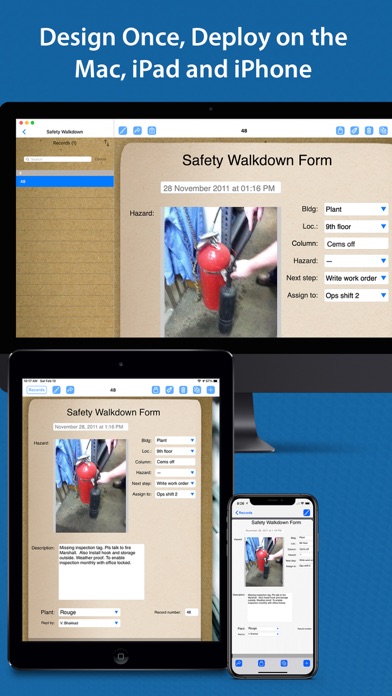
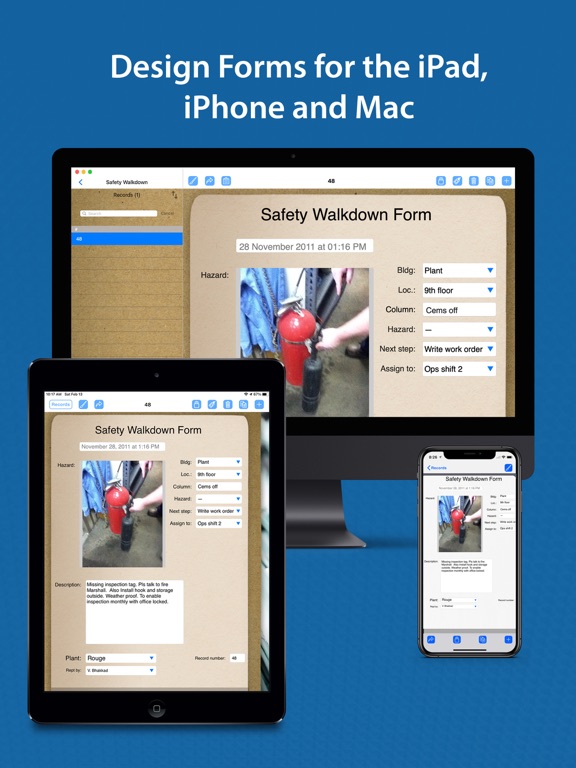
FormConnect Pro Plus is a comprehensive form creation solution for iPad, iPhone and Mac users. Offering advanced features and a high level of customization, FormConnect Pro Plus includes SmartForm technology features for the designing and filling out of your forms. This includes the ability to automate many functions when filling out the form, syncing forms and data between your iPad, iPhone and Mac devices, and collaborating with other users when working on the same form. FormConnect Pro Plus is a single user license that can be downloaded and used on all three Apple platforms. It is perfect for small to medium sized businesses
Form Design Features:
• Create an unlimited number of form templates.
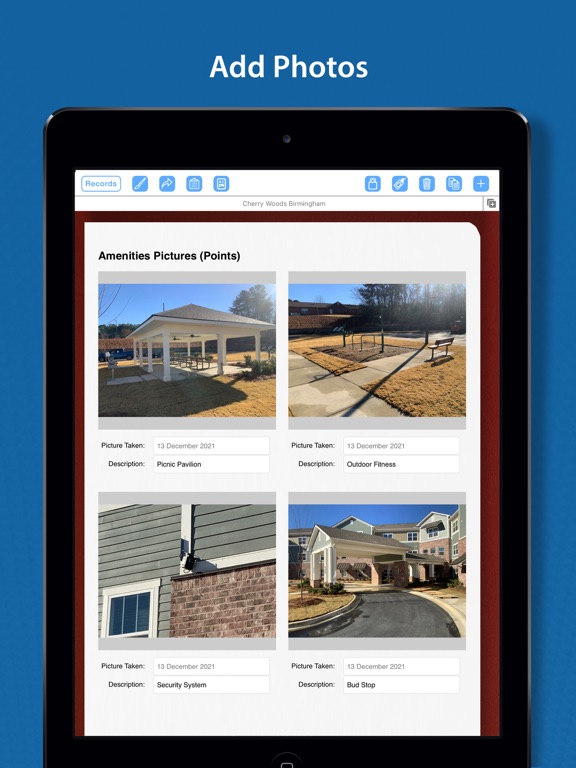
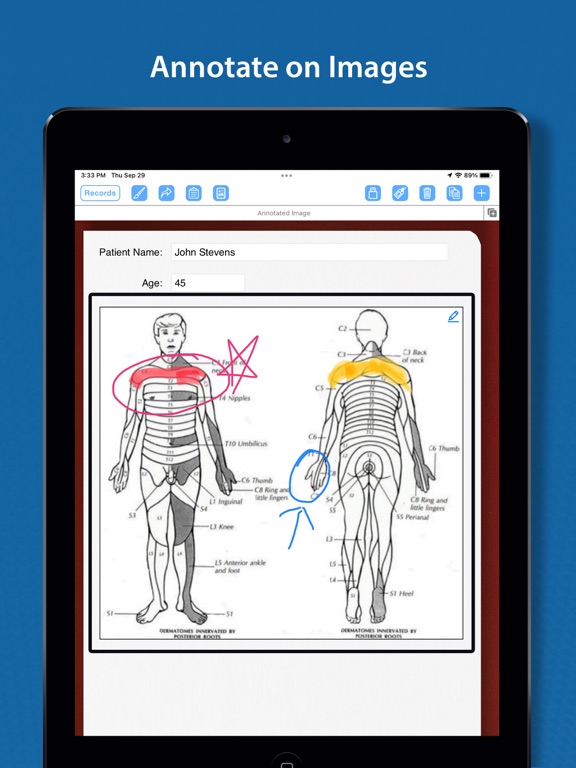
• Choose from multiple field types (text, date, checkbox, radio buttons, drop-down, text labels, photos, signatures, image, draw/annotate, table, GPS, barcode).
• Choose from multiple themes (clipboard, clip fastener, spiral bound, journal, moleskin, stainless steel).
• Customize the Alignment of a field (left, right, center).
• Customize the formatting of the text (bolding, italicizing, text color).
• Adjust the length of a field.
• Adjust the font size of a field.
• Organize various fields into a table with rows and columns.
Form Filling Features:
• Fill out a form an unlimited number of times.
• Touch screen and external keyboard support.
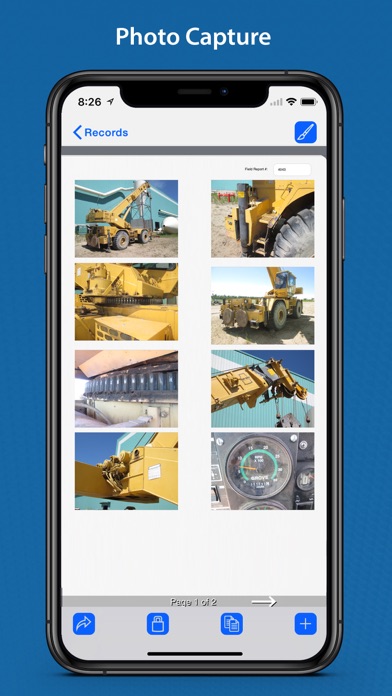
• Snap photos with the iPad or iPhone’s camera.
• Import photos from the photo library.
• Lock forms from being altered once they have been filled out.
• Print forms to external printers.
• Store data locally and in Apple's iCloud.
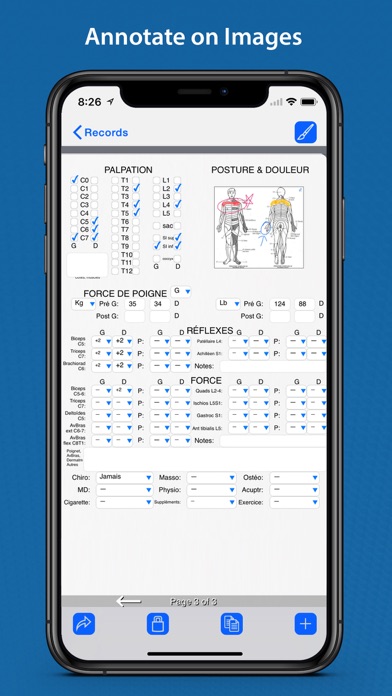
• Annotate/draw on photos and images.
• Signature Signing.
• Import and export form data.
• Export data into the following formats: (PDF, CSV, XML, HTML, FMC, JSON).
• Export forms via email or to cloud services (Dropbox, Box, Google Drive, Microsoft OneDrive).
• Pre-populate form fields.
• Prevent users from editing a form.
• Auto increment a field on the form.
• A spreadsheet-like function for summing rows and columns.
• Require a field be mandatory before it can be saved.
• Kiosk data entry mode for displaying a simpler user interface for customers.
• A GPS field setting that displays latitude and longitude coordinates.
SmartForm Automation Features:
• Sync your forms across all your devices (iPad, iPhone and Mac).
• Collaborate with m