Flashcards - Build Your Own

Flashcards - Build Your Own Summary
Flashcards - Build Your Own is a with in-app purchases iOS app in Education by Alysha Kwok. Released in May 2021 (5 years ago). It has 51 ratings with a 4.47★ (good) average. Based on AppGoblin estimates, it reaches roughly 29 monthly active users and generates around $<10K monthly revenue (100% IAP / 0% ads). Store metadata: updated Feb 12, 2026.
Store info: Last updated on App Store on Feb 12, 2026 .
4.47★
Ratings: 51
Screenshots


App Description
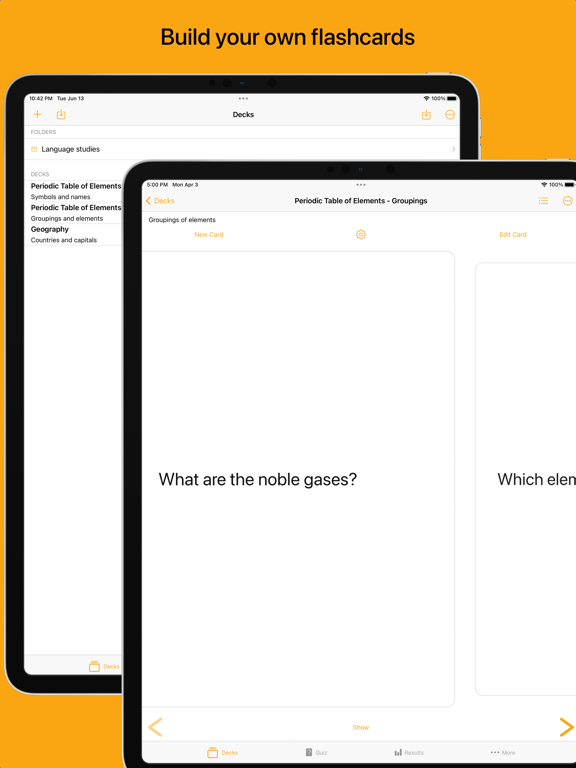
Build your own flashcards
Create your own study decks and cards. Use the cards to help you study, quiz yourself, and use the accuracy tracker to determine which areas you need to focus on.
Swipe through cards
Study flashcards by swiping through the deck, tapping to reveal the card’s answer. Adjust text size to make your content easy-to-read.
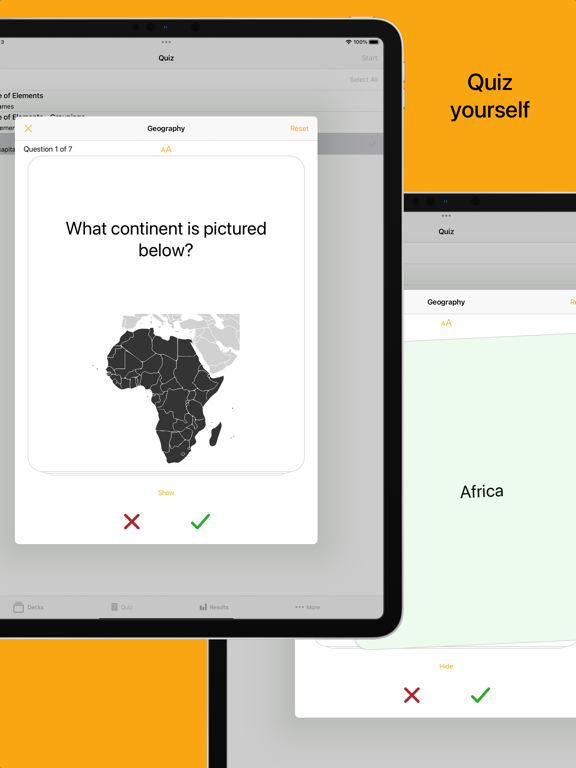
Quiz yourself
Test yourself with shuffled decks, swiping right or left to indicate if you got the answer right or wrong. At the end of the quiz, you can choose to retest yourself on the incorrect subset as many times as you’d like or until you no longer have answered any incorrectly.
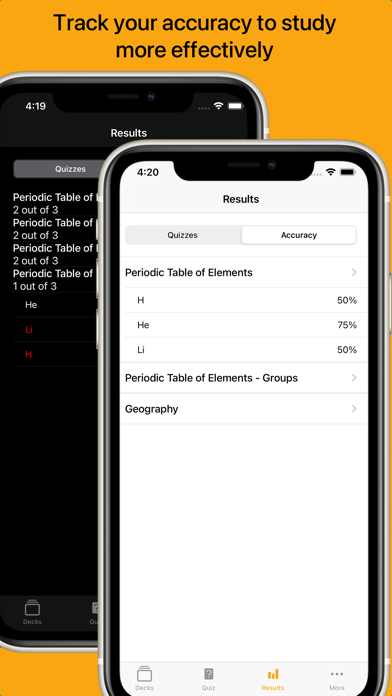
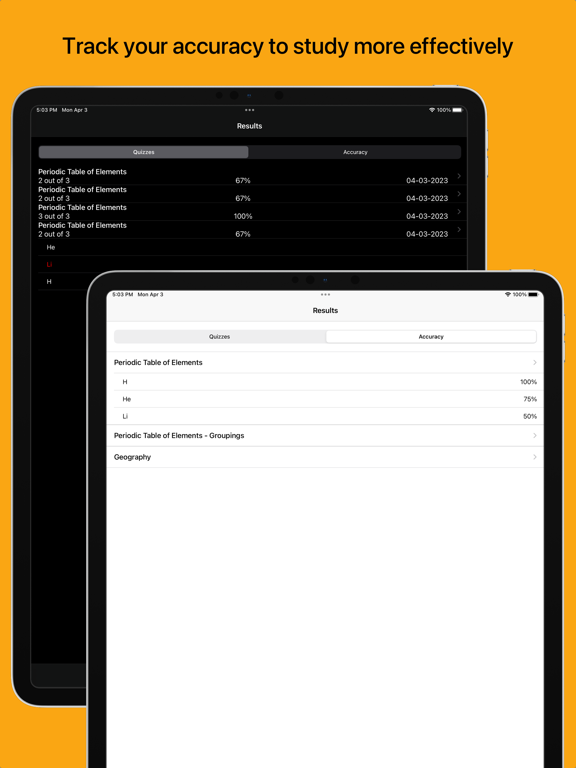
Track your accuracy
View your quiz results and use the card accuracy calculated from the results to help identify which cards to focus on.
Use the accuracy indicator to help color-code cards when studying that fall below your specified accuracy threshold.
Flashcards features:
- Create flashcard decks and cards
- Add photos to cards (take photos, select from your photo library, scan a document)
- Setting to study and quiz in reverse (flip the question and answer shown on the cards)
- List view of cards to easily jump to a position in the deck
- Search functionality to sift through cards
- Reorder cards in a deck
- Archive cards you no longer need to study or quiz yourself on
- Study cards in a swipeable view, tapping to switch between showing the card’s question or answer (buttons are also available to move between cards and show or hide the answer)
- Settings allow you to adjust font-size
- Accuracy indicator allows you to specify a color to color-code cards that have an accuracy below your set accuracy threshold
- Quiz yourself on a deck or multiple decks in an easy-to-use flashcard style
- Deck(s) will be shuffled for the quiz and tapping will reveal the card’s answer
- Swipe right or left to indicate if you got the answer correct or incorrect to log the result using the honour system (buttons are available to also indicate correct and incorrect answers)
- Option to reset a quiz, reshuffling the cards
- Once the quiz is finished, results are shown and option given to retest yourself on only the incorrectly answered cards. This retest option is available for as many rounds as long as at least one card was answered incorrectly. Retest results do not impact the card accuracy calculated from results.
- View history of results f