L* C++ (Lite Edition)

L* C++ (Lite Edition) Summary
L* C++ (Lite Edition) is a mobile iOS app in Developer Tools by An Hoa Vu. Released in Apr 2021 (5 years ago). It has 1.00 ratings with a 5.00★ (excellent) average. Based on AppGoblin estimates, it reaches roughly 4.00 monthly active users . Store metadata: updated Oct 2, 2021.
Store info: Last updated on App Store on Oct 2, 2021 .
5★
Ratings: 1.00
Screenshots




App Description
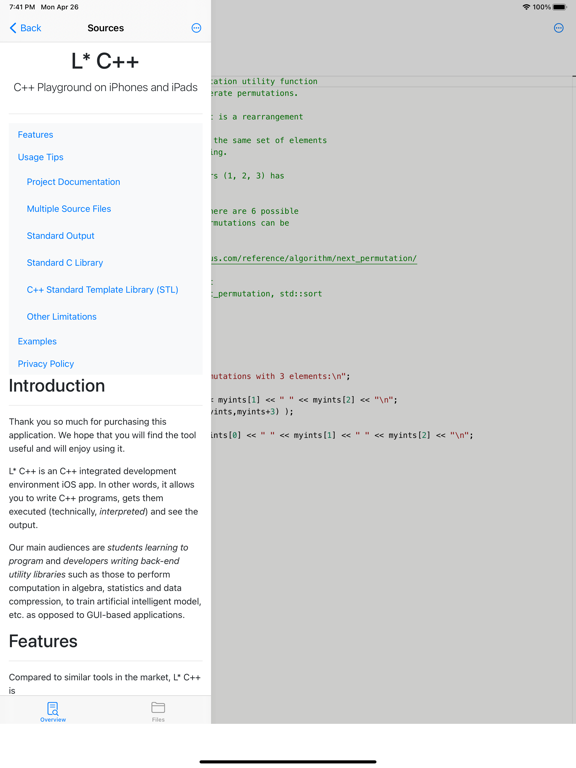
L* C++ is an C++ integrated development environment iOS app. In other words, it allows you to write C++ programs, gets them executed (technically, interpreted) and see the output.
Our main audiences are students learning to program and developers writing back-end utility libraries such as those to perform computation in algebra, statistics and data compression, to train artificial intelligent model, etc. as opposed to GUI-based applications.
Note that this is the Lite Edition of L* C++. It does NOT allow creation of projects and WILL display advertisements. You can still create as many source files as you want.
Features
======
Compared to similar tools in the market, L* C++ is
1. Designed with the latest Swift + SwiftUI technology: Integrate well with the latest iPhones Look-and-Feel and at the same time designed with minimalism.
2. Works offline: No Internet connection is required to run code. So you can play with C++ even on your flight or your train commute.
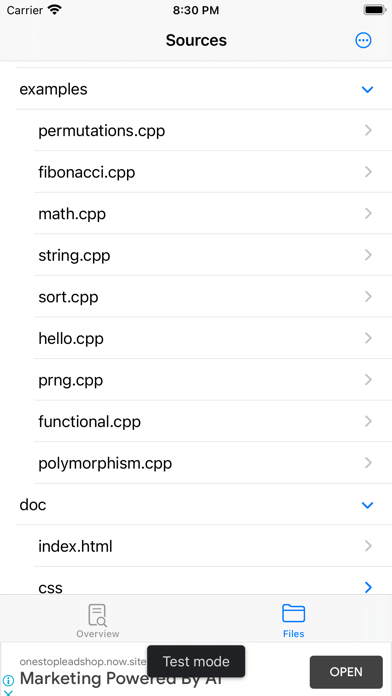
3. Provide project management: You can create a new project (full version only), create a new file or importing an existing file to the project. We also support exporting a project as zip file. We also intend to support Git repository and build configuration in the future.
4. Support project documentation: Don't just code, document your code too! Unlike many IDEs on the market (including those for Mac/PC), we include an easy access to your project documentation.
5. Syntax highlighting code editor with code completion support: We are using existing powerful open source code editor, namely Monaco Editor, that many developers love and are already familiar with.
6. No command lines to produce auxiliary files to execute a C++ program: Just hit Run and watch the magic.
Privacy
======
We also respect your privacy. This app does not collect any user information (even your name, email address, etc.). All your files belong to you.