Photo to PDF - Just One Click
Photo to PDF - Just One Click Summary
Photo to PDF - Just One Click is a with in-app purchases iOS app in Tools by Belychev Sergei Nikolaevich, IP. Released in Jun 2021 (4 years ago). It has 30 ratings with a 4.77★ (excellent) average. Based on AppGoblin estimates, it reaches roughly 121 monthly active users and generates around $<10K monthly revenue (100% IAP / 0% ads). Store metadata: updated Apr 12, 2026.
Store info: Last updated on App Store on Apr 12, 2026 .
4.77★
Ratings: 30
Screenshots

App Description
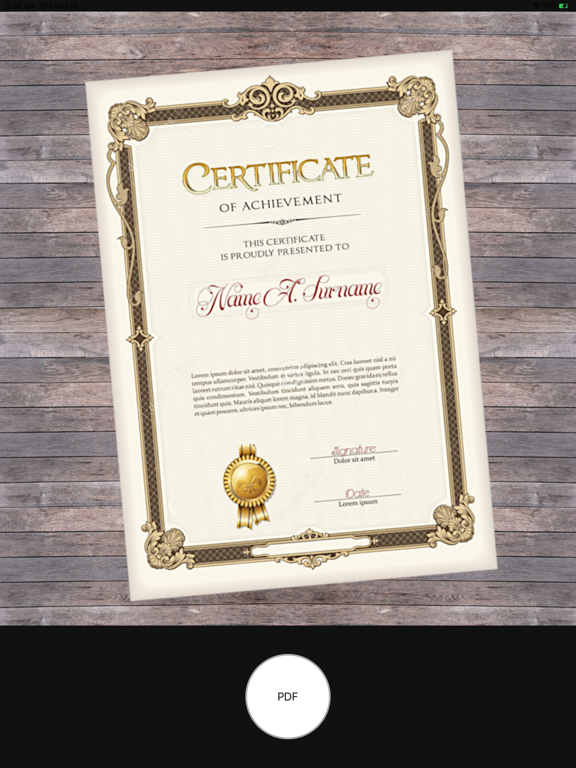
Turn any photo into a ready-to-share PDF in just one tap.
Photo to PDF – Just One Click is a lightweight, beginner-friendly converter that creates clean, standard PDFs from your camera or gallery. The default flow is as simple as it gets: take a photo, and your PDF is ready. Now you can also build multi-page documents with full control over layout and page size.
MAIN FEATURES
• One-tap PDF creation: take a photo inside the app and instantly get a PDF you can save or share.
• Convert from gallery: pick any photo or image from your gallery and turn it into a PDF in seconds.
• Multi-page PDFs: add several images and combine them into a single document – ideal for scans, homework, receipts or small reports.
• Add pages while editing: forgot a page? Add new pages on the fly before saving your PDF.
• Page preview: see every page before you export, check order, borders and content so the final PDF looks exactly how you want.
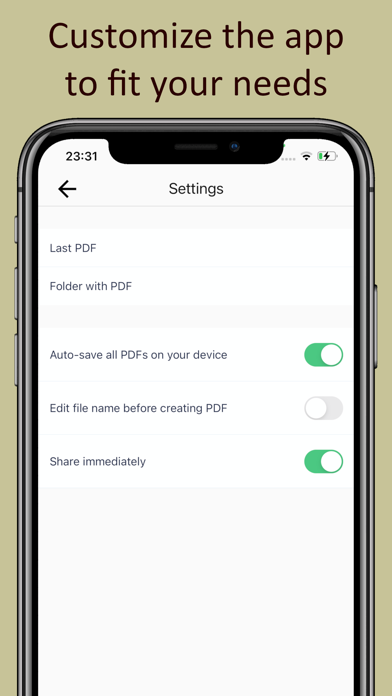
• PDF layout settings: choose page size, orientation and margins, adjust white borders around your photos and add optional captions in the margins.
• Standard, compatible PDFs: the app creates fully standard PDFs that open correctly on any device and platform (conforms to ISO 32000-2).
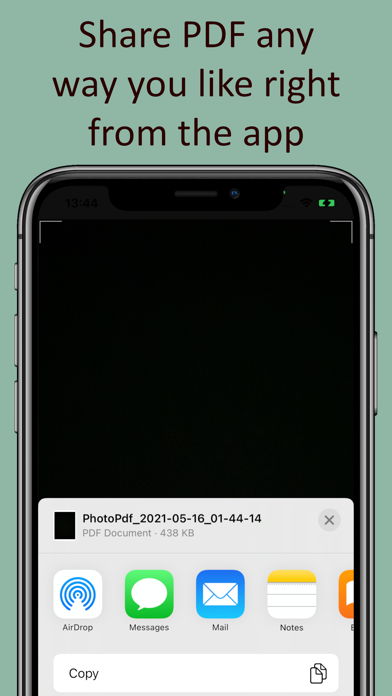
• Easy sharing: send your PDF by email, messengers or any other app, or save a copy on your device for backup or later use.
SIMPLE FOR BEGINNERS, FAST FOR PROS
This converter is intentionally lightweight and easy to understand. Beginners will learn it in minutes and always know what to do next. Experienced users will create and send PDFs faster, with fewer taps and no extra clutter.
How it works:
1. Take a photo or choose from gallery.
2. Optional: add pages, adjust layout and margins, preview.
3. Save or share your PDF.
That is all – your document is ready. Install “Photo to PDF – Just One Click” and turn your photos into clean, shareable PDFs in seconds.