Smart Speaker Equalizer Remote

Smart Speaker Equalizer Remote Summary
Smart Speaker Equalizer Remote is a ad-supported, with in-app purchases iOS app in Music And Audio by Fiision Studio Company Limited. Released in Jul 2021 (4 years ago). It has 12.6K ratings with a 4.34★ (good) average. Based on AppGoblin estimates, it reaches roughly 29.7K monthly active users and generates around $<10K monthly revenue (29% IAP / 71% ads). Store metadata: updated Nov 5, 2025, version 1.0.14.1.
Recent activity: 15 new ratings this week View trends →
Data tracking: SDKs and third-party integrations were last analyzed on Apr 30, 2026.
Store info: Last updated on App Store on Nov 5, 2025 (version 1.0.14.1).
SDKs, Trackers & Permissions
Smart Speaker Equalizer Remote was last scanned for SDKs 2026-04-30. Below is the overview of third party companies detected in the app. The full list of raw SDKs, app permissions and unknown SDKs is available here.
 Alamofire
 Google
App Details
App Store
Ads & App-Ads.txt
AppGoblin SDK Scans
4.34★
Ratings: 12.6K
Screenshots
App Description
GIVE OUR APP A TRY IF YOU WANT TO:
• Connect, control, group, and ungroup all nearby AirPlay speakers, amplifiers, and smart TVs.
• Boost and sync multiple speakers to deliver high-quality sound at extra-high volumes for loud music.
• Enhance your music experience with our bass booster, treble booster, volume booster, and full-range equalizer, including presets such as Acoustic, Dance, Electronic, Jazz, Pop, R&B, and more.
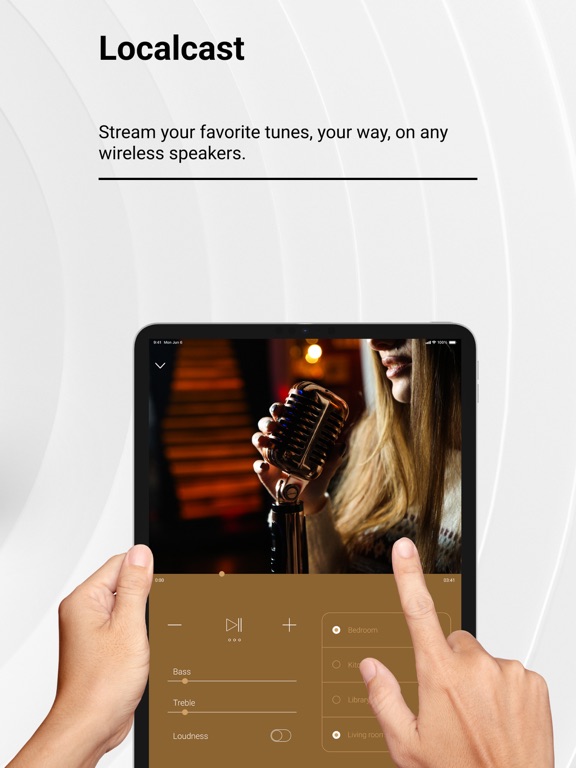
• Manage and enjoy your all-time favorite songs, artists, and personalized playlists for every occasion with our Localcast feature.
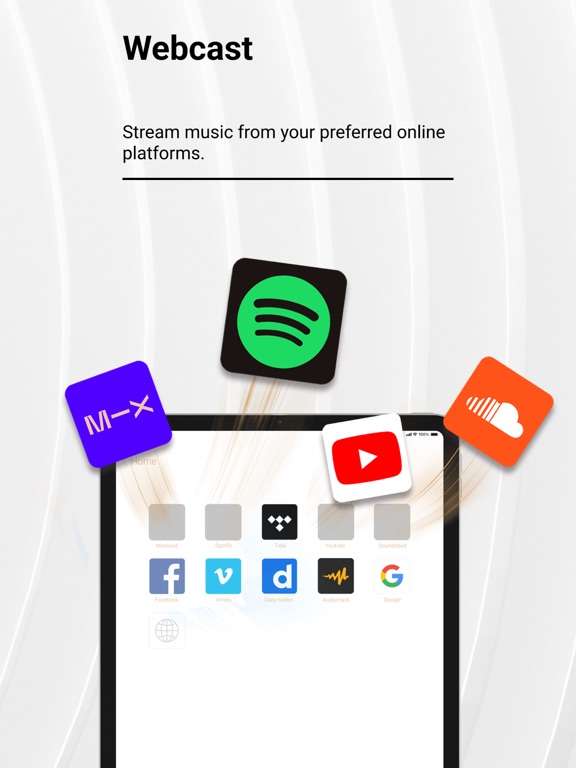
• Use our all-in-one music hub to access multiple streaming services — Apple Music, YouTube, Dailymotion, Vimeo, Audiomack, SoundCloud, and more — and seamlessly switch between them without leaving the app.
• Instantly turn your iPhone into a microphone to record and stream your voice.
• Discover trending songs updated daily.
• Enjoy our ad blocker to watch your favorite YouTubers’ content and cast YouTube Music to your speakers without limitations or interruptions.
• Use a private, secure, and fast built-in web browser to access your favorite online audio content providers with no tracking and no personal data stored during browsing.
1. Detect & Connect
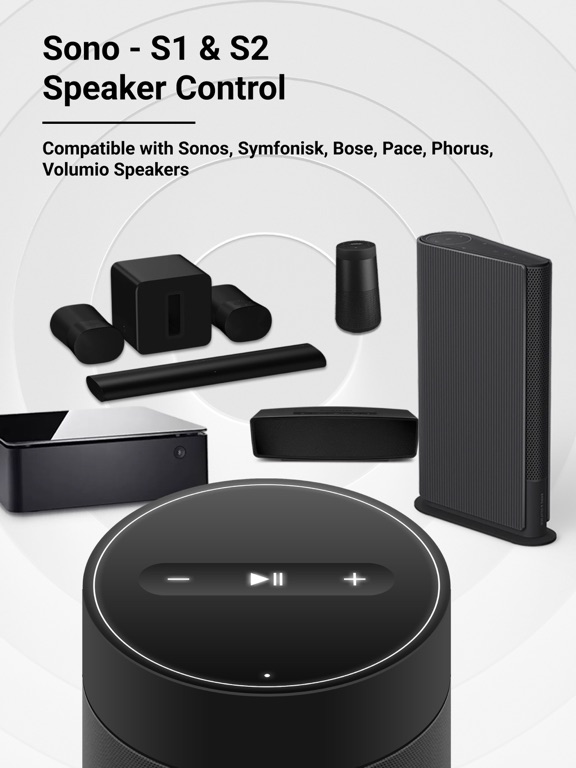
• Detect and connect to any nearby Wi-Fi or AirPlay speakers and amplifiers, such as:
- Sonos Era 100, Sonos One (S1 & S2), Sonos Play, and more.
- DENON, HEOS, Marantz, and Naim.
- B&O Beoplay, and B&O Beosound.
- Many other brands.
• Detect and pair with any Bluetooth speakers, amplifiers, headphones, or earbuds, such as:
- Bose Home Speaker, Bose Smart Soundbar, and more.
- Harman Kardon Aura, Harman Kardon AVR, JBL, and more.
- Logitech UE Boom
2. Control
• Bass booster, treble booster, volume booster, and equalizer.
• Adjust bass and treble output; enable or disable loudness.
• Play / Pause / Next Track / Previous Track / Seek.
3. Offline Music Player / Online Music Streaming
• Stream music from Apple Music, YouTube, Dailymotion, Vimeo, Audiomack, SoundCloud, and more.
• My Local music library: Import music files in various formats into your library, download your favorite tracks, and enjoy high-quality offline playback.
• Cast music to your speakers without Wi-Fi.
• Voice recorder: Create and amplify your voice with our VoiceCast.
HOW IT WORKS
• Getting started is simple — download the Smar