MathMusic

MathMusic Summary
MathMusic is a free iOS app in Music And Audio by Yaneurabeya. Released in Jul 2021 (5 years ago). It has 2.00 ratings with a 5.00★ (excellent) average. Based on AppGoblin estimates, it reaches roughly 3.00 monthly active users . Store last updated Jul 5, 2021
MathMusic SDKs Summary
App not yet scanned for SDKs.
5★
Ratings: 2.00
Screenshots


App Description
Now let's open the app.
First, press the button 1.
There was a sound and a red line came out.
Think of this as a guitar string.
A square with a rotating end of the string.
Drag this to change the pitch.
It goes up and down.
Playing a long string on a guitar produces a low note, and playing a short string produces a high note.
Next, let's press the button 2.
This time, the number of strings has increased and chords have come out.
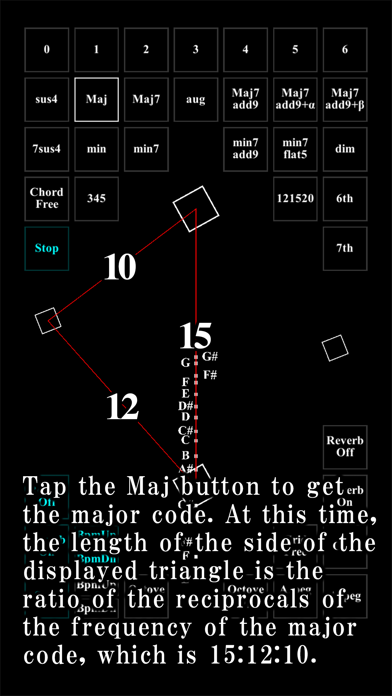
If you press 3 again, it will become a triad, but please press the Maj button here.
How about that.
The sound is brighter (major).
In addition, Min button.
It became a sad sound (minor).
Visually, the mood changes a lot, even though it changes only slightly.
We have prepared all the well-known chords, so please try them out.
We also prepared original chords with this app.
Some sounds are difficult to produce with other instruments.
With this app, you can play all chords up to 6 chords.
In addition, you can press the Arpeg button to play one note at a time, creating a rhythm.
You can change the tempo with the button such as Bpm Up on the white side at the bottom left.
Now try pressing the Save button at the bottom left.
The current sound has been saved and is now Note 1.
When you press this Note, the previously saved sound will be output, and you can combine new sounds on top of it.
As a basic usage, you can play a song by using the saved sound (blue) as an accompaniment and the current sound (red) as a melody.
Please try playing your own music!