OM Image Share

OM Image Share Summary
OM Image Share is a free iOS app in Photo And Video by OM Digital Solutions Corporation. Released in Feb 2022 (4 years ago). It has 48K ratings with a 4.47★ (good) average. Based on AppGoblin estimates, it reaches roughly 27K monthly active users . Store last updated Oct 15, 2026
Recent activity: 19 new ratings this week View trends →
SDK intelligence: AppGoblin detected 2 development tools(e.g. Google), 1 ad networks,and 1 analytics: product integrated into OM Image Share. View full SDK list →
OM Image Share SDKs Summary
OM Image Share was last scanned for SDKs on 2026-09-02. Below is the overview of third-party companies detected in the app. The full list of SDKs, permissions and unknowns is available here.
 Google
 nanopb
 Firebase
4.47★
Ratings: 48K
Screenshots

App Description
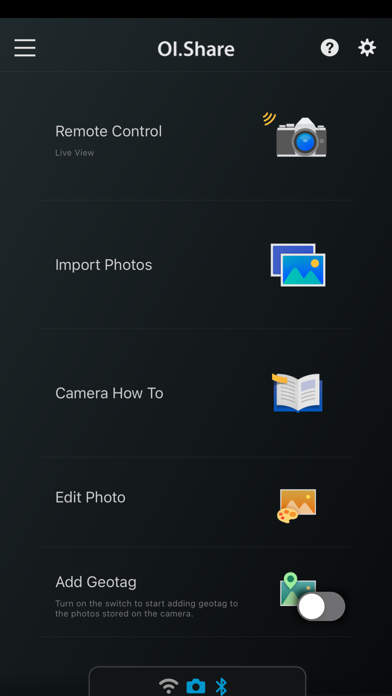
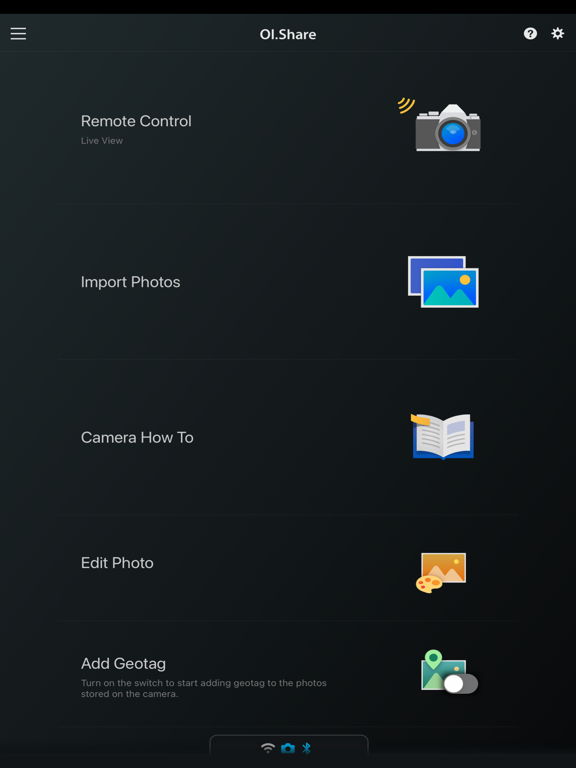
OM Image Share (OI.Share) is an app required for wirelessly importing photos captured on an OM Digital Solutions camera. In addition to importing photos, you can use your smartphone as a remote controller for remote shooting. This smartphone app makes photography more enjoyable than ever, and offers new ways to use your camera.
1. Easily Import Photos to Your Smartphone
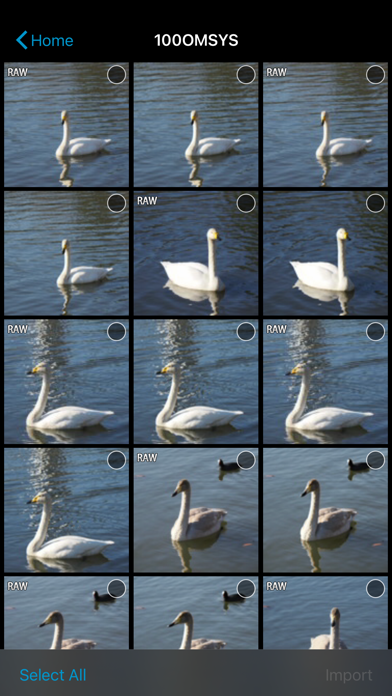
With OI.Share, you can view photos stored on the camera and import them to your smartphone. Simply select photos you want to share ahead of time on the camera (Share Order) to automatically import them when connected to your smartphone via Wi-Fi. With a Bluetooth and Wi-Fi ready camera, you can use OI.Share on its own to import photos for greater convenience.
2. Two Remote Shooting Modes
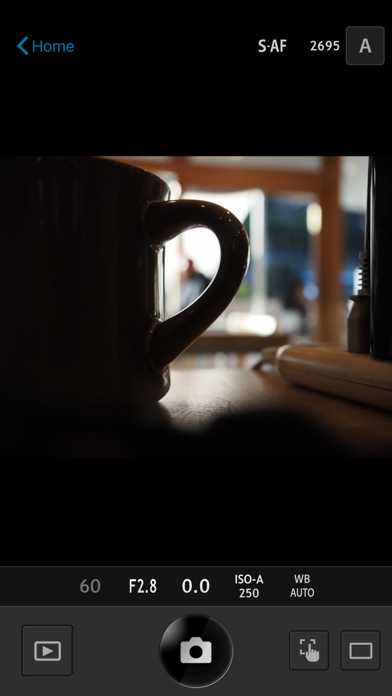
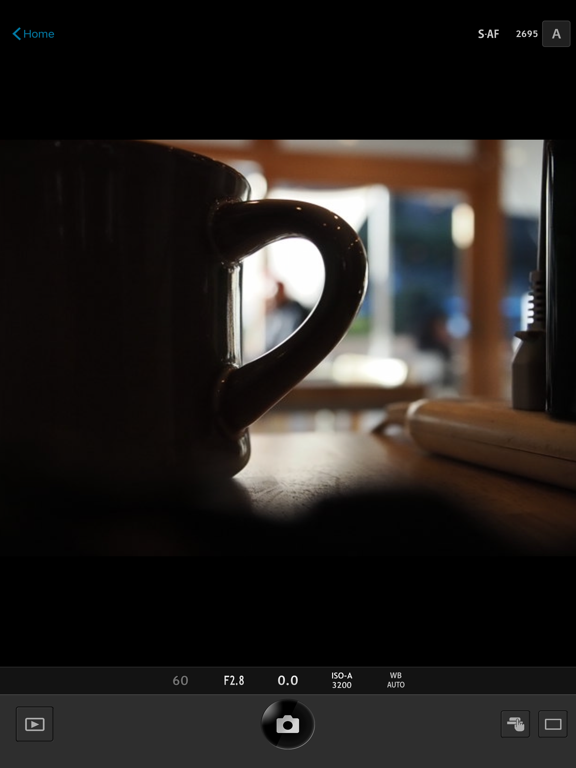
With remote shooting, you can view Live View images on your smartphone screen while executing shooting techniques in Live View, and in Remote Shutter, you can adjust shooting settings on the camera while using your smartphone to activate the shutter release.
3. Camera How To Offers Shooting Techniques with Tutorial Videos
Camera How To shows how to create beautiful bokeh, how to use Art Filter, and other shooting techniques in easy-to-understand videos. You can also view the camera manual.
* Supported on some models only.
4. Easy Connection
To connect your camera and smartphone, simply scan the QR code displayed on the camera LCD screen with OI.Share. That is all you need to do to complete setup.
* The camera whose QR code is scanned is registered to the app.
* To connect another camera, you must repeat the QR code is scanned step.
5. Display images and track data on your smartphone
During your journey, send your camera's track data by Wi-Fi to your smartphone and you will be able to check the progress that you have made on your journey thus far. Track data will be displayed together with images for easy identification.
* Display of movies and altitude/depth data is only possible when using compatible cameras. Compatible cameras: OM-D E-M1X, TG-6, TG-5, TG-Tracker
6. Organize track data and images on your smartphone
Manage your images and track data imported to your smartphone as single Activities. Relive the excitement of the moment and the feeling of accomplishment by viewing the track data together with your images.
7. Add location information
By simply transferring the GPS log recorded with a smar