Handy Surveying

Handy Surveying Summary
Handy Surveying is a mobile iOS app in Tools by Anthony Dunk. Released in Jul 2021 (5 years ago). It has 8.00 ratings with a 3.02★ (mixed) average. Based on AppGoblin estimates, it reaches roughly 23 monthly active users . Store last updated Jul 10, 2026
Handy Surveying SDKs Summary
App not yet scanned for SDKs.
3.02★
Ratings: 8.00
Screenshots


App Description
This app has been developed in consultation with experienced surveyors in both Australia and the US and includes many of the common Coordinate Geometry (COGO) calculations needed for land surveying field work.
The app can store points for multiple jobs simultaneously, and can easily compute and store the next point on each leg of a continuous bearing and distance traverse. Once a traverse has been completed, it can be plotted, exported, emailed, and the mis-closure can be computed and corrected if desired.
Functions include:
* Conduct a survey as a continuous traverse, automatically storing points in a point database
* Stakeout points on the ground from a plan
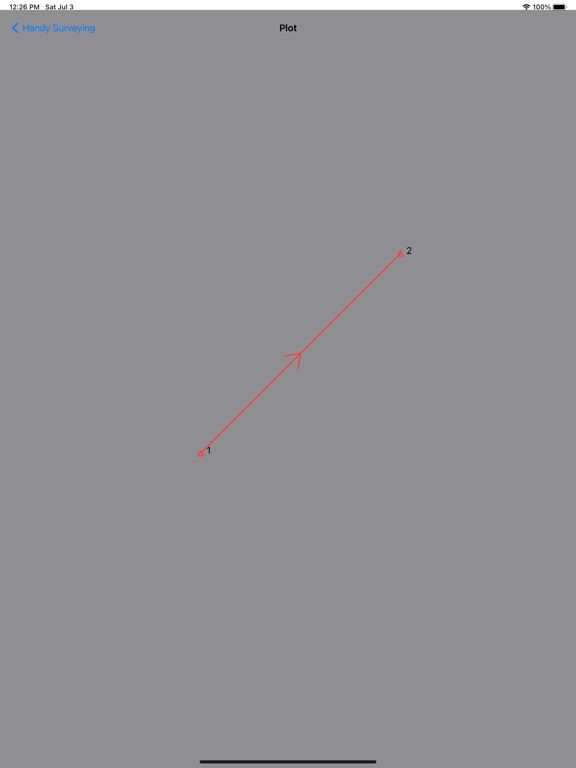
* Plot survey points
* List and edit survey point coordinates
* Import and export survey points to CSV files
* Compute the mis-closure distance and angle
* Automatically correct the mis-closure using the Bowditch method
* Compute enclosed area and perimeter
* Traverse / Radiation (2D and 3D)
* Inverse / Join (2D and 3D)
* Horizontal curve solver
* Triangle solver
* Intersection by bearings
* Intersection by distances
* Intersection by bearing and distance
* Intersection of two lines
* Intersection of perpendicular lines
* Two point and three point resection calculations
* Add points to divide a line into the specified number of equal length partitions
* Convert distances and areas between metric and imperial units
* Bearing calculator
* Polar to Rectangular
* Compute Point Scale Factor and Grid Convergence
* Compass
The app defaults to bearing entry and display in DD.MMSS format, but you can also select Decimal Degrees (Dec Deg), or Gradians (Grad) formats. Coordinates can be shown in either easting, northing or northing, easting order.